How to Make AI Images Look More Realistic
A practical guide to making AI images look more realistic with better prompts for light, texture, camera behavior, composition and restraint.
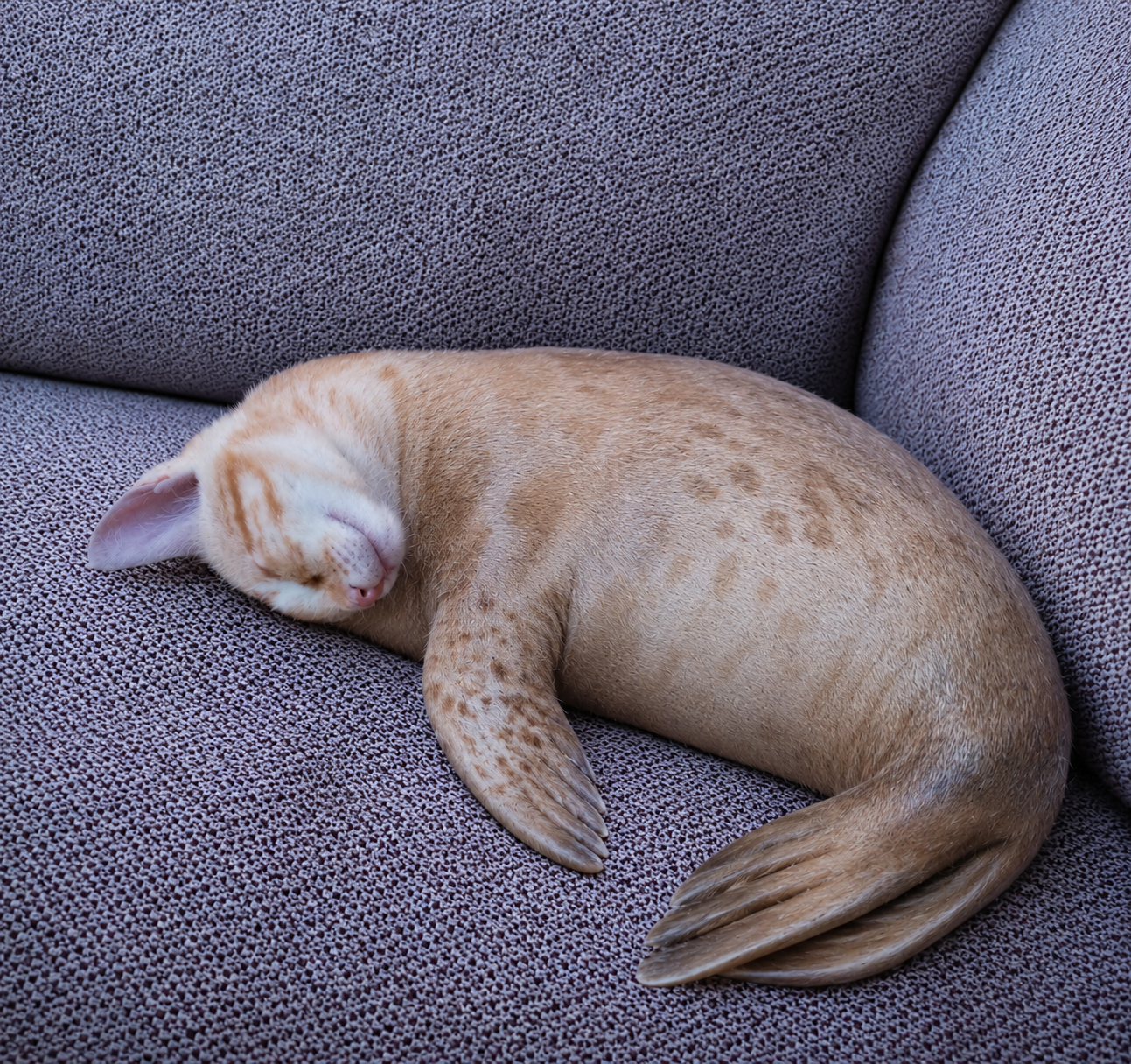
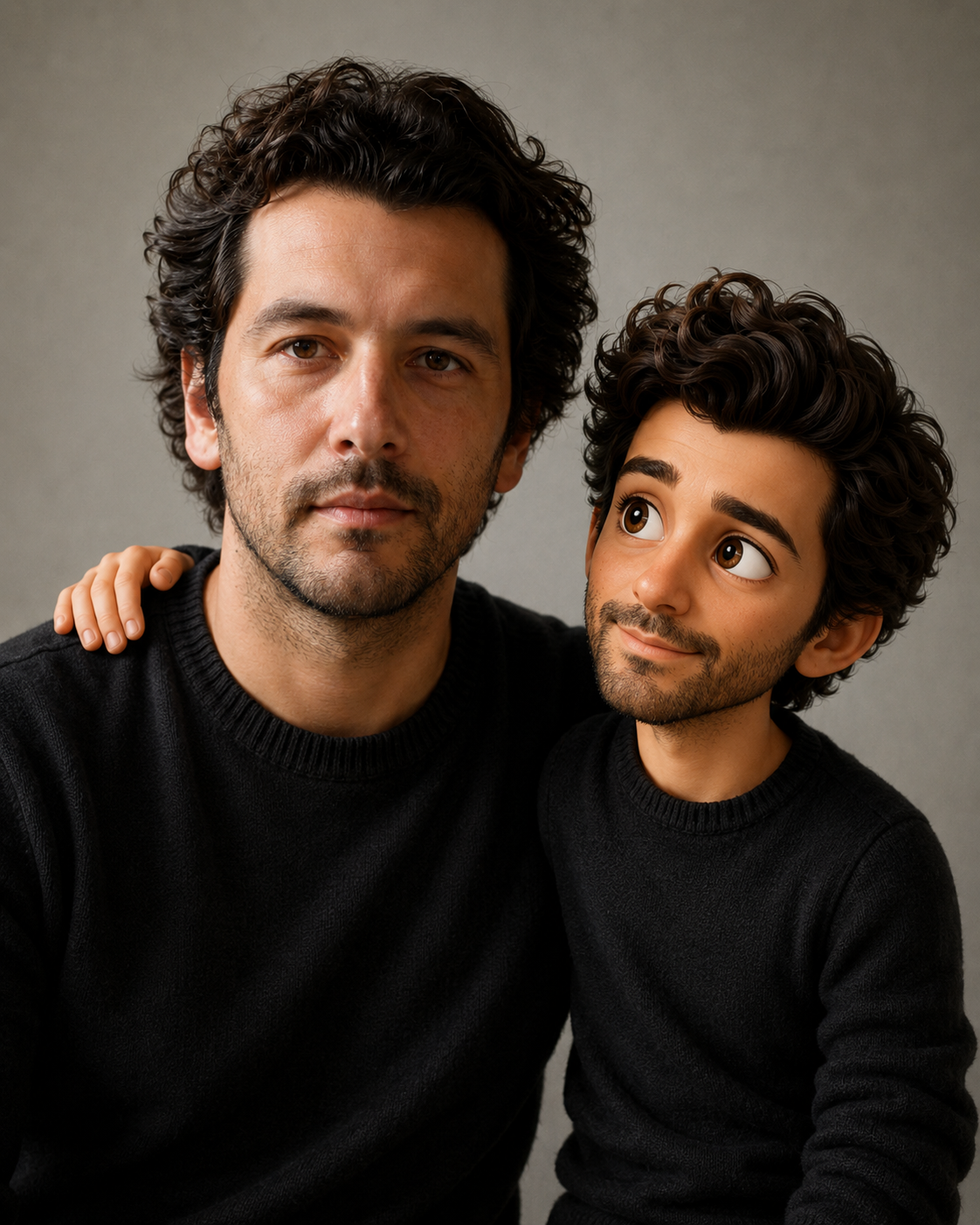
Realistic AI images are not created by writing “ultra realistic” ten times. Realism comes from small believable choices: natural light, imperfect surfaces, correct scale, restrained color, plausible camera behavior and details that match the subject. When an image looks fake, the problem is often not resolution. It is a combination of plastic texture, impossible lighting, over-clean skin, chaotic hands, fake text or a background that does not follow the same visual rules as the subject.
Describe realistic details, not just realism
The word realistic is a direction, not a plan. Add the details that make the image believable for the category. For portraits, that may mean natural skin texture and soft window light. For food, it may be crumbs, sauce thickness and imperfect plating. For landscapes, it is coherent weather and terrain.
- Use natural imperfections instead of perfect surfaces.
- Keep lighting simple and physically believable.
- Avoid over-sharpened HDR unless the style specifically needs it.
- Mention what should not look plastic, fake or over-retouched.
A more realistic prompt example
Create a realistic editorial portrait using the uploaded photo as the identity reference.
Preserve the same face shape, hairstyle, age range and relaxed expression.
Lighting: soft window light from the left, natural shadows, no harsh beauty light.
Detail: natural skin texture, realistic hair strands, subtle fabric texture on clothing.
Composition: head-and-shoulders crop, simple background, shallow depth of field.
Avoid: plastic skin, perfect symmetry, fake text, extra people, distorted hands, over-sharpened HDR, glossy artificial eyes.
Bad prompt vs better prompt
Weak:
Ultra realistic photo, 8k, perfect quality, beautiful lighting.

Better:
Create a realistic close-up food photograph of a homemade chocolate cake slice on a ceramic plate. Show moist crumb texture, uneven frosting, a few natural crumbs and soft window light from the right. Keep colors warm but not oversaturated. Avoid plastic frosting, fake steam, perfect symmetry, text, logos and overly glossy highlights.
Lighting is the realism shortcut
Bad lighting makes even a detailed image feel artificial. Instead of asking for “cinematic lighting” every time, choose a believable source: window light, overcast daylight, golden hour, soft studio light, restaurant ambient light or cloudy outdoor light. Then make the shadows match that choice.
“Realism usually improves when the prompt becomes less impressed with itself.”
Realism tips by category
- People: preserve identity and ask for subtle retouching, not perfect beauty.
- Pets: keep real markings, muzzle shape, fur direction and expression.
- Food: use texture, imperfect plating and natural highlights.
- Landscapes: keep geography, weather and light consistent.
Common realism mistakes
- Adding too many quality buzzwords instead of visible details.
- Using perfect symmetry for subjects that should feel natural.
- Letting text, logos or fake labels appear in the image.
- Ignoring scale: objects, hands, plates, furniture and backgrounds must match.
A simple realism workflow
Generate once with a restrained prompt. If the image feels fake, diagnose the reason before adding more style. Is it the lighting, texture, anatomy, background or color? Fix that one thing. Realism usually improves through small corrections, not by making the prompt louder.
Frequently asked questions
Does 8k make AI images more realistic?
Not by itself. Detail helps, but believable light, texture and scale matter more.
How do I avoid plastic skin?
Ask for natural skin texture, subtle retouching and realistic shadows.
Why does food look fake?
Usually because it is too symmetrical, too glossy or missing natural texture.
Should I use a negative prompt?
Yes, especially to block plastic texture, fake text, extra subjects and over-sharpened HDR.
Make prompts feel more believable
Use structured templates to control light, texture, composition and negative prompts.
Explore realistic prompts