Pet meme prompts
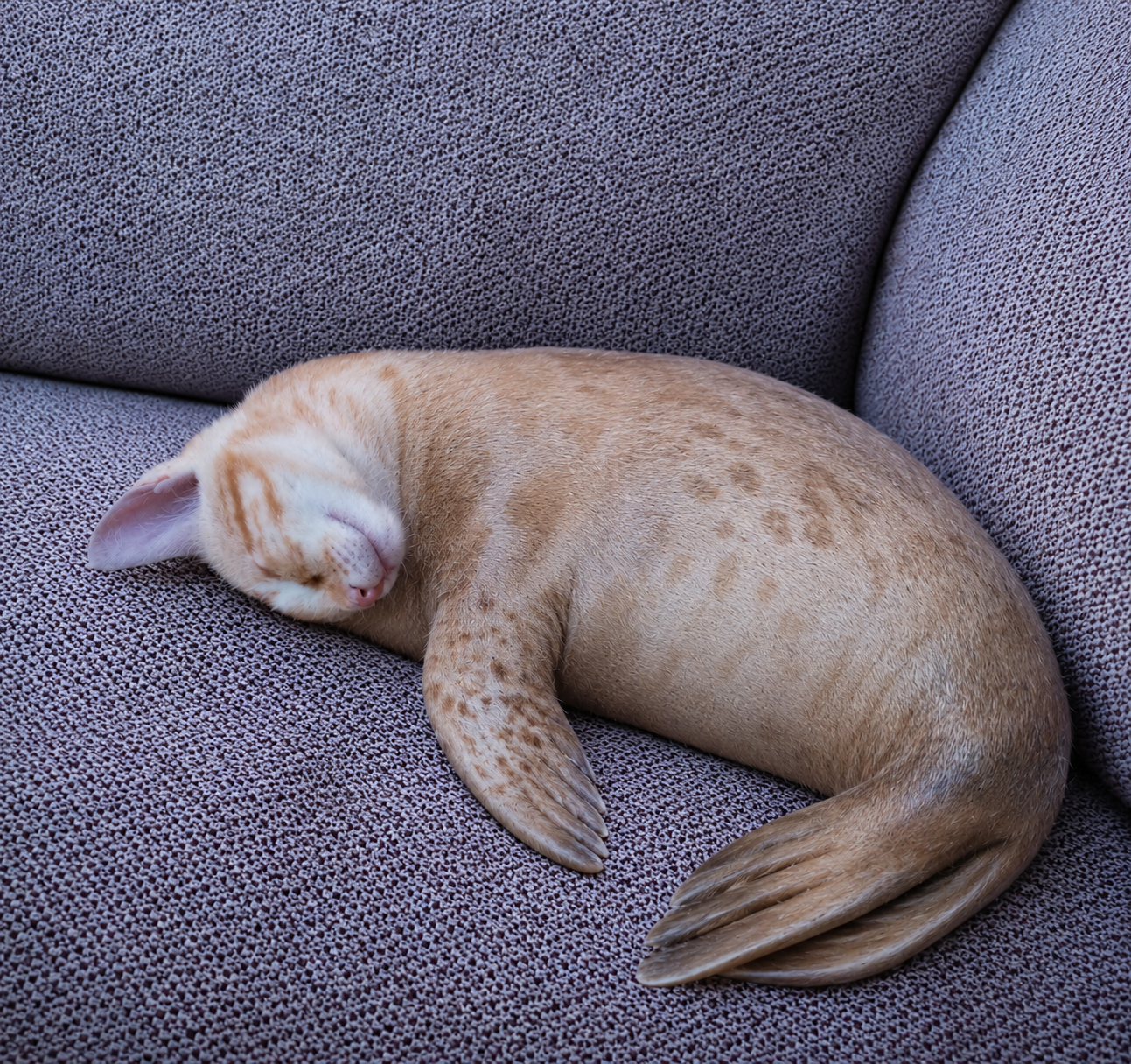
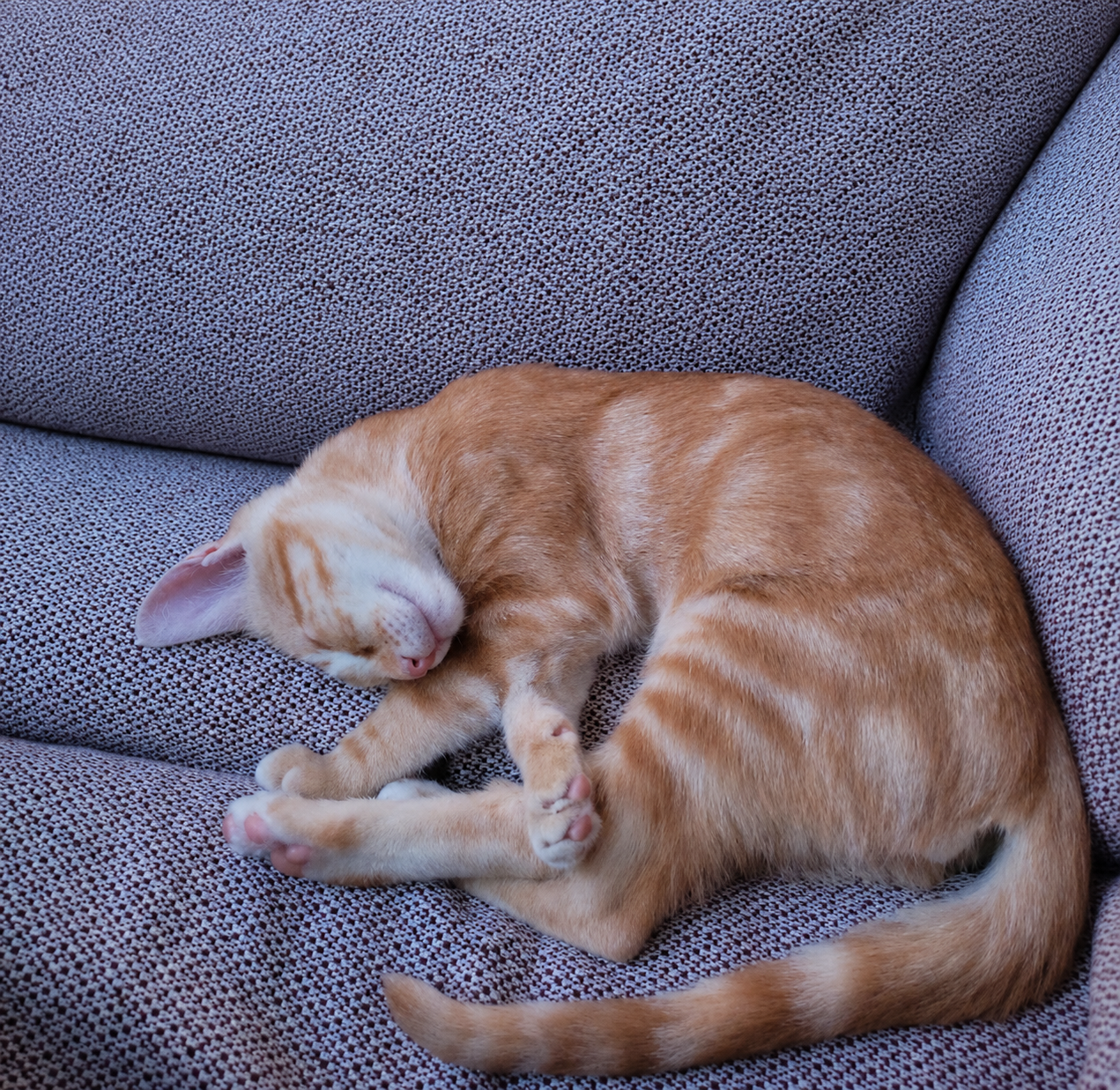
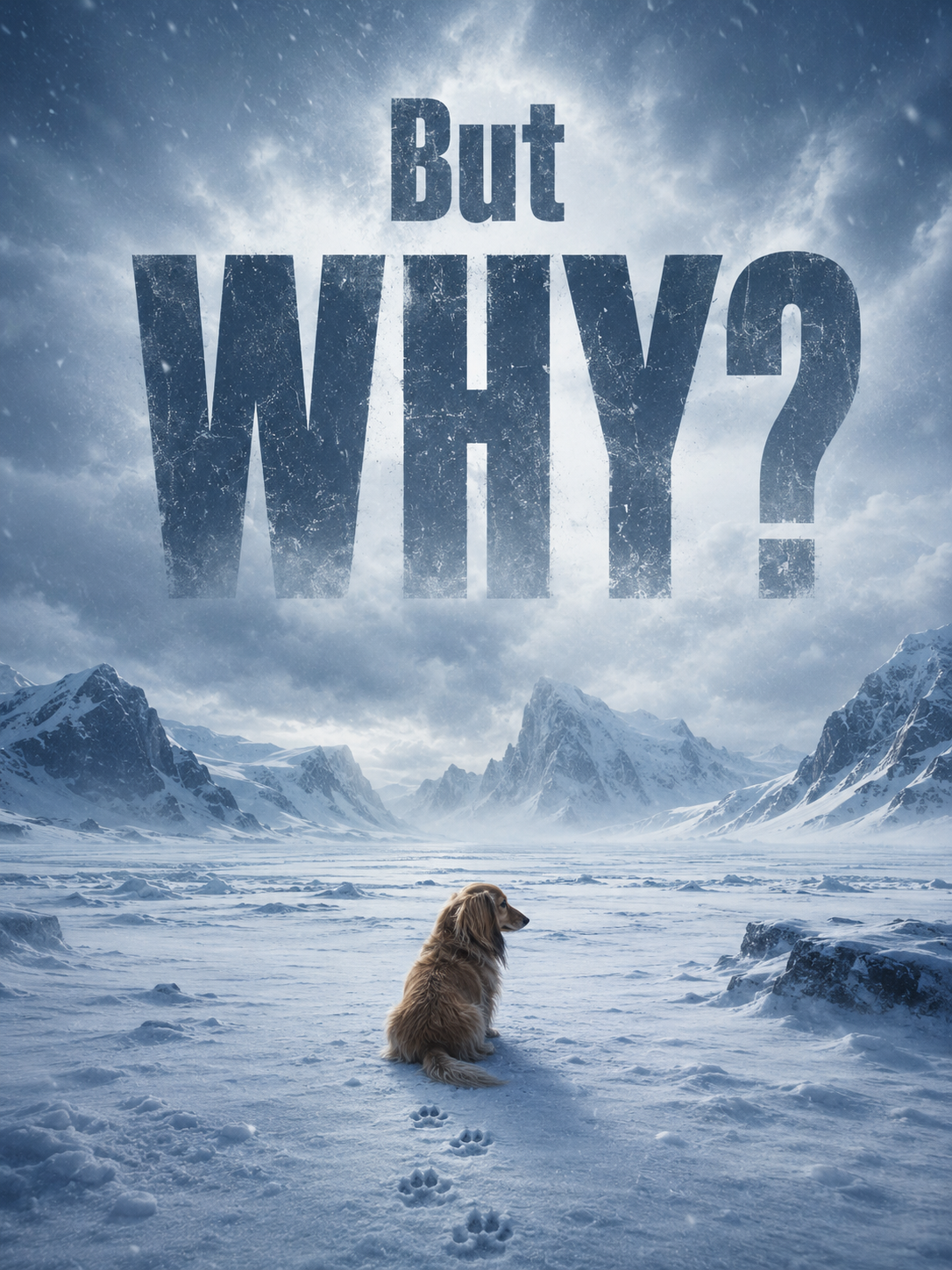
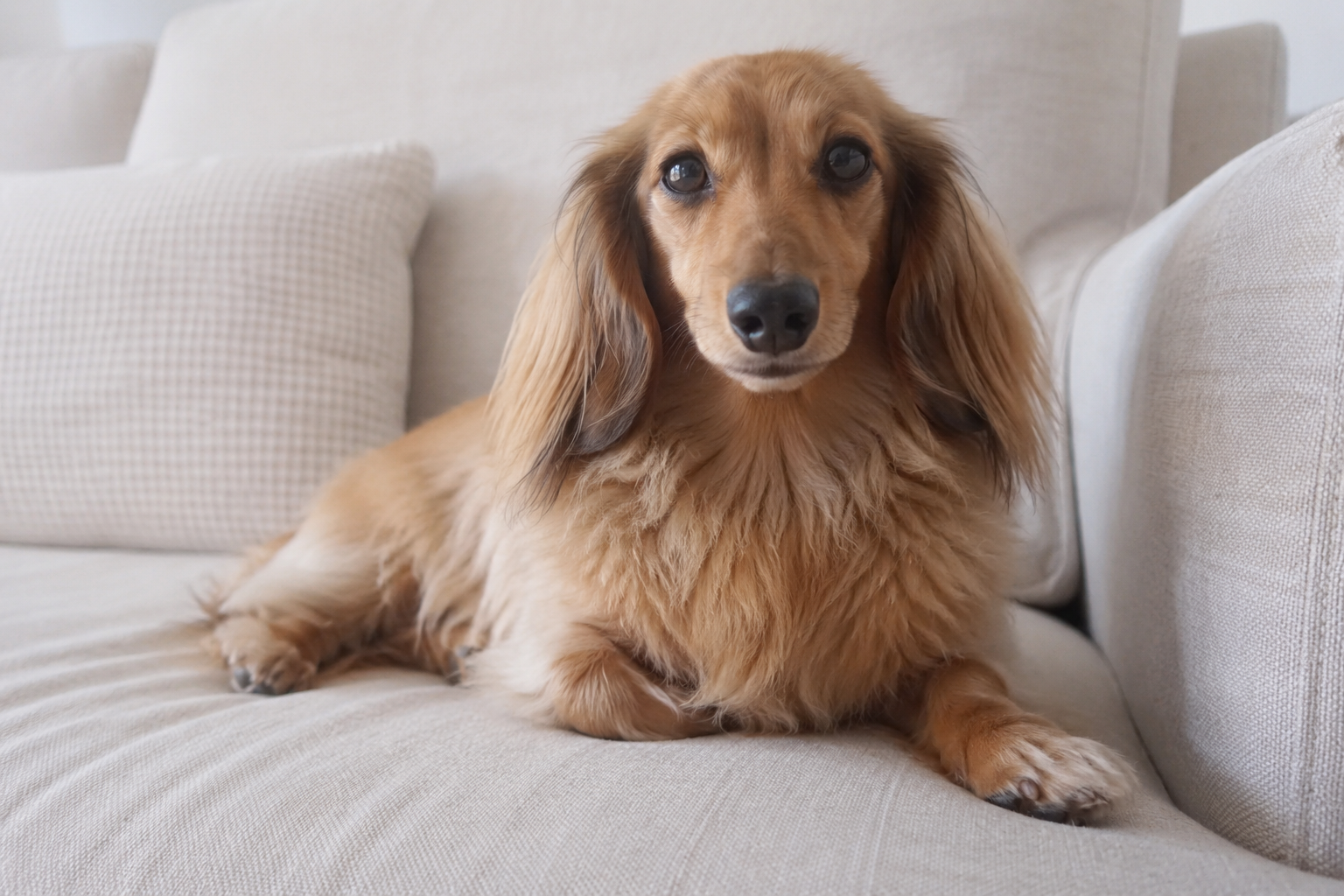
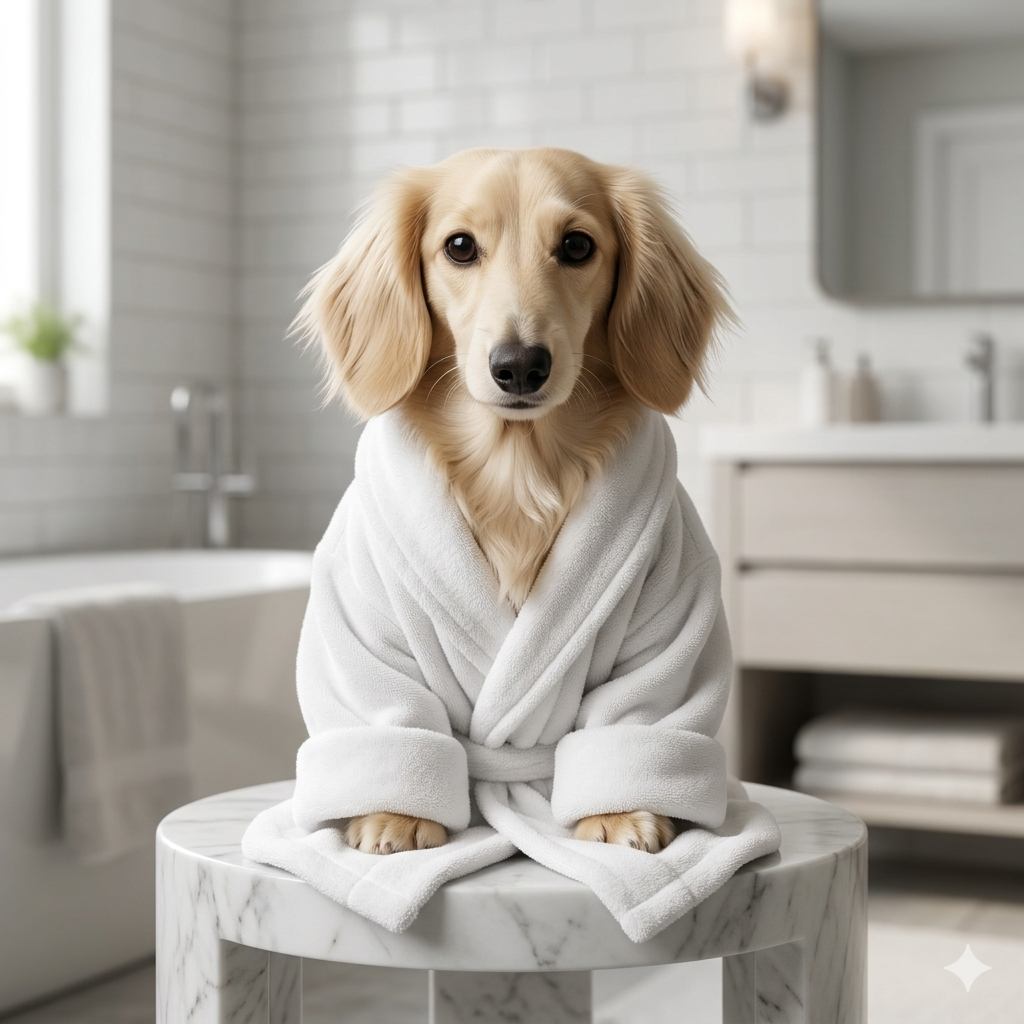
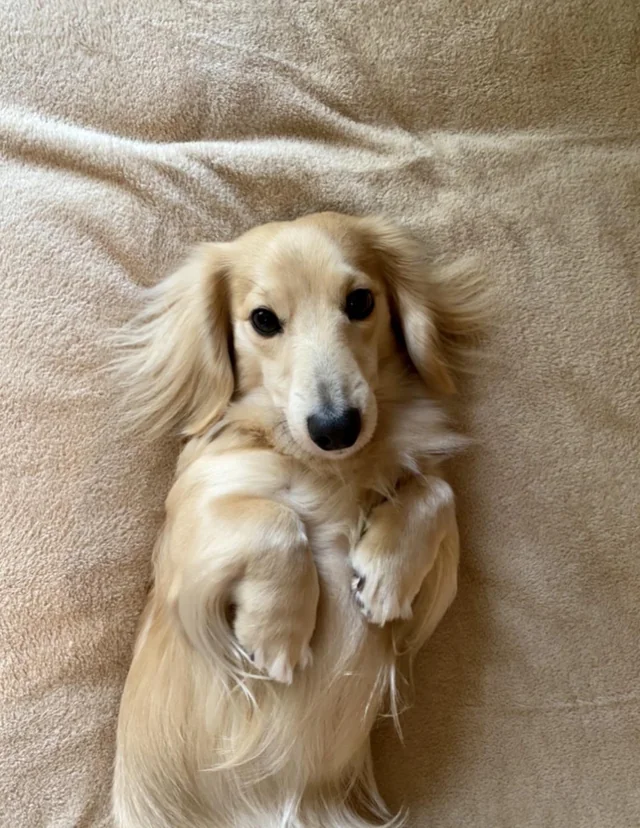
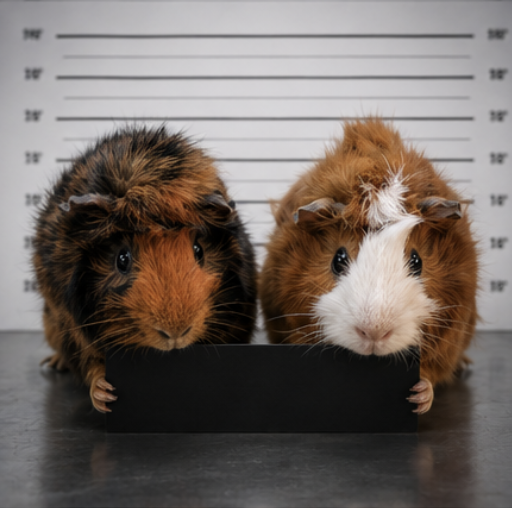
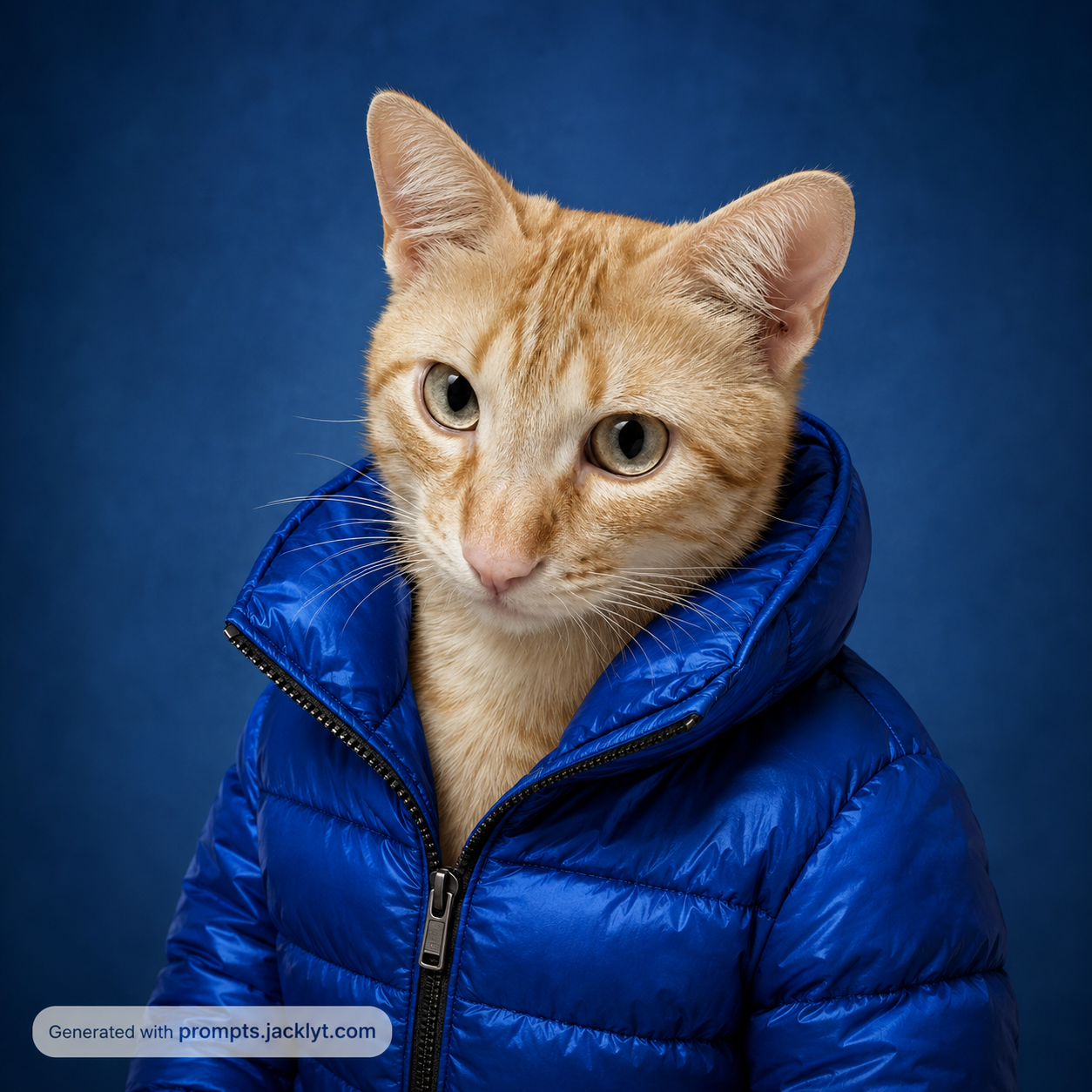
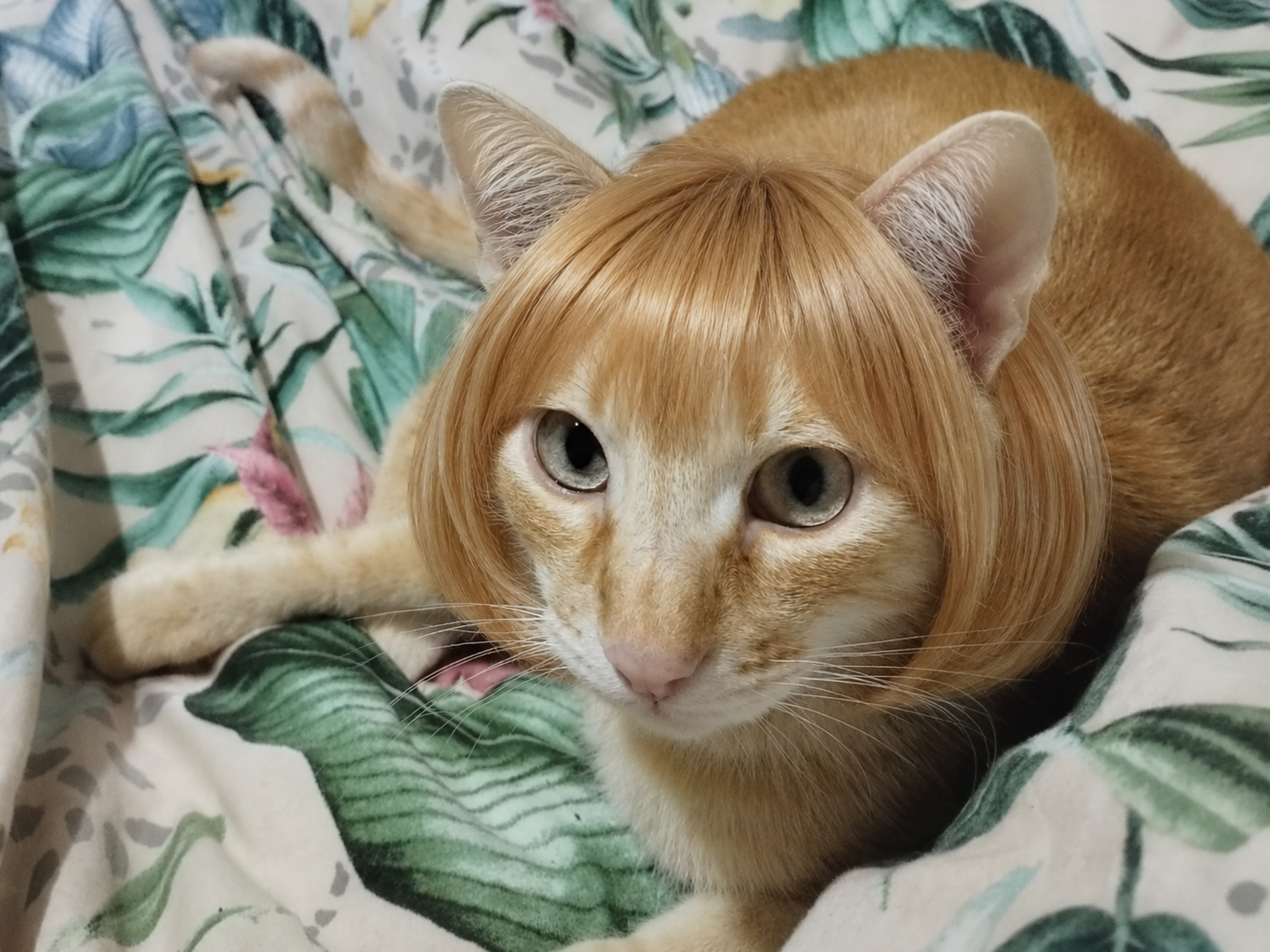
Best for turning recognizable pet expressions into funny scenes, reaction images or playful visual jokes.
Create humorous AI images, playful transformations, meme-ready concepts and surprising visual jokes using fun prompt templates.
Prompt library
Each template gives you a structured prompt with customization options, image requirements and clear creative direction, so you can move from idea to generation faster.
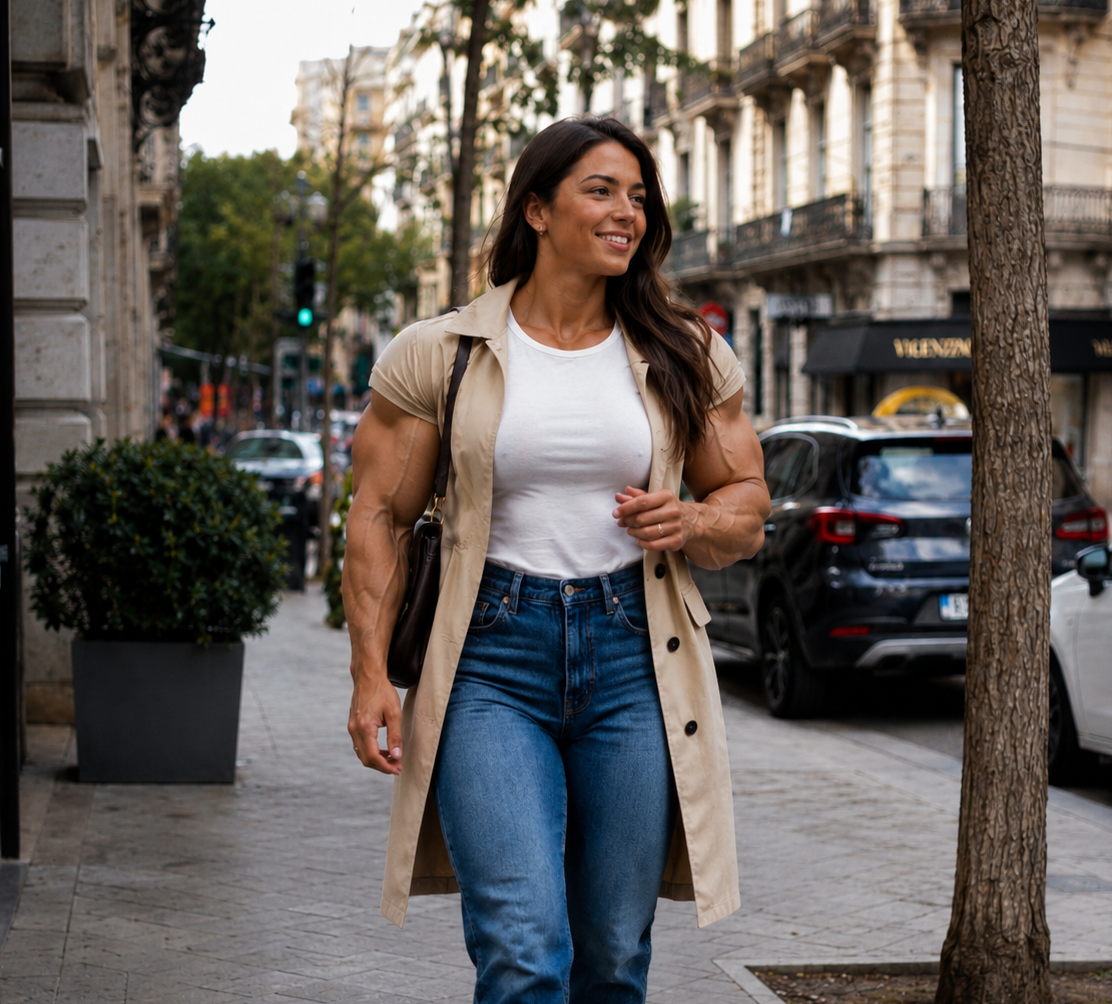
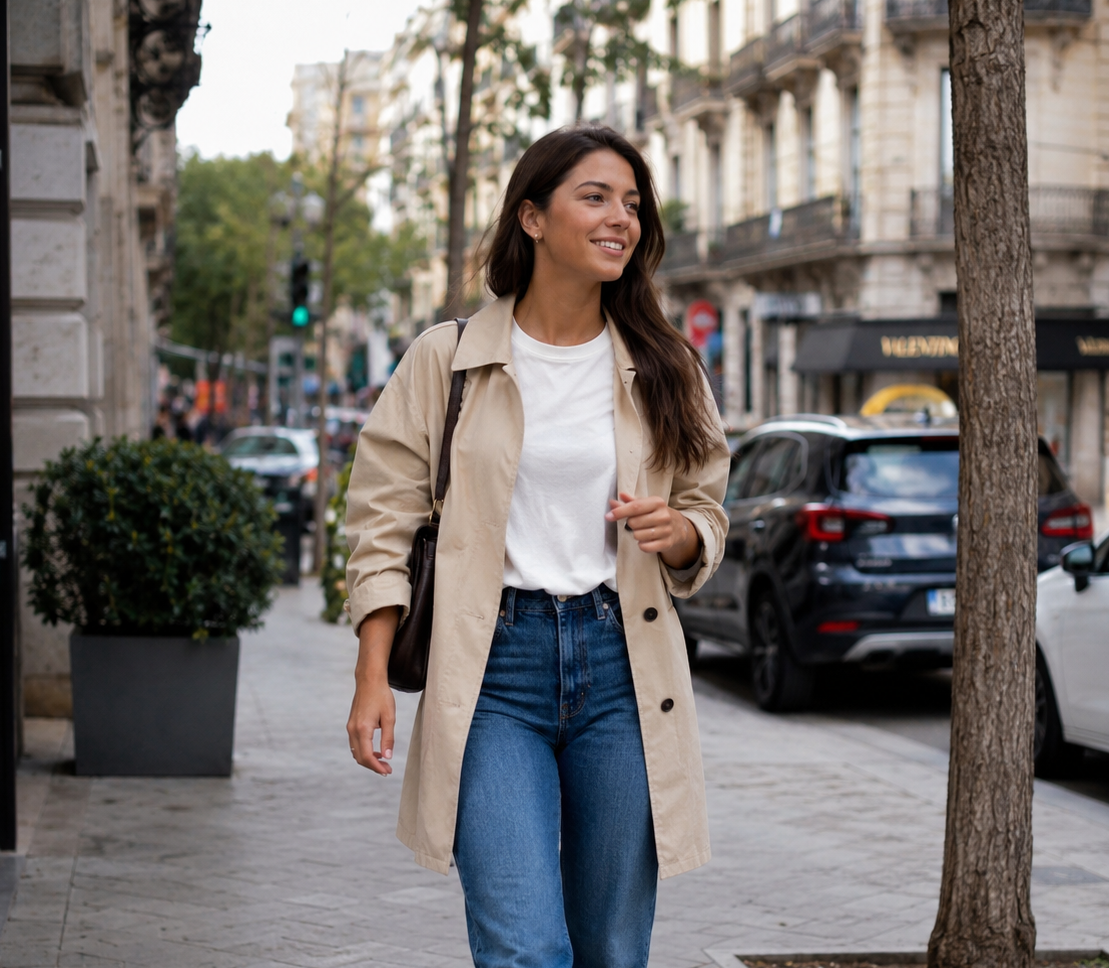
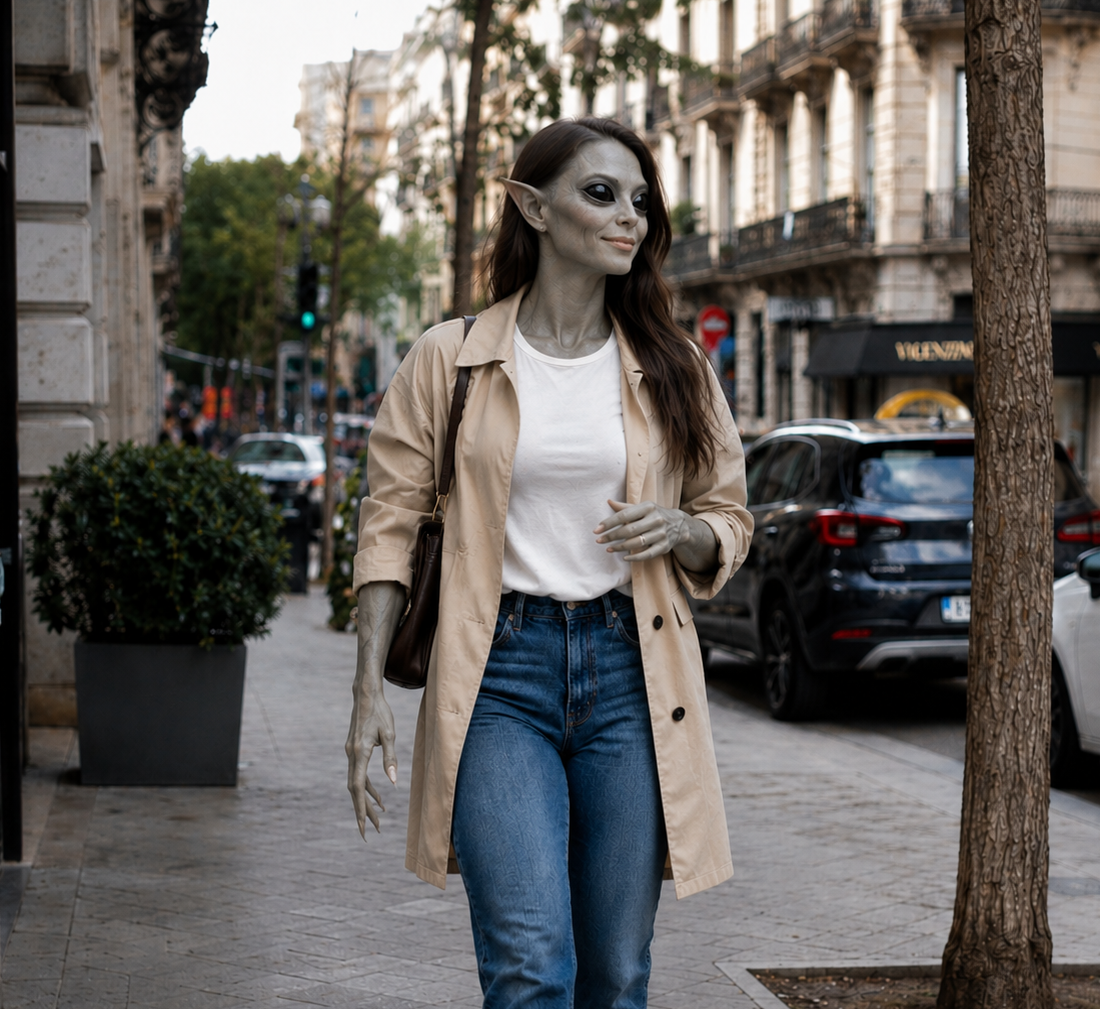
SEO guide
Funny AI prompt templates are structured instructions for creating humorous visual concepts without losing clarity. A strong funny prompt does more than ask the AI to make something silly. It defines the subject, the comic situation, the exaggeration level, the style, the composition and the restrictions that keep the joke readable.
Humor works best when the image has one clear idea. If a prompt contains too many jokes, props or unrelated styles, the result can become confusing. Templates help keep the scene focused so the viewer understands the joke quickly, whether it is a pet in an absurd situation, a playful portrait, a cartoon transformation or a meme-ready visual.
These prompts are useful for social media posts, group chats, pet accounts, creator content, thumbnails, personal jokes and creative experiments. They can turn simple photos into shareable visuals while keeping the main subject recognizable enough for the joke to feel personal.
Most AI tools still struggle with exact typography, so funny templates usually work best when they generate the image first and leave final captions or meme text to be added manually in an editor.
Prompt library
Funny prompts should be chosen by the type of joke. A pet meme, surreal portrait and cartoon scene all need different levels of exaggeration and identity preservation.
Best for turning recognizable pet expressions into funny scenes, reaction images or playful visual jokes.
Useful when the joke depends on expressive shapes, exaggerated proportions and a bright, readable style.
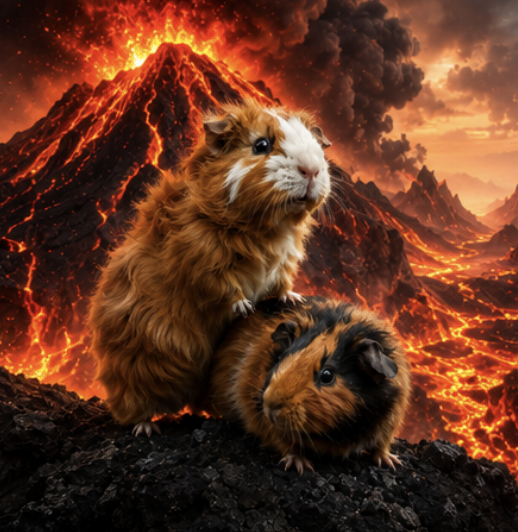
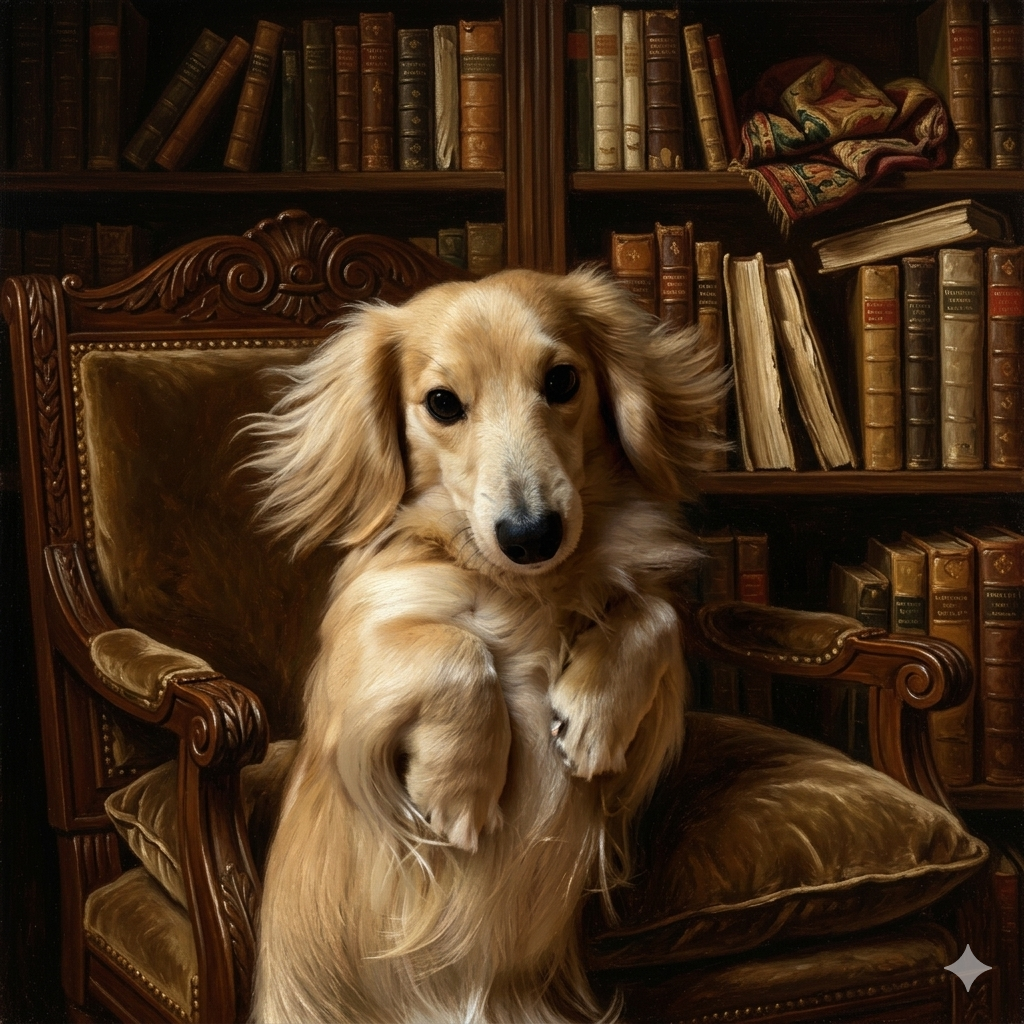
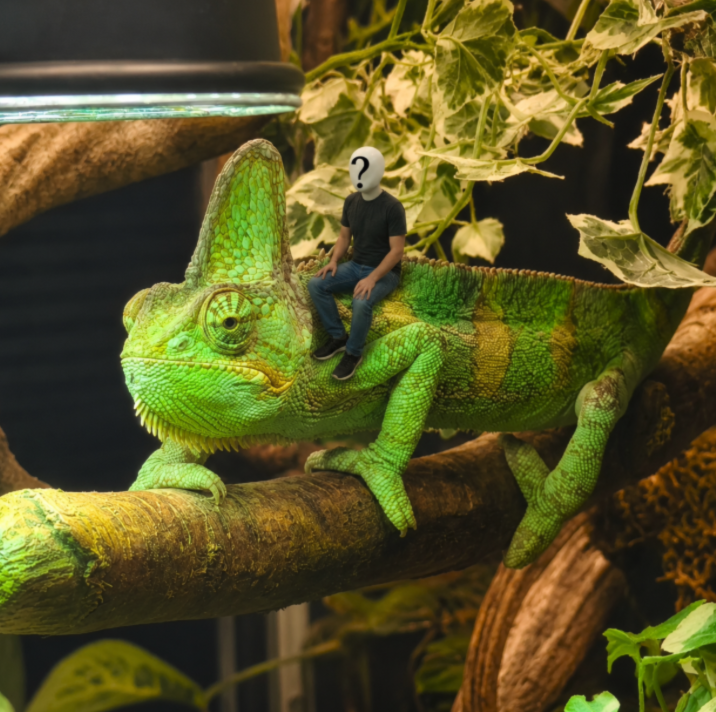
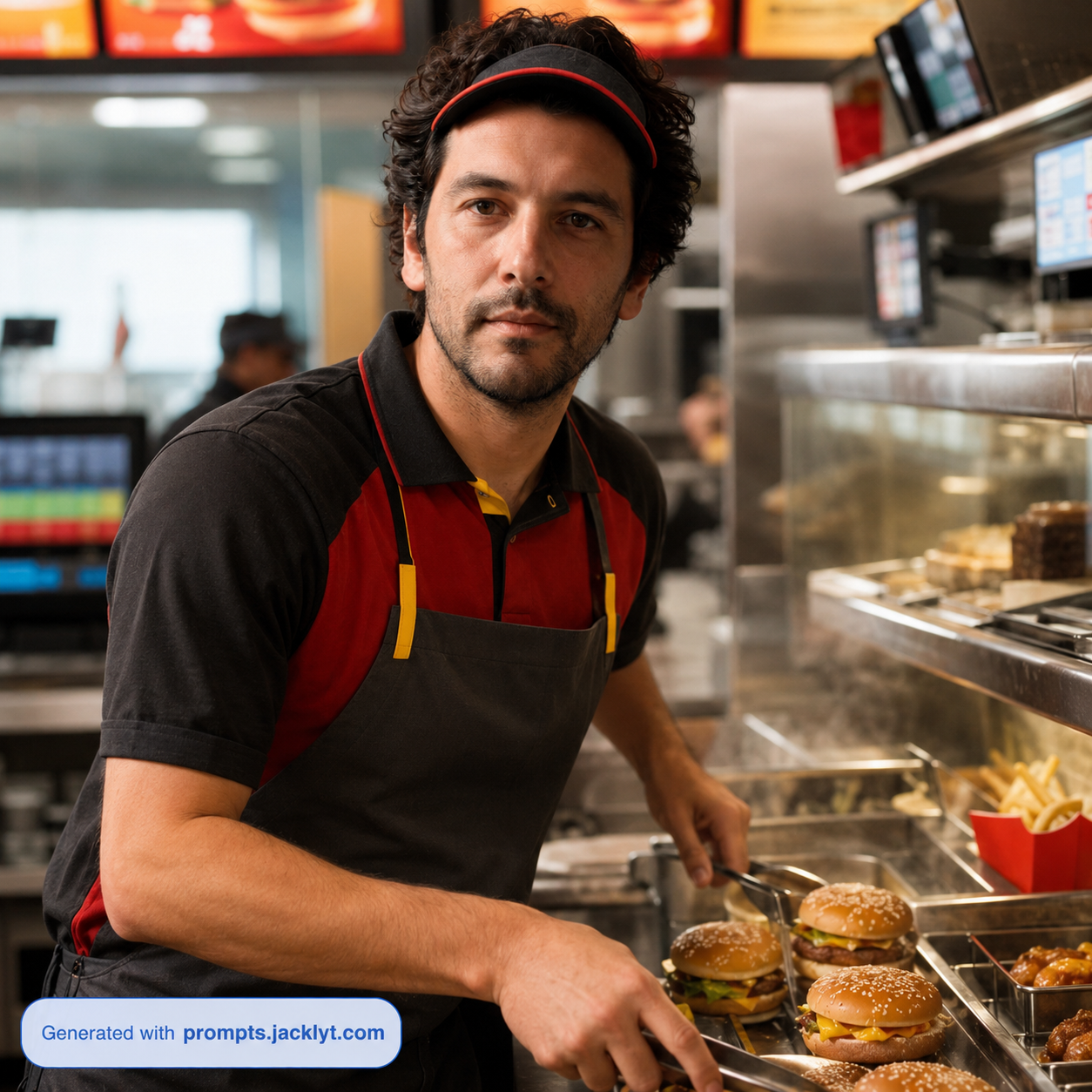
Ideal for surreal situations where the subject appears in an unexpected place, role or cinematic setup.
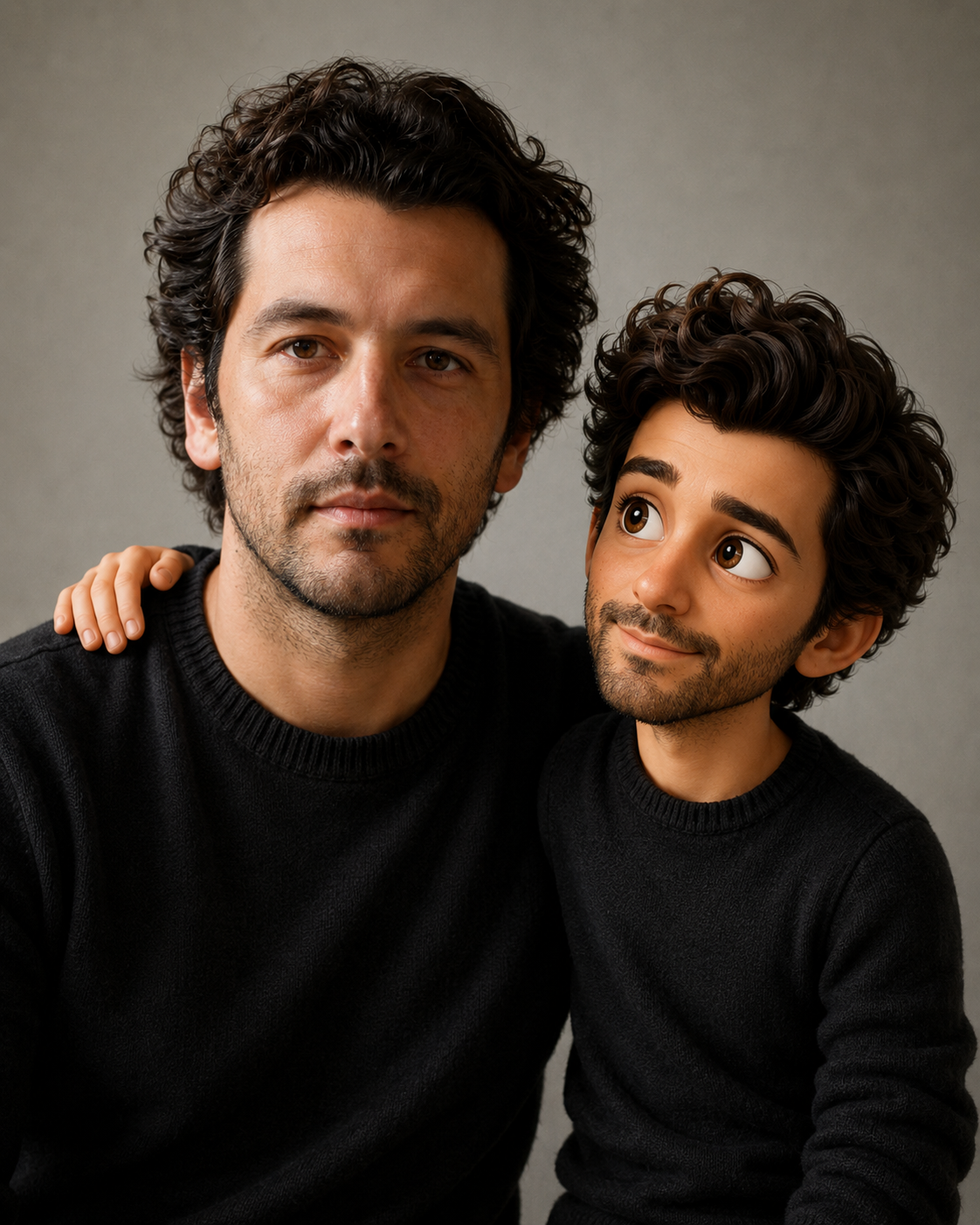
Great for playful transformations that make a person or pet look like a fictional character without relying on exact copyrighted logos or text.
Start with the source of the humor. If the joke is about the subject’s expression, choose a template that preserves identity and focuses on the face. If the joke is about the situation, choose a scene-based template that puts the subject in a clear and unexpected environment.
Keep the format in mind. A meme image should be simple and readable on a phone screen, while a poster-style funny scene can include more background detail. The more shareable the final image needs to be, the simpler the composition should become.
Create meme-style portraits and funny character transformations from simple reference photos.
Turn pets, people or everyday objects into playful scenes that are easy to understand.
Generate shareable images for social media posts, stories, thumbnails and group chats.
Explore absurd, surreal, cute or cartoon-inspired versions of ordinary images.
Create visual jokes for seasonal events, birthdays, announcements or casual entertainment.
Make funny pet and people images while preserving the identity that makes the joke personal.
Choose a photo or idea with one clear subject that can be transformed humorously.
Select a funny template that matches the tone: cute, absurd, cinematic, cartoon, meme-like or surreal.
Avoid adding too many jokes in the same prompt so the image remains readable at first glance.
Copy the final prompt, attach any required image and send everything together to your AI tool.
Generate several variations, because humor often improves when you compare different compositions and expressions.
Add final text manually if you need a clean caption, because AI-generated words inside images can be unreliable.
Better results
A crowded prompt can create a confusing image. One strong visual joke is usually better than five weak ones.
AI image tools often misspell captions. Generate the image first and add final meme text manually for cleaner results.
If the transformation changes the person or pet too much, the joke becomes less personal and less recognizable.
Busy backgrounds and multiple subjects can distract from the humor and weaken the main idea.
Better results
Use simple images with one main subject for the strongest visual joke.
Keep text out of the generated image unless the template specifically supports typography.
Choose exaggerated but clear concepts so the result is funny at first glance.
For pets and people, keep identity recognizable so the joke feels personal.
Use bold expressions, strong silhouettes and simple backgrounds for better readability.
Do not combine too many memes or references in one image.
Make sure the joke is visual, not only explained by the prompt text.
Review the final image to avoid accidental weirdness, distorted faces or confusing props.
FAQ
Yes. Funny prompts can help create meme-ready visuals, although adding final text manually in an editor often gives cleaner typography and better control.
Yes. Pet photos are often great for funny transformations because recognizable expressions and poses make the result more entertaining.
AI image tools can struggle with accurate text rendering. It is usually better to generate the funny image first and add captions afterward.
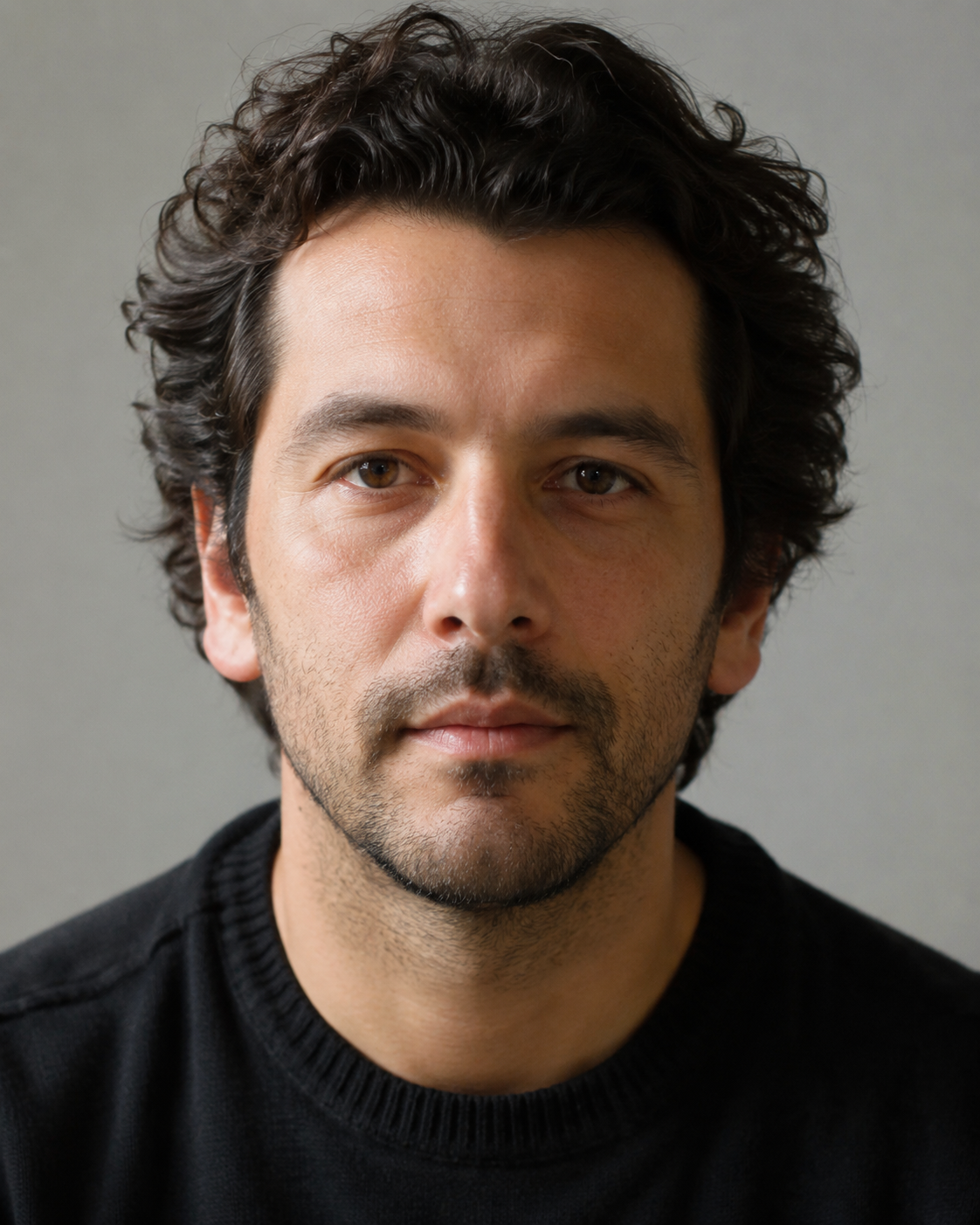
Yes, especially for playful portraits and character transformations. Use clear photos and avoid overly complex jokes if you want the person to remain recognizable.
A clear subject, one strong visual idea, readable composition and recognizable expression usually make the image funnier and easier to share.