
Prompt guide
Complete guide for Humorous Pet Bathroom Photoshoot
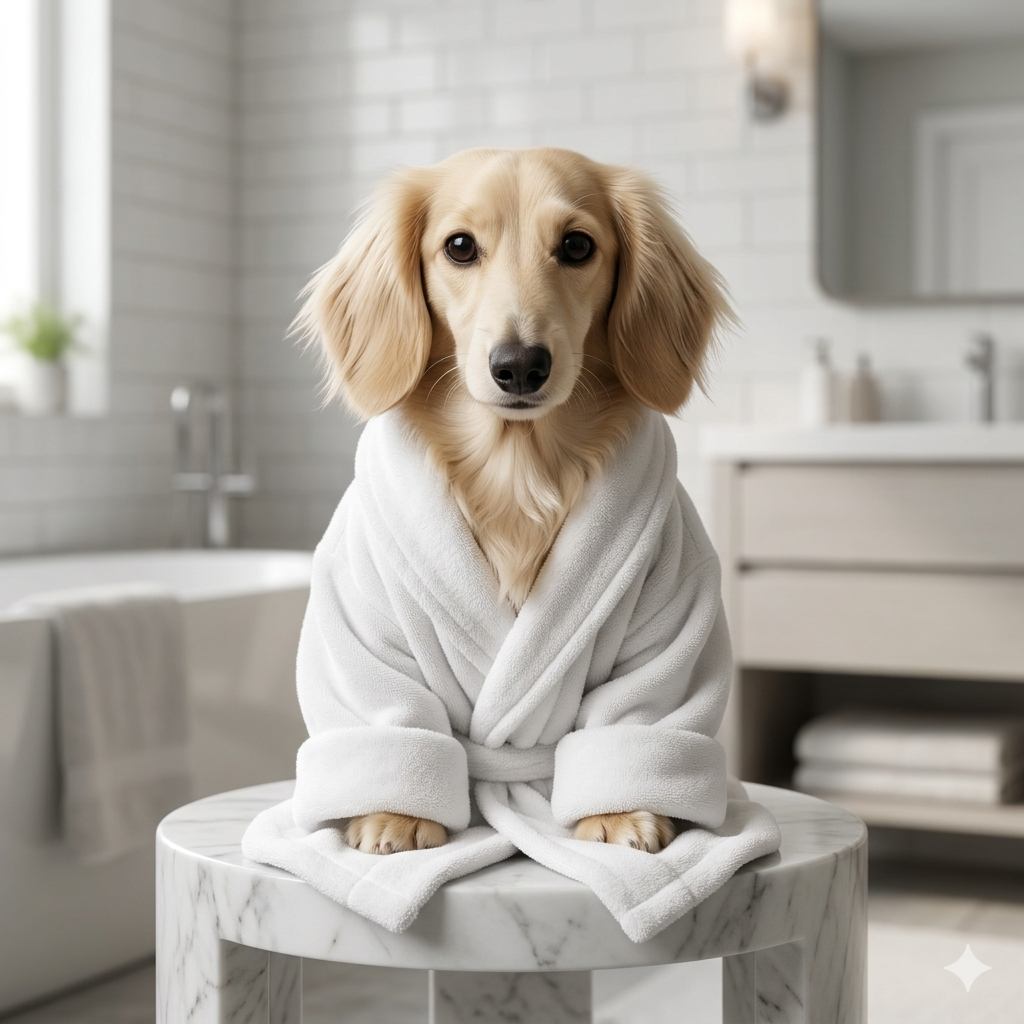
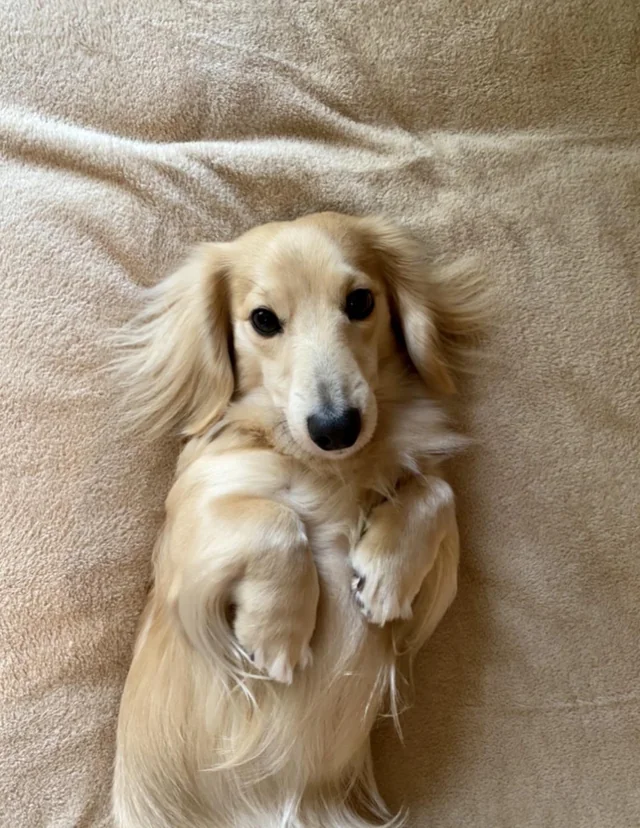
Humorous Pet Bathroom Photoshoot is a focused AI image prompt template for users who want a polished result without manually assembling a long prompt, negative prompt, visual hierarchy rules and validation instructions. It is built for the pets, funny image edits and photorealistic pet scenes category and is especially useful when the user already has a reference image but needs the AI tool to reinterpret it in a controlled, professional way. Instead of asking for a vague creative edit, this template defines the subject, the composition, the required reference, the style logic, the quality level and the elements that must not appear in the final image. The template works around one uploaded pet photo [image_pet], a bathroom scene selection and an aspect ratio. The uploaded reference is not a loose inspiration image: it becomes the foundation of the final generation. The prompt tells the AI to preserve the important identity details from the input while changing the presentation into a professional humorous bathroom photoshoot where the pet keeps its real identity while appearing in a luxury bathrobe, reading on a toilet, or relaxing in a bubble bath depending on the selected scene. This makes the result more consistent than a short prompt because the model receives clear instructions about what to keep, what to transform and how the final image should be validated. A key advantage of this prompt is its structured creative direction. The bathroom scene selector changes the comedy setup while the image upload controls the pet identity and the aspect ratio controls framing. The template describes how the selected option should influence the image while keeping the essential subject intact. That is important for image-to-image work because many AI tools can drift away from the original reference when the prompt is too short. By including preservation rules, composition rules, lighting guidance, material or texture notes, and negative constraints, the template helps the AI focus on a specific visual target instead of improvising a generic result. The expected output is a professional humorous bathroom photoshoot where the pet keeps its real identity while appearing in a luxury bathrobe, reading on a toilet, or relaxing in a bubble bath depending on the selected scene. The result should feel finished enough to use as a social media visual, concept image, prompt example, portfolio mockup, creative asset or inspiration image. It is designed to be visually clear, easy to understand at a glance and strong enough for a template preview page. The prompt is strong because it combines absurd humor with high-end photorealistic integration, so the result should look like a deliberate commercial photoshoot instead of a rough meme collage. This SEO section is also useful for visitors who are not prompt engineering experts. It explains why the template asks for certain inputs, why the prompt includes strict restrictions, and why the negative prompt should remain attached when the final prompt is copied into an AI image tool. Users get better results when they understand that the template is not only describing an image, but also controlling identity preservation, composition, lighting, style, texture, and validation. For best results, the user should upload a clean reference image, choose the most appropriate option when the template includes one, keep the full prompt structure, and regenerate only after checking whether the main subject, style and composition are already close to the intended result.
How to use this prompt
- 1
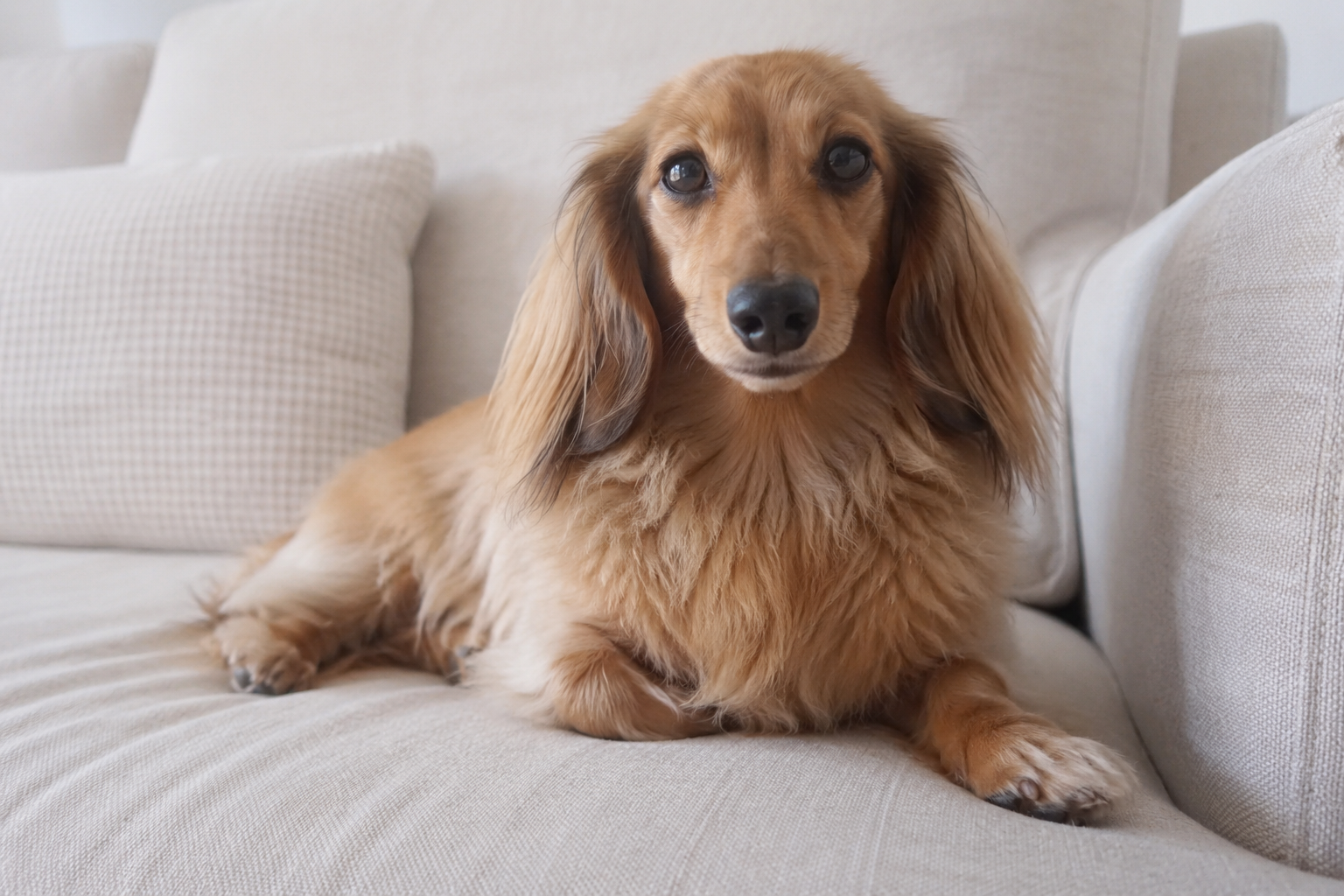
Upload a clear pet photo with the face visible. The expression, fur texture, color and breed-like traits are important because the prompt tries to preserve the exact pet, not generate a generic animal.
- 2
Choose the bathroom scene that best matches the kind of humor you want: dignified bathrobe, newspaper toilet joke or relaxed bubble bath.
- 3
Copy the full prompt with the selected scene value. Keep the integration, lighting and scale rules so the accessories match the pet instead of floating unnaturally.
Best use cases
Pet owners can create funny profile images, birthday posts, stickers or shareable images that still look polished and recognizable.
Pet brands, groomers and animal-related pages can use it for humorous campaign mockups without losing a premium visual tone.
Prompt galleries can use it as a clear example of funny image-to-image transformation with strict identity preservation.
Tips for better results
Forward-facing pet photos usually work best because bathroom accessories need to align with the eyes, nose, head and body.
Choose a scene that fits the pet’s posture. A sitting pet often works better for the toilet scene, while a relaxed lying pose can suit the bathtub scene.
If the result is funny but not realistic enough, regenerate while preserving the same scene and aspect ratio instead of deleting the photorealistic integration rules.
Common mistakes to avoid
Using a pet photo where the face is hidden or blurry makes identity preservation much weaker.
Choosing a scene that fights the original pose can cause awkward anatomy or badly scaled props.
Removing the bathroom realism rules can make the output look like a sticker pasted onto a bathroom background.
Final recommendation
Use this template when you want a funny pet edit that still looks carefully produced. A clear pet face, the right scene choice and the full integration rules help the AI create a playful bathroom photoshoot where the joke works because the image still feels believable.