
Prompt guide
Complete guide for But WHY? Pet Meme
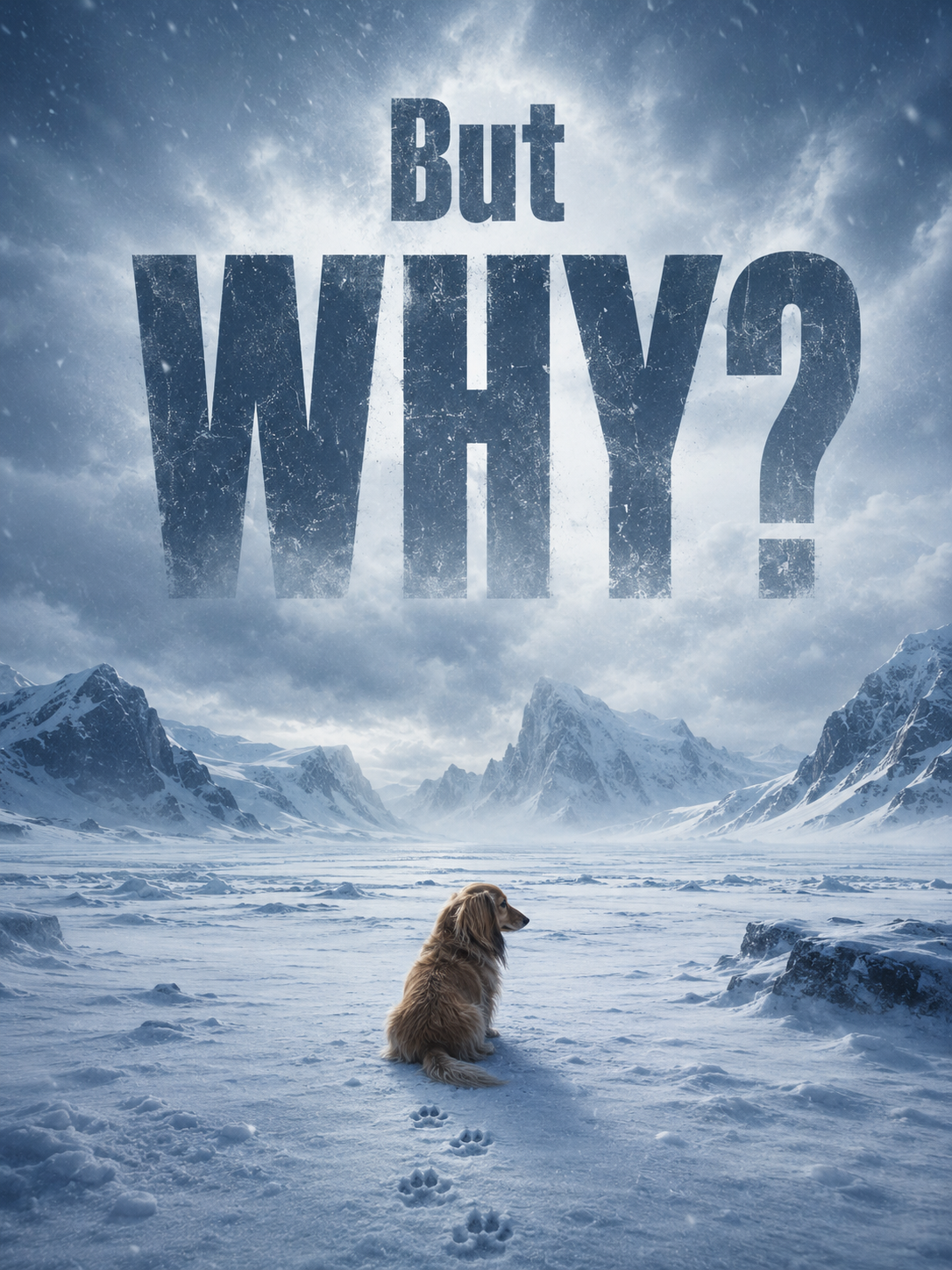
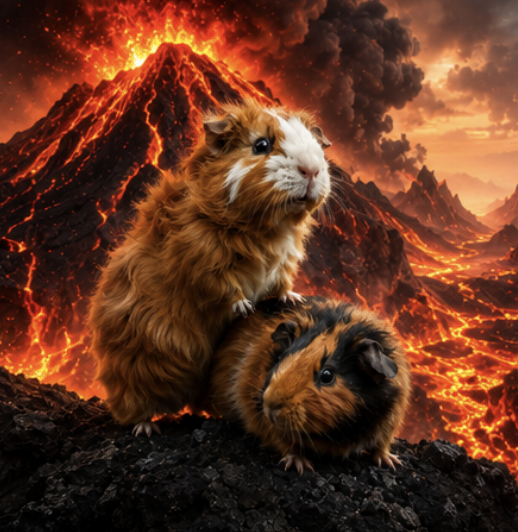
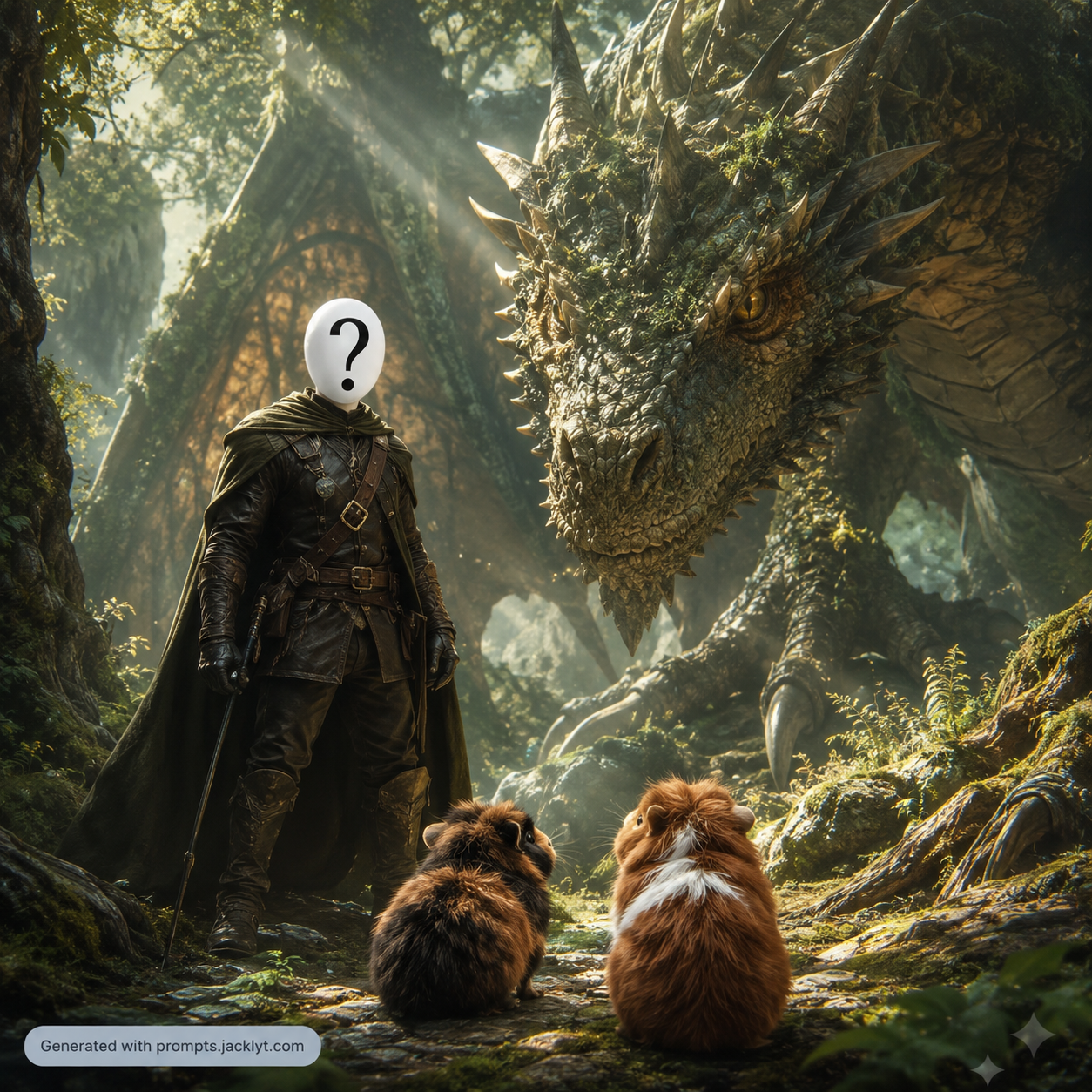
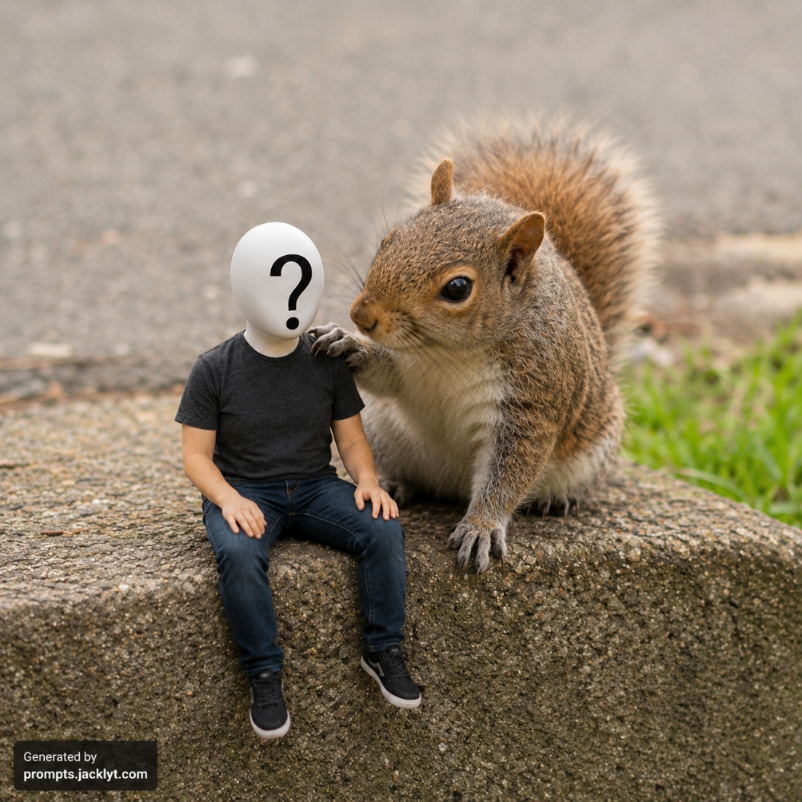
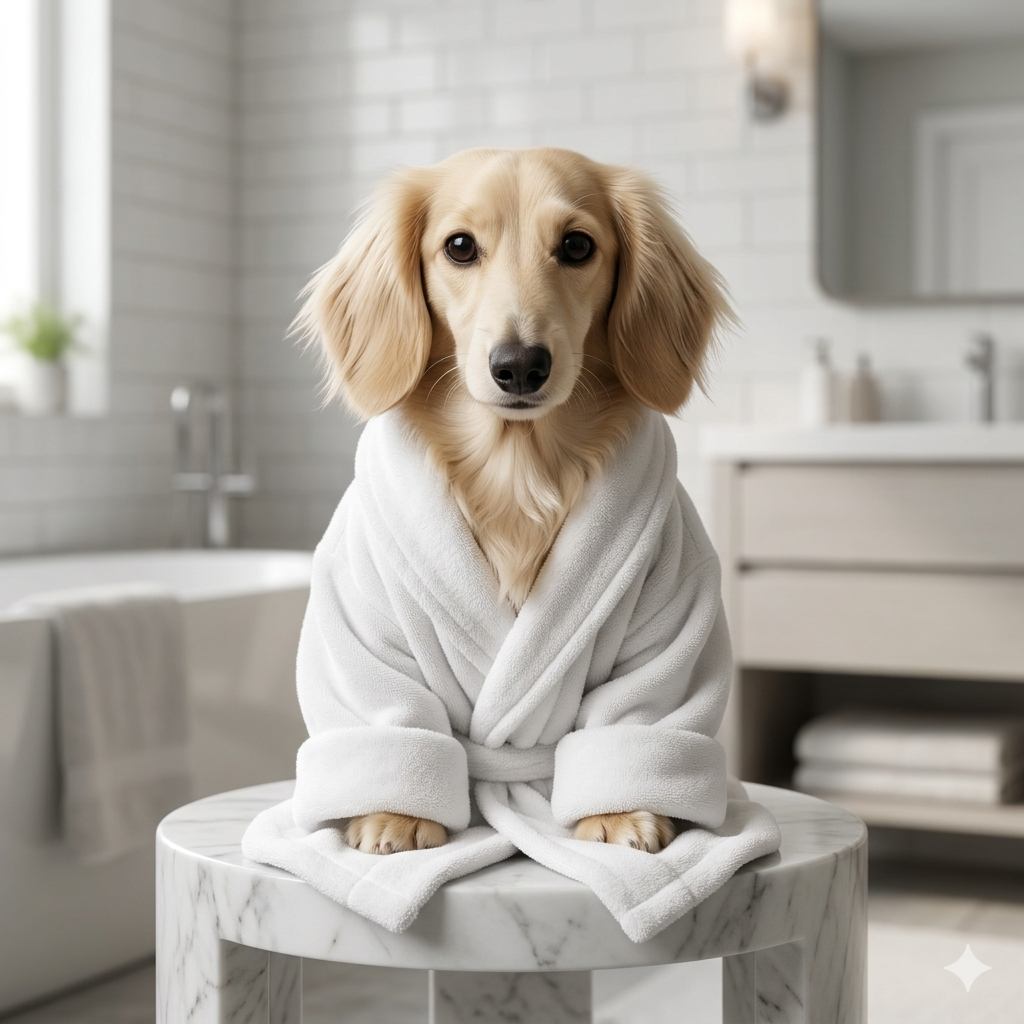
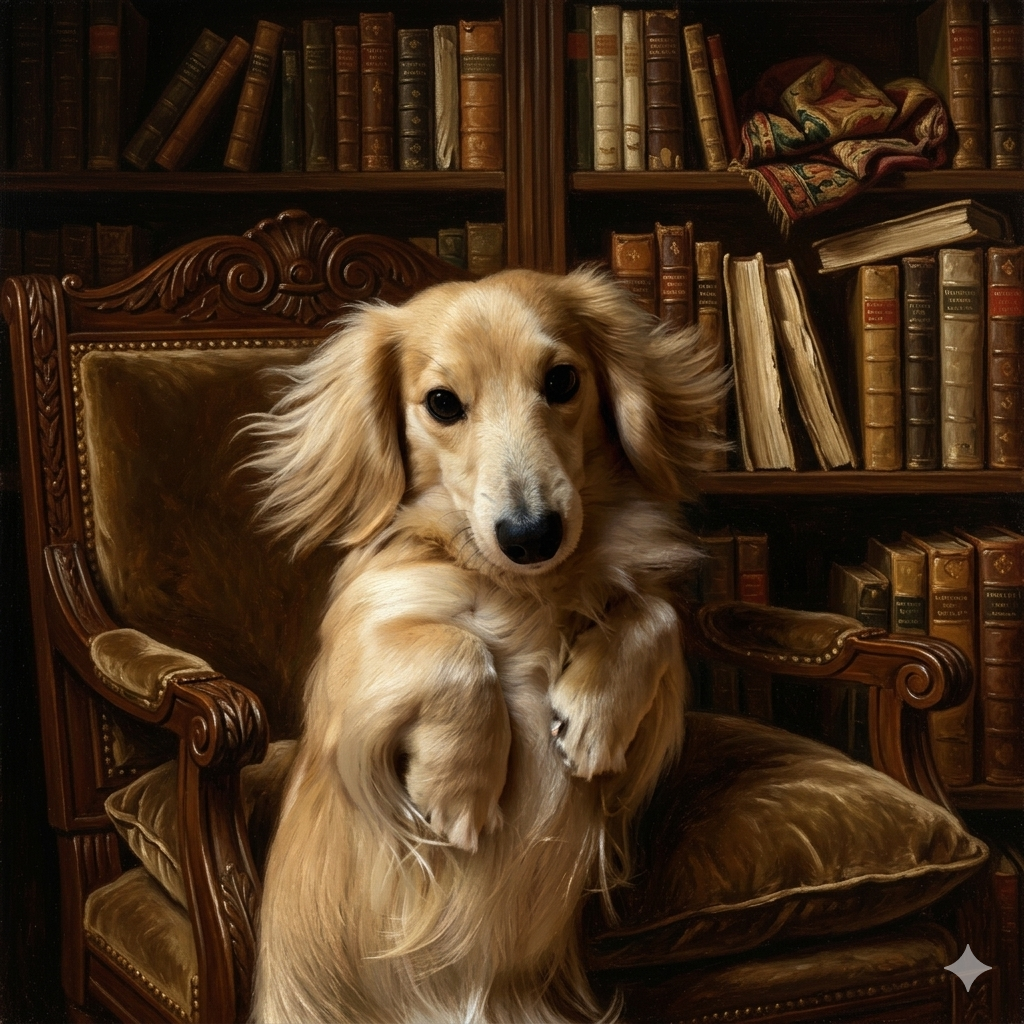
The But WHY? Pet Meme prompt creates a cinematic existential meme poster from an uploaded pet photo. The idea is simple and highly shareable: place the same recognizable pet into a dramatic scene and add one large readable question, such as a confused, lonely or absurdly philosophical caption. The template is built for funny pet edits, meme pages, social media posts and mobile-first images, but it keeps a premium visual direction instead of producing a messy low-quality caption image.
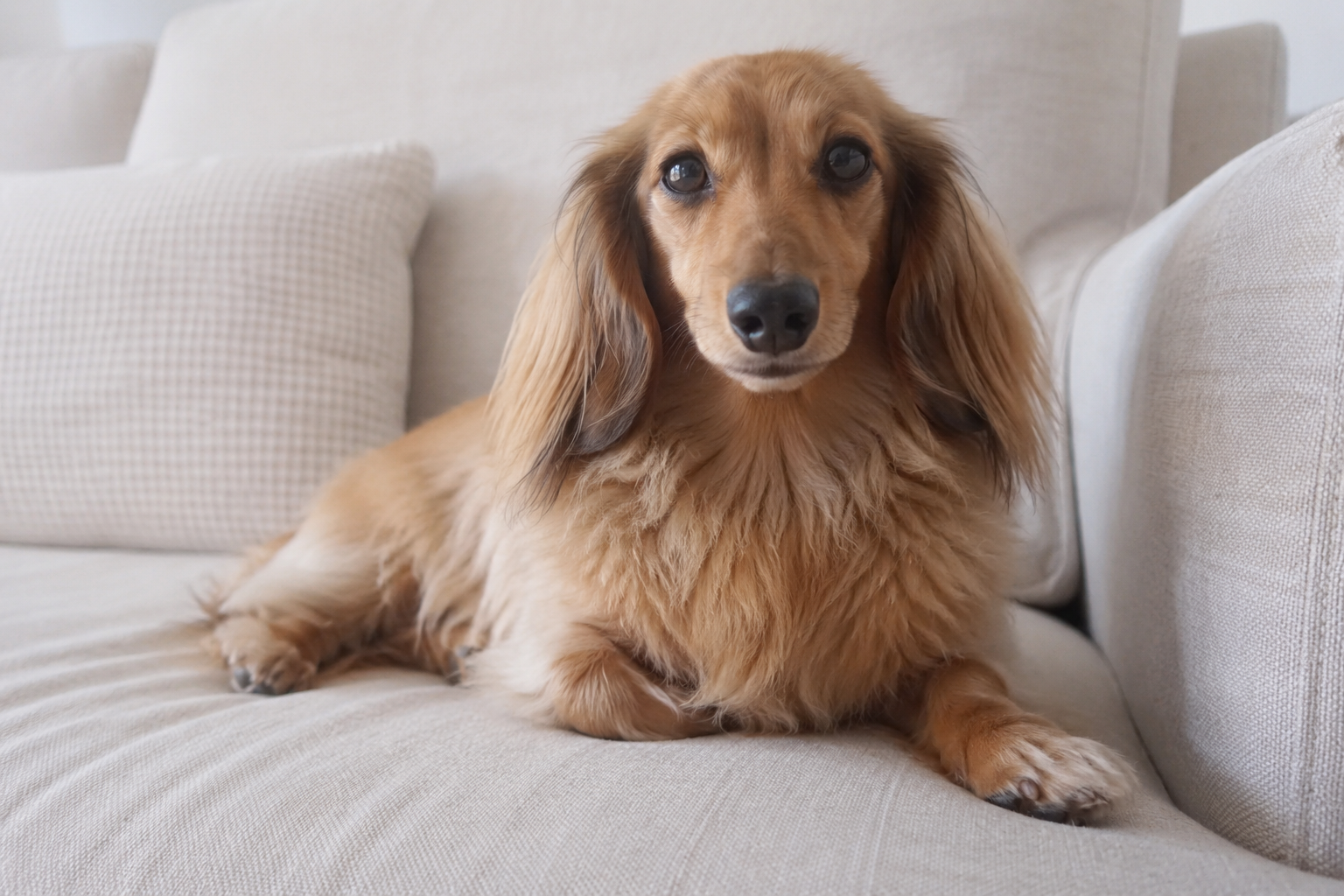
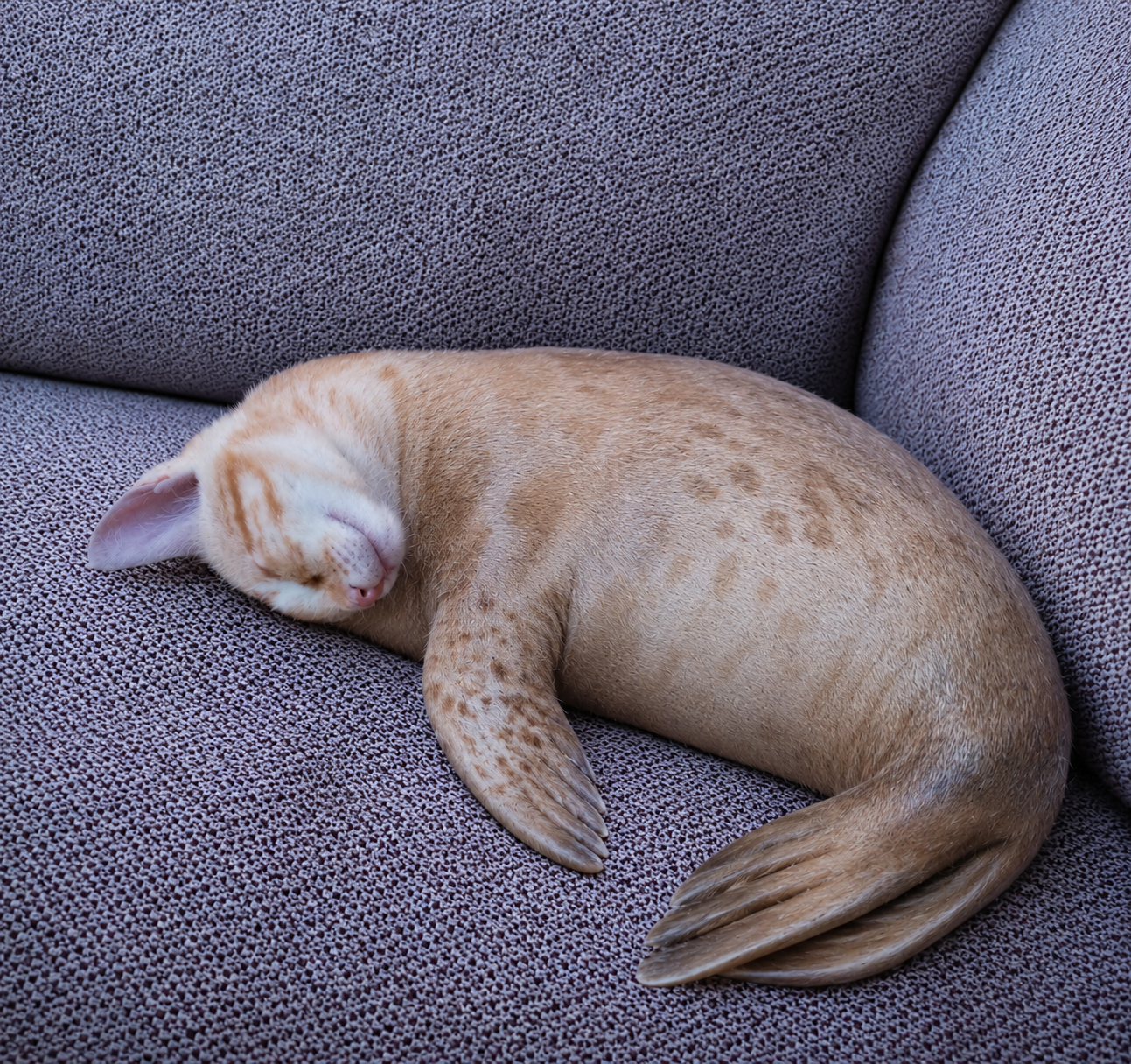
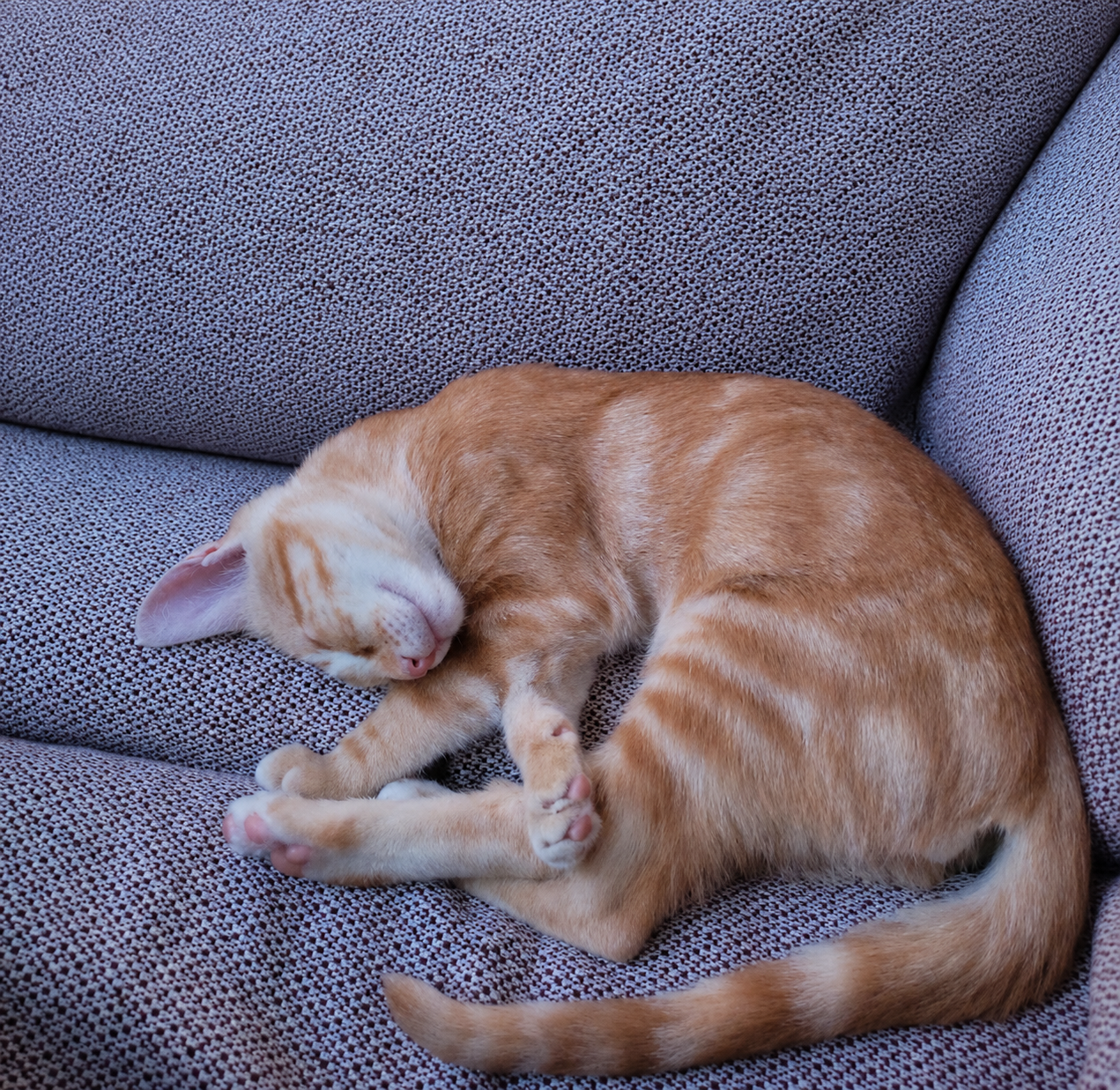
The uploaded pet image controls the main character. The prompt asks the AI to preserve the pet species, face, fur colors, markings, expression and recognizable personality while adapting the animal to the selected meme scene. The Scene Style field changes the environment and mood: snowy loneliness, desert emptiness, cosmic drama, rainy city melancholy or epic mountain questioning. The Big Question Text field gives users control over the main meme phrase, while the prompt strongly restricts typography to one clear headline with no extra captions, logos or random text.
This structure is valuable because meme prompts often fail in two ways: the animal becomes generic, or the text becomes unreadable. This template handles both. It makes the pet identity a priority, then gives the typography explicit rules for size, spelling, placement and simplicity. It also blocks busy poster layouts, extra headlines, unrelated props and generic animal replacements. The result should feel like a clean cinematic meme image with a dramatic pet, a powerful environment and one readable question that works well on phones.
How to use this prompt
- 1
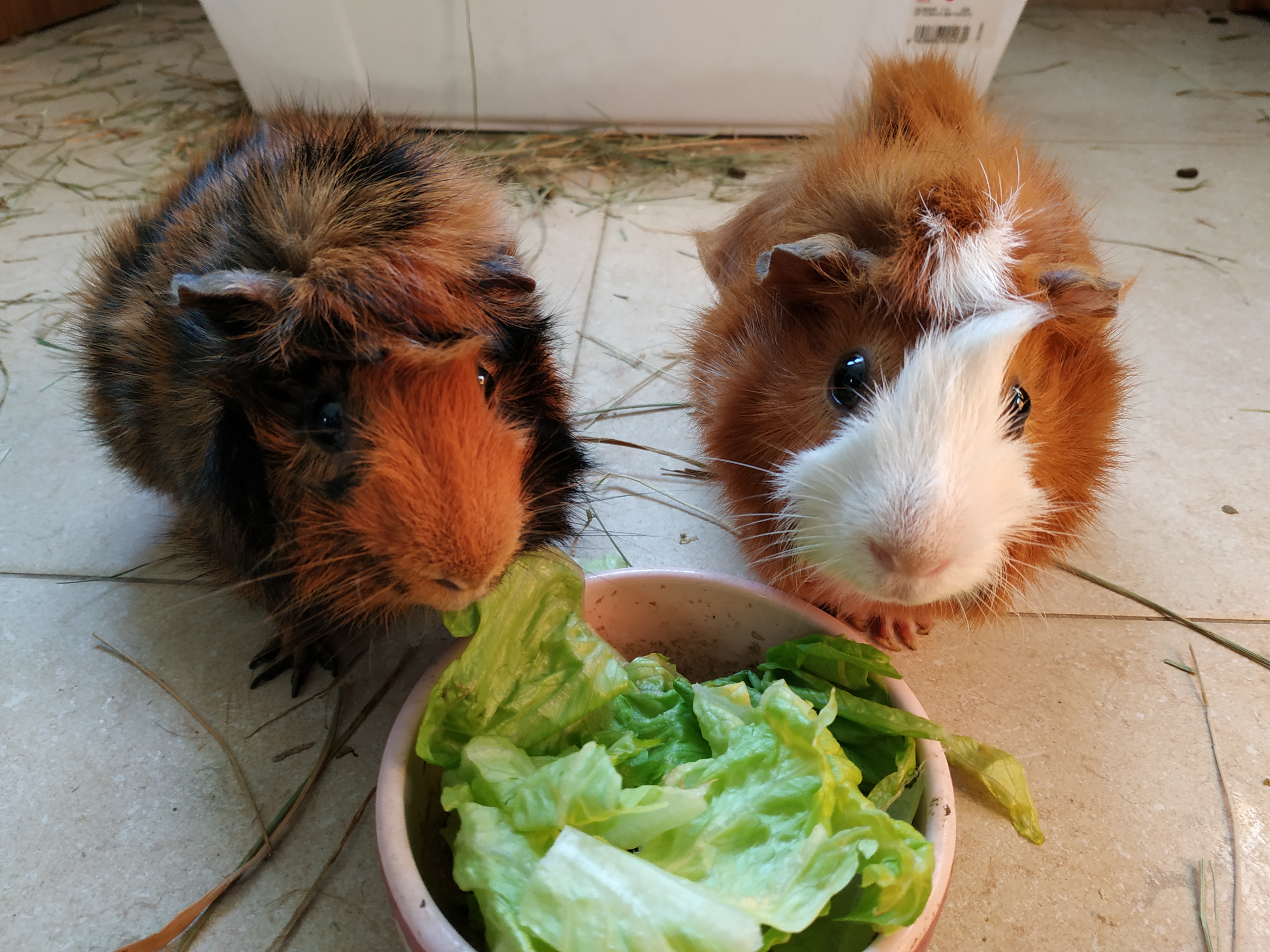
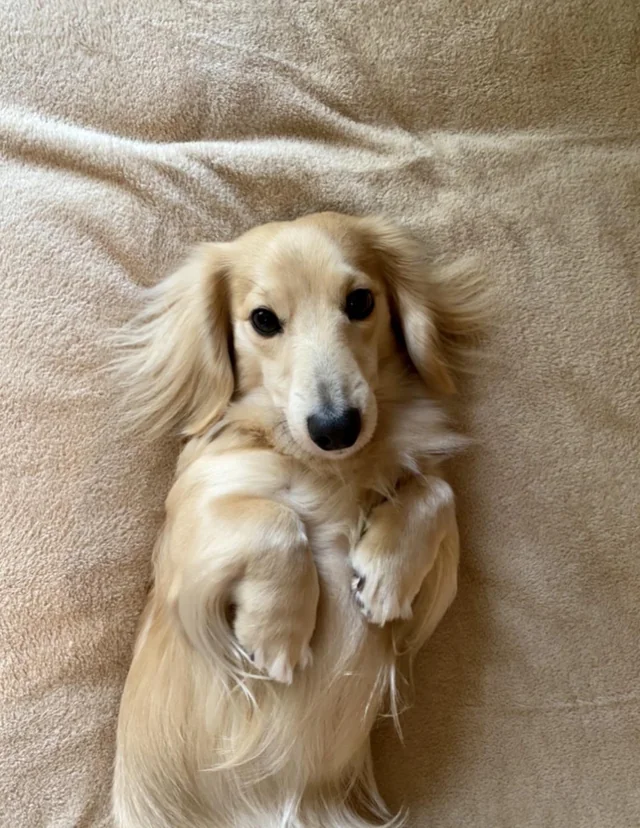
Upload a pet photo with a clear face or silhouette so the animal remains recognizable after being placed in the dramatic meme scene.
- 2
Write a short question in the Big Question Text field. Simple phrases work best because the image should have one readable headline, not a paragraph.
- 3
Choose the scene style that matches the joke: cosmic for absurd drama, rainy city for sad comedy, snowy or desert scenes for lonely existential humor.
Best use cases
Creating funny pet memes for Instagram, TikTok covers, X posts, Reddit-style humor or group chats.
Turning a personal pet photo into a dramatic reaction image while keeping the animal recognizable.
Building mobile-first meme visuals with a more cinematic, polished style than typical caption generators.
Tips for better results
Keep the question short, emotional and easy to read. One strong phrase is funnier than multiple text blocks.
Use a vertical or square aspect ratio for social platforms where mobile readability matters most.
If the pet identity weakens, try a clearer face photo or a scene with less environmental complexity.
Common mistakes to avoid
Writing a long sentence often makes the AI produce small, broken or misspelled text.
Using a pet photo with multiple animals can make the model choose the wrong subject.
Removing the typography rules may create extra captions, logos, watermarks or unreadable meme text.
Final recommendation
Use this prompt when you want a funny but polished pet meme with one dramatic question and a recognizable animal. Short text, a clear pet photo and the full typography rules are the key to a usable result.