

Season transformation prompts
Best for turning a location into spring, autumn, winter or summer while keeping the same composition and recognizable landmarks.
Reimagine landscapes, travel photos, outdoor scenes and environments with new lighting, seasons, weather, atmosphere and cinematic visual styles.

Prompt library
Each template gives you a structured prompt with customization options, image requirements and clear creative direction, so you can move from idea to generation faster.
SEO guide
Landscape AI prompt templates are structured instructions for transforming places, outdoor scenes and environments. They help the AI understand the type of location, the main composition, the lighting, the weather, the season, the color palette and the atmosphere while keeping the original place recognizable when a reference image is used.
A landscape prompt needs different guidance from a portrait or product prompt. The important details are often horizon line, foreground, depth, natural light behavior, architecture, mountains, water, sky, vegetation and environmental realism. A template organizes those details so the model receives a clearer visual brief.
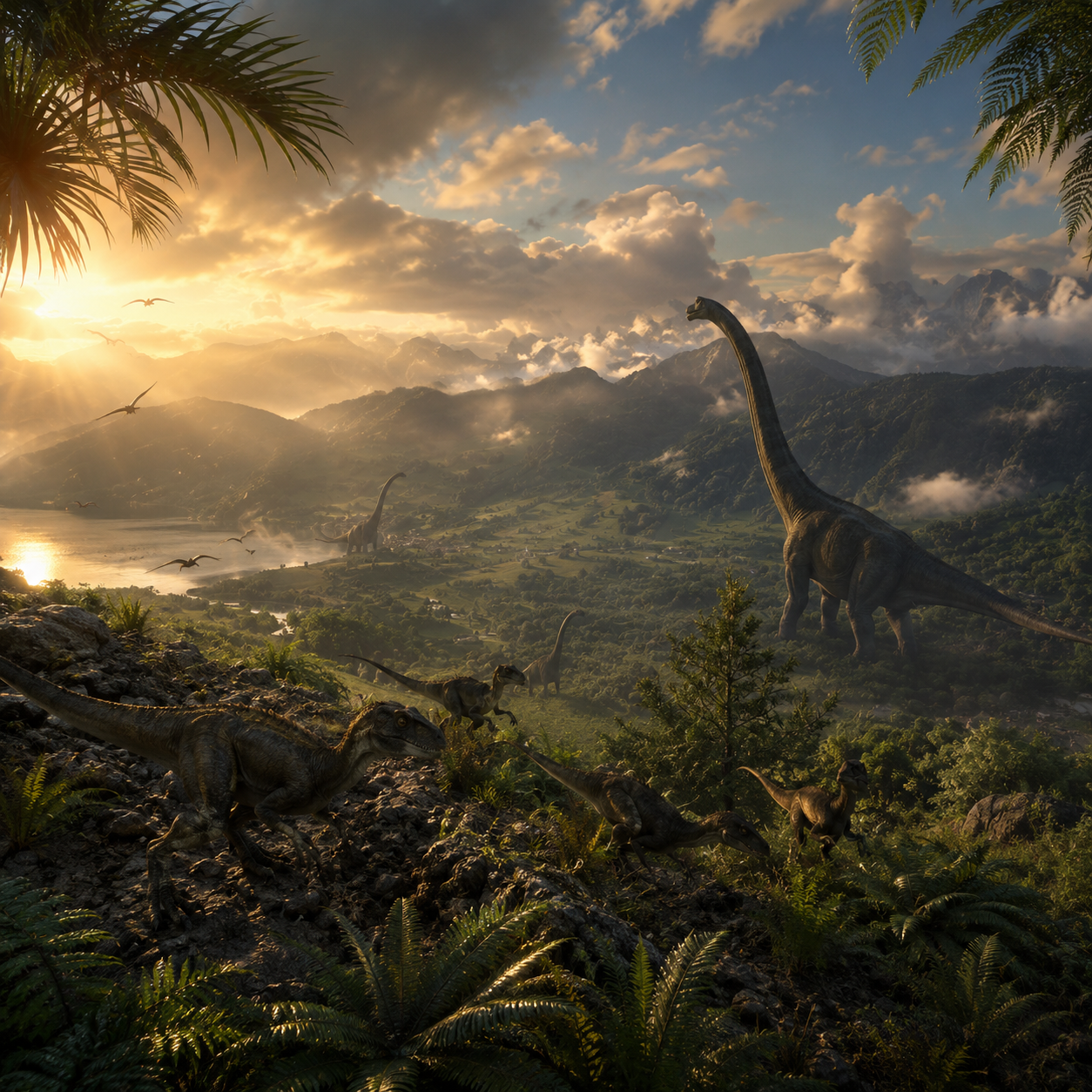
These prompts are useful for travel pages, concept artists, real-estate visuals, moodboards, social media content, worldbuilding, posters and creative campaigns. You can explore how a location might look at sunset, in winter, during a storm, as a fantasy scene or as a cinematic establishing shot.
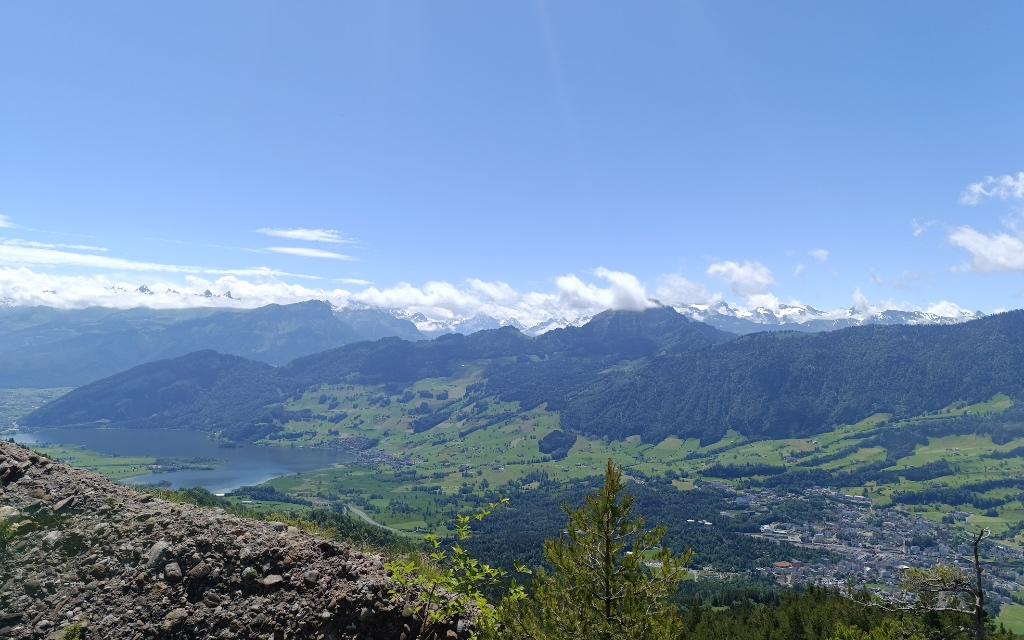
The best results usually come from a landscape photo with a readable structure. If the input image has a clear foreground, middle ground and background, the AI can transform the mood while preserving the place’s visual identity more effectively.
Prompt library
Landscape prompts are strongest when they focus on one environmental transformation. Season, weather, time of day and fantasy styling each affect the image in different ways.
Best for turning a location into spring, autumn, winter or summer while keeping the same composition and recognizable landmarks.
Useful for dramatic lighting, fog, golden hour, night scenes, storm clouds and poster-like outdoor visuals.
Ideal for reimagining real places as magical kingdoms, dreamlike worlds or epic concept-art scenes.
Great for polished destination visuals, website hero images, social content and moodboards with clean composition.
Start by deciding whether the location must remain realistic. If the image is for travel, real estate or a recognizable place, choose subtle lighting and weather changes. If the goal is concept art or creative exploration, fantasy and cinematic templates can push the scene much further.
Then choose the transformation that matters most. Changing season, time of day, weather, color palette and artistic style all at once can confuse the result. One dominant change with supporting details usually creates a cleaner and more believable landscape.
Change a photo from day to night, summer to winter or clear weather to dramatic storm light.
Create cinematic backgrounds for posters, thumbnails, websites and creative campaigns.
Explore fantasy, realistic, editorial or travel-inspired versions of the same location.
Generate visual references for environment design, worldbuilding or location mood boards.
Reimagine real-estate, tourism or outdoor images with improved lighting and atmosphere.
Create seasonal variations of a place while preserving the main structure of the scene.
Choose a landscape or place image with a clear composition, visible horizon and recognizable main features.
Select the desired mood, season, weather, lighting or artistic direction before copying the prompt.
Keep the main structure of the scene visible if you want the place to remain recognizable.
Copy the final prompt and attach the original landscape image in the AI chat when the template requires a reference.
Refine the result by adjusting atmosphere, time of day, color mood or level of realism instead of changing every setting at once.
Review environmental details such as shadows, reflections, scale, architecture and sky consistency before using the image.
Better results
Requesting snow, sunset, fog, storm and fantasy architecture at once can make the scene inconsistent.
If recognition matters, the prompt must preserve landmarks, perspective, layout and main structural elements.
Realistic landscapes need believable shadows, reflections and sky color. Without this, the image can feel artificial.
A messy or unclear landscape gives the AI fewer strong shapes to preserve, especially in the foreground and horizon.
Better results
Use photos with a clear horizon, strong subject or readable foreground for better composition.
Avoid asking for too many weather and lighting changes at once.
For realistic results, specify natural light behavior and believable environmental details.
For fantasy scenes, keep one or two recognizable elements from the original image to maintain continuity.
Use wide aspect ratios for cinematic scenes and vertical ratios for travel or social stories.
Keep architecture and landmarks stable when location recognition matters.
Choose one dominant atmosphere, such as golden hour, fog, storm, snow or night lighting.
Check reflections, shadows and scale because landscape edits can create subtle inconsistencies.
FAQ
Yes. Landscape prompts can reimagine real places as fantasy, cinematic, seasonal or stylized environments while keeping key visual elements from the original image.
Some templates require a reference image, while others can generate a scene from text alone. The template will indicate what is needed.
They are designed to preserve the main structure when a reference image is used, but exact preservation depends on the AI model, the source image and the selected transformation.
A photo with a clear horizon, recognizable subject, good lighting and readable foreground usually gives better transformations than a dark or cluttered scene.
Yes. Season prompts can explore snow, autumn leaves, spring flowers, summer light or other variations while keeping the main scene structure consistent.