Prompt guide
Complete guide for Historical Officer Portrait
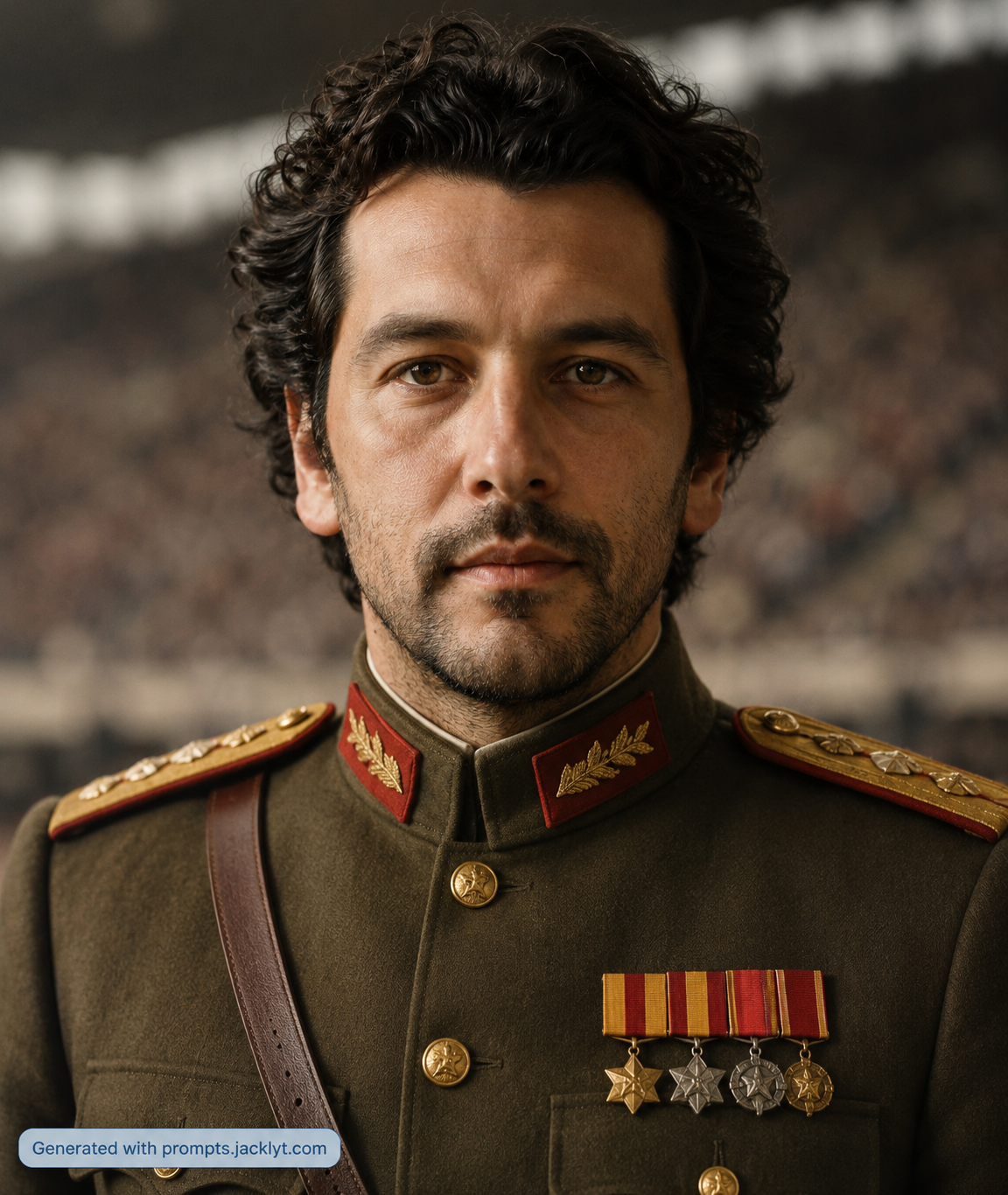
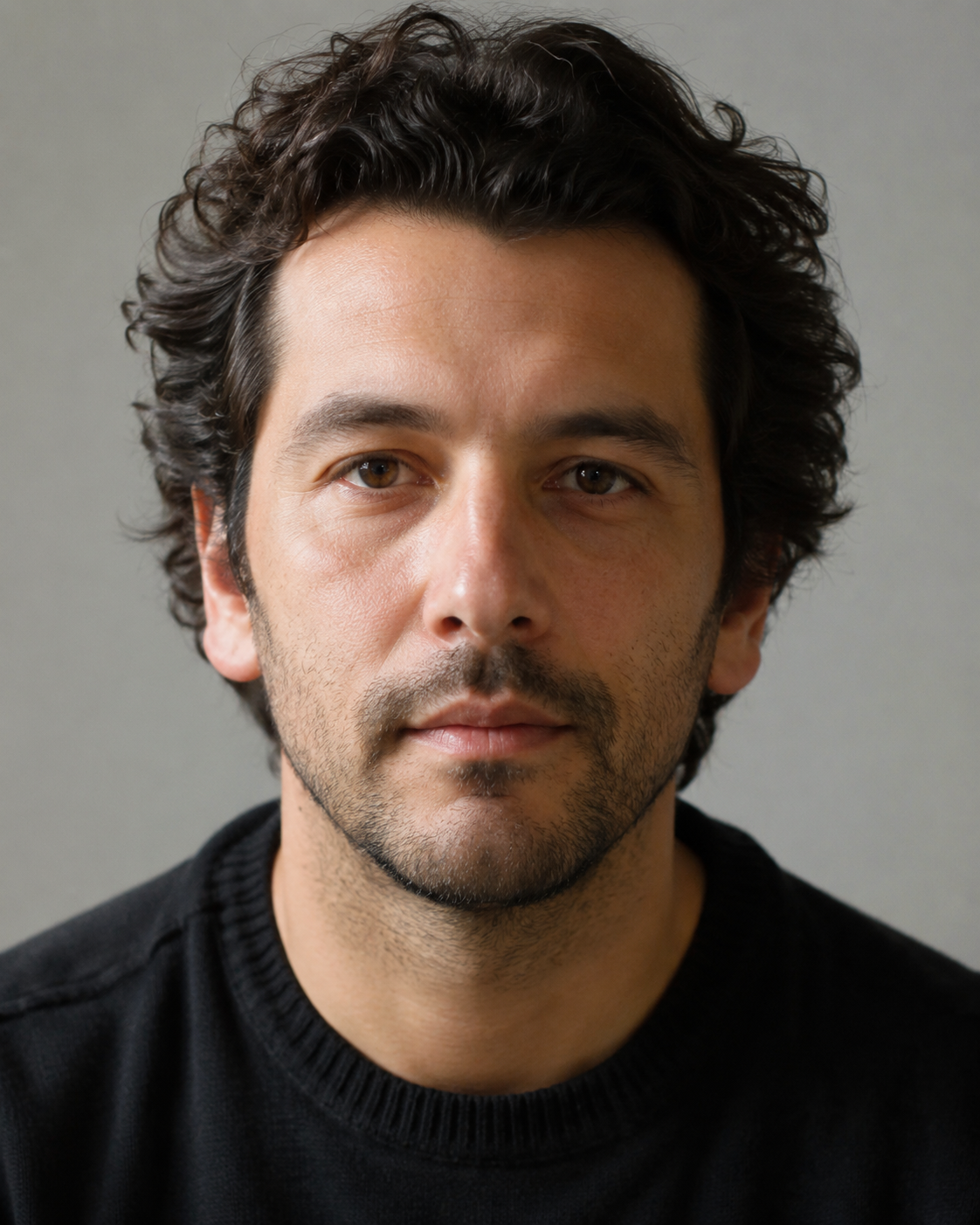
The Historical Officer Portrait prompt transforms a person photo into a realistic cinematic portrait of a fictional decorated military officer. It is not designed to create a real historical figure, political symbol or propaganda image. Instead, it creates a dramatic historical-drama style portrait using the uploaded person as the identity reference. The final image should preserve the face, age, skin tone, expression, hairstyle, facial hair and recognizable traits while replacing the original clothing with a tailored officer uniform, medals, epaulettes, buttons and a formal portrait atmosphere.
This template is useful for users who want a serious, premium and slightly humorous transformation that still looks polished. It can create a portrait that feels like it belongs in a period film, museum-style character concept, alternative-history artwork, roleplay profile, theatrical poster or dramatic social media image. The background selector gives the user simple creative control: a blurred ceremony setting, cinematic outdoor setting, dark studio or formal interior. Each option changes the environment and mood while keeping the subject as the focus.
The prompt is strongly focused on identity preservation. It names facial features one by one: face shape, jawline, cheekbones, forehead, chin, eyes, eyebrows, nose, mouth, ears, skin texture, facial hair and hairstyle. This matters because uniform transformations can easily turn a person into a generic model. By emphasizing that the person should not be beautified, aged, idealized or replaced, the template keeps the result closer to the uploaded image. The historical officer styling should change clothing, lighting and atmosphere, not the person’s identity.
For SEO, this page can target searches like AI officer portrait prompt, historical military portrait generator, cinematic uniform portrait, person to officer AI image and historical portrait from photo. The best input is a clear portrait or upper-body photo with the face visible. A neutral expression often works especially well because the final image is formal and serious. The aspect ratio field lets users create square portraits, vertical framed images or wider cinematic compositions. Because the prompt asks for a fictional historical officer, users can get a dramatic look without referencing real regimes, modern politics or specific historical uniforms too directly.
How to use this prompt
- 1
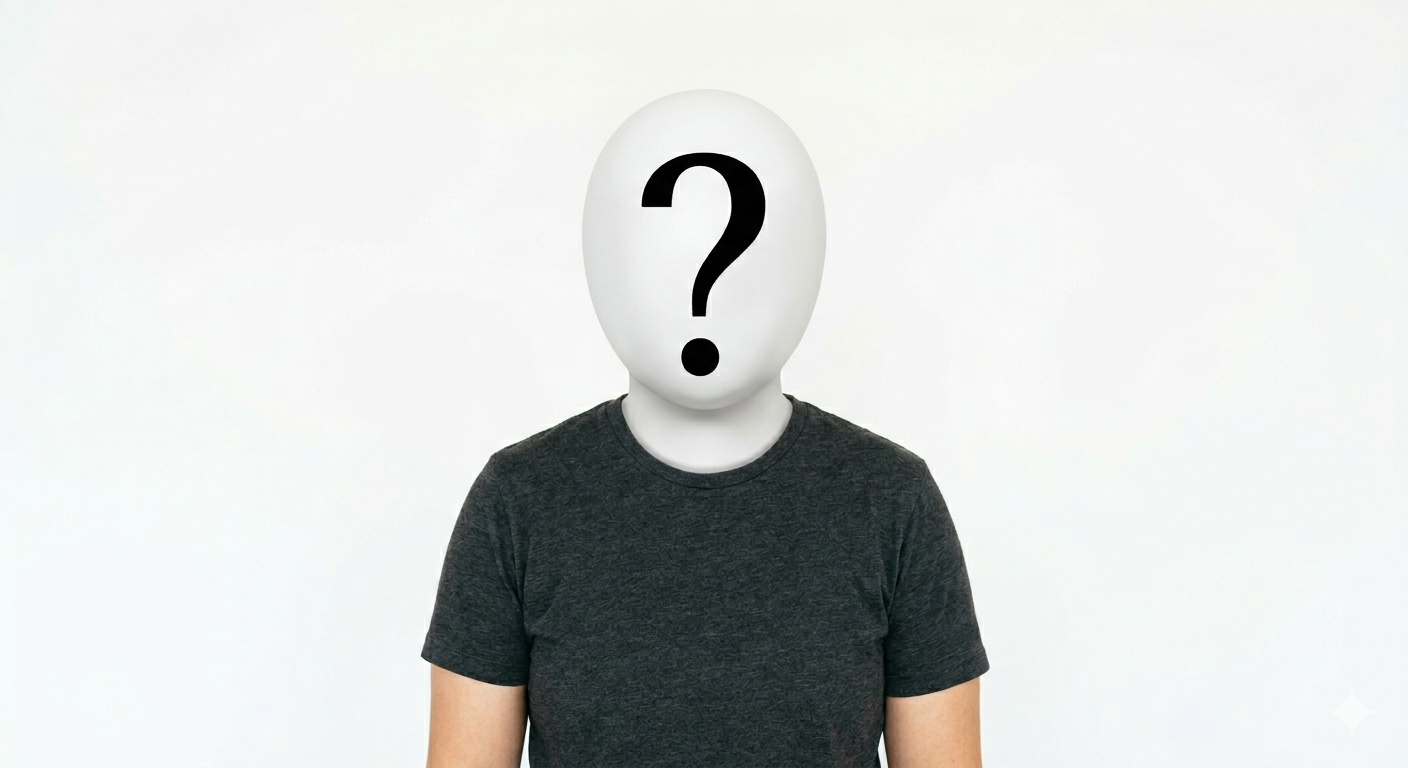
Upload a clear person photo with the face visible. A portrait or upper-body image works best because the final officer design needs enough room for the face, shoulders, collar, medals and uniform details.
- 2
Choose the background style according to the tone. Blurred Ceremony feels formal, Cinematic Outdoor feels historical and dramatic, Dark Studio is more serious, and Formal Interior feels institutional and elegant.
- 3
Select the aspect ratio and copy the full prompt. Keep the identity preservation rules and the fictional officer restrictions so the result looks like the same person in a cinematic uniform portrait.
Best use cases
Dramatic profile images, roleplay avatars and social media portraits where a real person becomes a fictional historical officer character.
Alternative-history character concepts, theatrical posters or cinematic portrait ideas that need a formal military-drama look without depicting a real officer.
Funny but polished transformations for friends, gifts or content where the contrast between a normal photo and a formal officer portrait creates the appeal.
Tips for better results
Use a photo with neutral lighting and a visible face. Extreme angles, heavy filters or covered faces make it harder to preserve identity after adding the uniform.
Avoid adding real country names, political symbols or specific historical regimes. The prompt is strongest when it stays fictional, cinematic and character-focused.
For a classic portrait, use a square or vertical aspect ratio. For a more filmic result with background atmosphere, try a wider crop.
Common mistakes to avoid
Using a face reference that is too small. If the AI cannot see the person’s facial structure clearly, the final officer may look generic.
Adding too many medals, flags or symbols. Extra decoration can make the image cluttered and may push it toward unwanted political or propaganda aesthetics.
Deleting the rules about not changing age or facial proportions. Those lines are important for keeping the person recognizable after the historical transformation.
Final recommendation
Use this prompt when you want a polished fictional historical officer portrait from a real person photo. A clear portrait, a suitable background style and the complete identity-preserving prompt will create the most believable cinematic result.