
Prompt guide
Complete guide for Pet Fashion Portrait
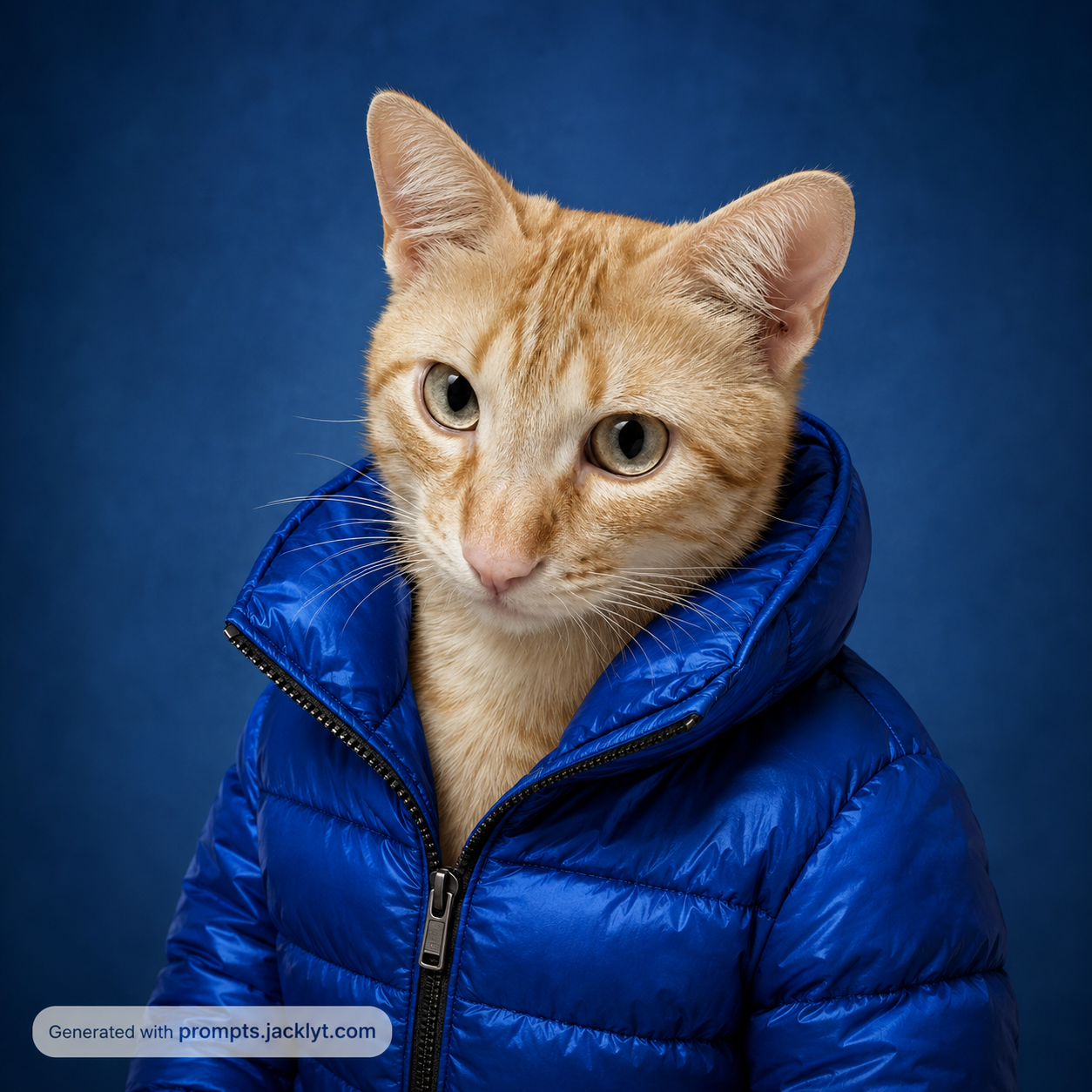
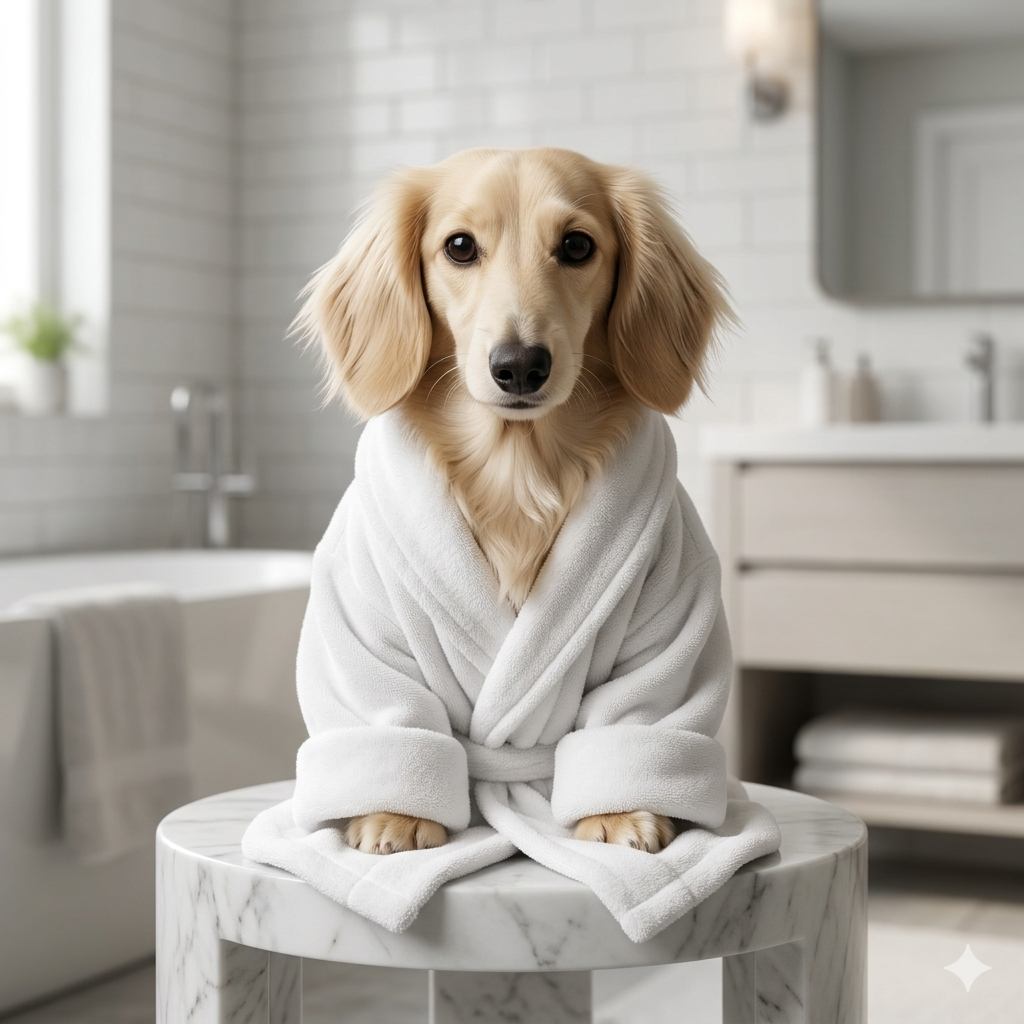
The Pet Fashion Portrait prompt turns an uploaded pet photo into a stylish AI fashion portrait with clothing, color direction and polished studio-style presentation. It is designed for users who want viral pet images that look intentional rather than random: a dog, cat or other pet becomes an upright fashion subject wearing a selected garment while still preserving the animal’s real identity. The prompt focuses on recognizable ears, muzzle, fur color, markings, eye shape, expression and overall personality, so the final image feels like the same pet dressed in a fashion editorial look instead of a generic animal model.
This template is especially useful because it separates two creative decisions: clothing type and clothing color. The clothing type selector lets users choose between a puffy winter jacket, luxury hoodie, tailored suit jacket, streetwear coat or tracksuit jacket. Each option defines fabric, silhouette, seams, fit, volume and fashion attitude. The clothing color selector then controls the visual impact of the outfit, with choices such as lime green, electric blue, bright red, matte black, pure white and pastel pink. That combination makes the result easy to customize for different social feeds, pet profiles, stickers, product mockups or humorous content.
The prompt is also built to solve a common problem with AI pet fashion images: identity drift. Many simple prompts turn the pet into an unrelated dog or cat once clothing is added. This template repeatedly reminds the model that the uploaded pet is the primary reference and that the clothing must adapt naturally to the pet’s transformed portrait body without hiding the face. It also asks for premium fabric details, realistic folds, clean lighting and a strong editorial finish. The result should look like a high-quality pet fashion portrait that could be used in an Instagram post, a pet brand campaign, a funny birthday card or a profile image.
For SEO, this page fits users searching for AI pet fashion prompt, dog hoodie AI image, cat fashion portrait, pet clothing AI generator, funny pet portrait prompt and viral pet image template. The best input is a clear pet photo with visible face, ears and fur markings. Strong identity details give the AI better anchors, while the clothing and color fields give the image a creative style that is easy to control.
How to use this prompt
- 1
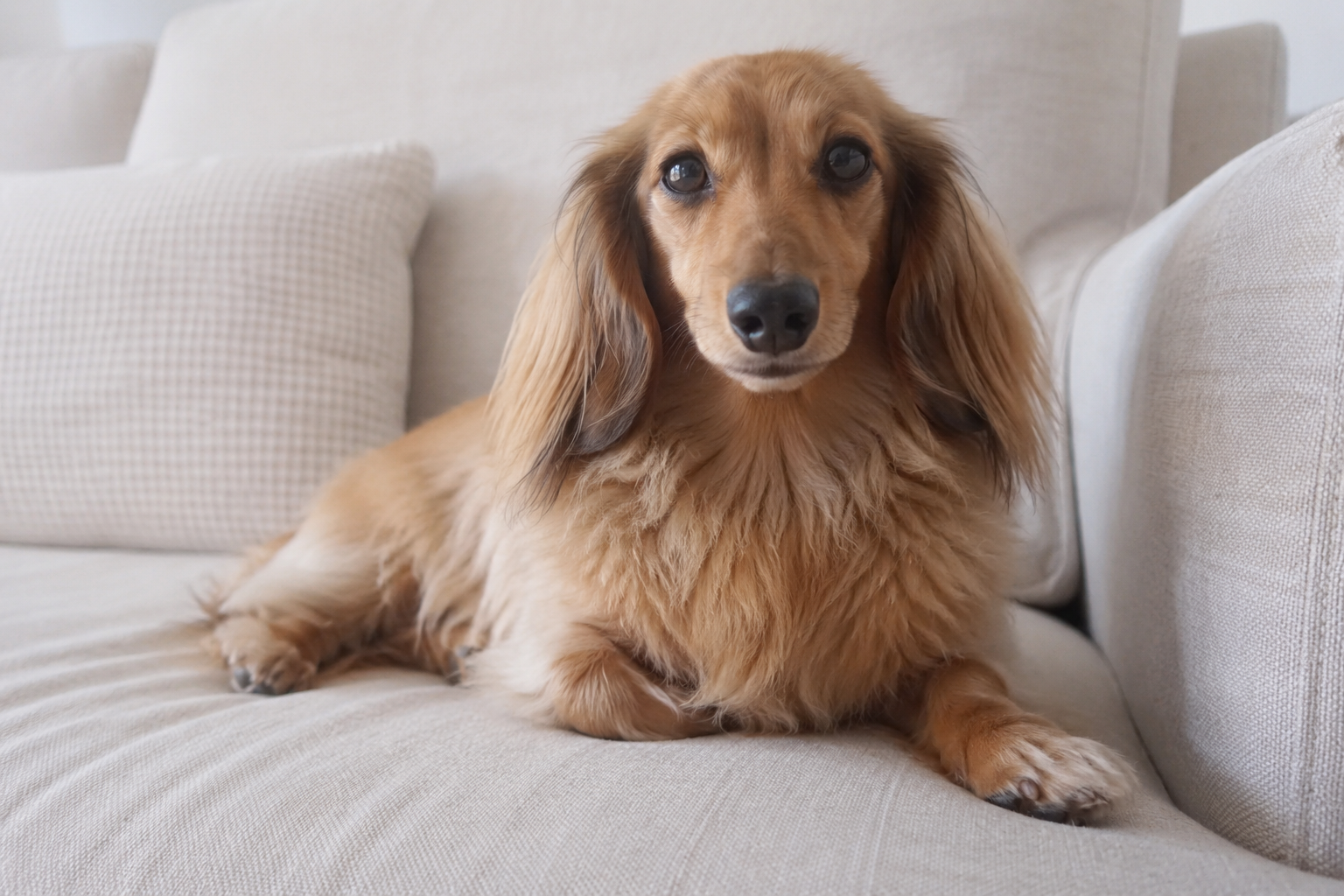
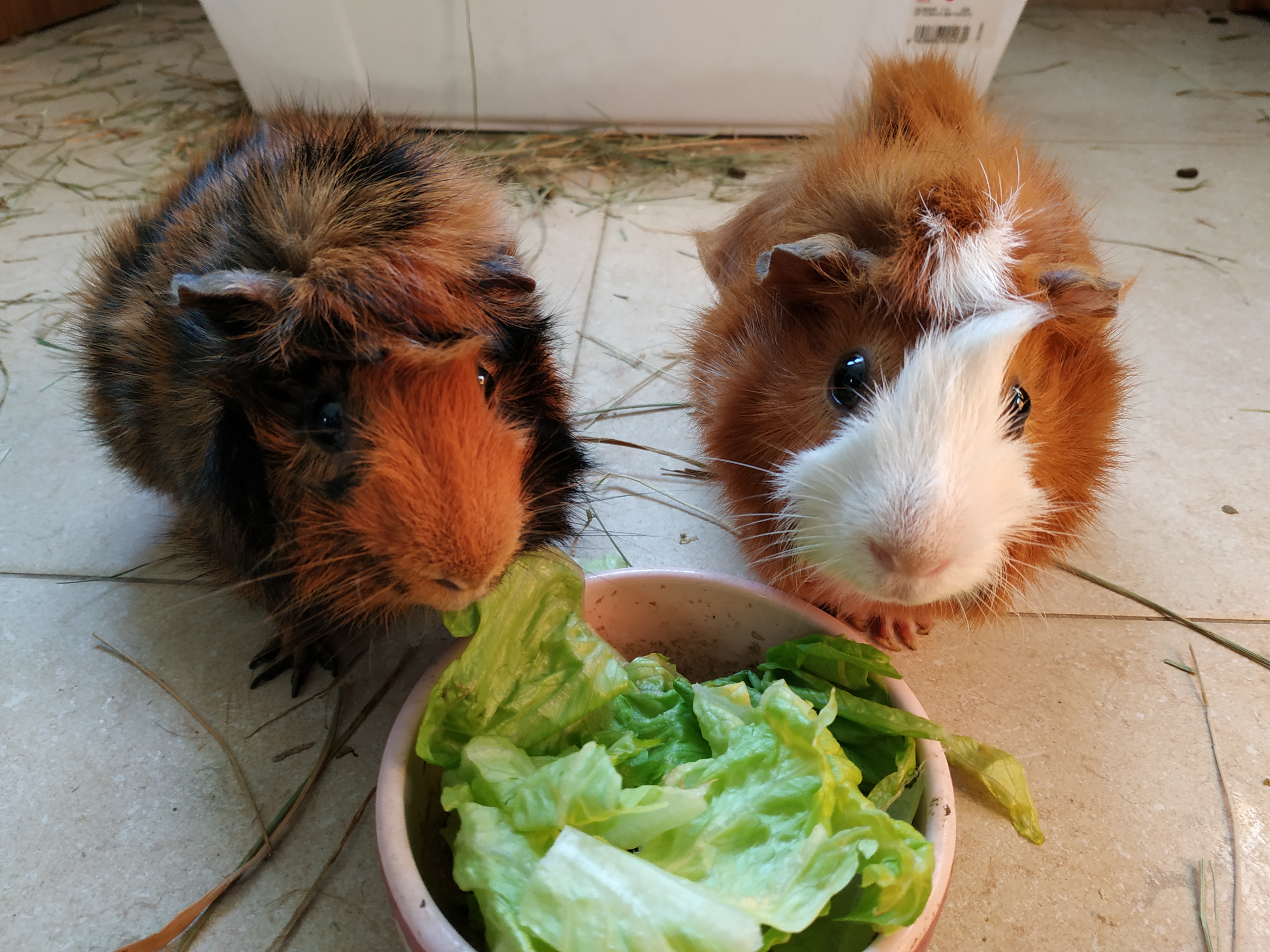
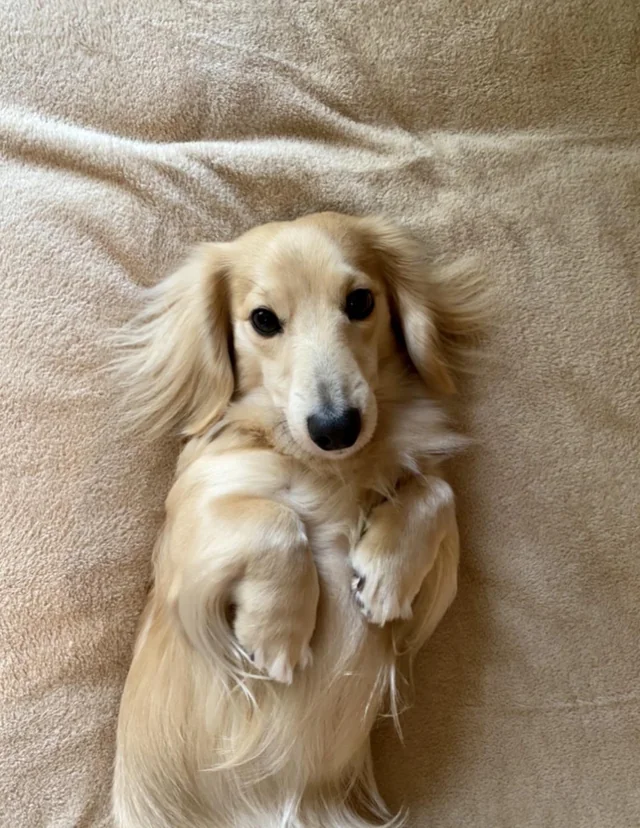
Upload a sharp pet photo where the face, ears, muzzle and fur markings are visible. A front-facing or slightly angled image usually works best because the AI can preserve identity while building the fashion portrait.
- 2
Choose the clothing type first, then the clothing color. The garment controls the fashion category, while the color controls the visual punch and whether the image feels playful, premium, elegant or viral.
- 3
Copy the complete prompt into your image tool with the pet photo attached. Keep the identity-preservation and clothing-fit rules, because they prevent the outfit from hiding the pet’s face or replacing the animal with a generic model.
Best use cases
Viral pet posts for Instagram, TikTok thumbnails, reels covers or profile images where the pet needs to look funny, stylish and immediately recognizable.
Pet brand visuals, mock campaigns, merch ideas or playful product concepts where a fashionable animal portrait can create a strong emotional hook.
Personal gifts, birthday cards, stickers and avatars for pet owners who want a polished image of their real pet wearing a specific outfit color and style.
Tips for better results
Pick a source image with distinctive fur patterns. The more recognizable the markings around the eyes, ears and muzzle are, the easier it is for the AI to keep the same pet after adding clothes.
Use bold colors for social content and neutral colors for premium portraits. Lime green and red feel viral, while black, white and pastel pink often look cleaner and more editorial.
If the clothing covers too much of the pet, regenerate with a simpler garment or a tighter portrait crop. The pet’s face should always remain the main focus.
Common mistakes to avoid
Uploading a photo where the pet is too small in the frame. The AI may invent facial details or lose markings if the reference does not show enough information.
Choosing an outfit and color that hide the pet’s personality. A very dark garment on a dark-furred pet may need strong lighting or a different color to keep the portrait readable.
Removing the realism rules and asking for too many accessories. Hats, glasses, jewelry and props can distract from the pet and make the result less polished.
Final recommendation
Use this prompt when you want a real pet to become a stylish fashion portrait with controlled clothing and color. A clear source photo, a deliberate outfit choice and the full structured prompt will create a cleaner, funnier and more recognizable result.