
Prompt guide
Complete guide for Epic Warrior With Pet
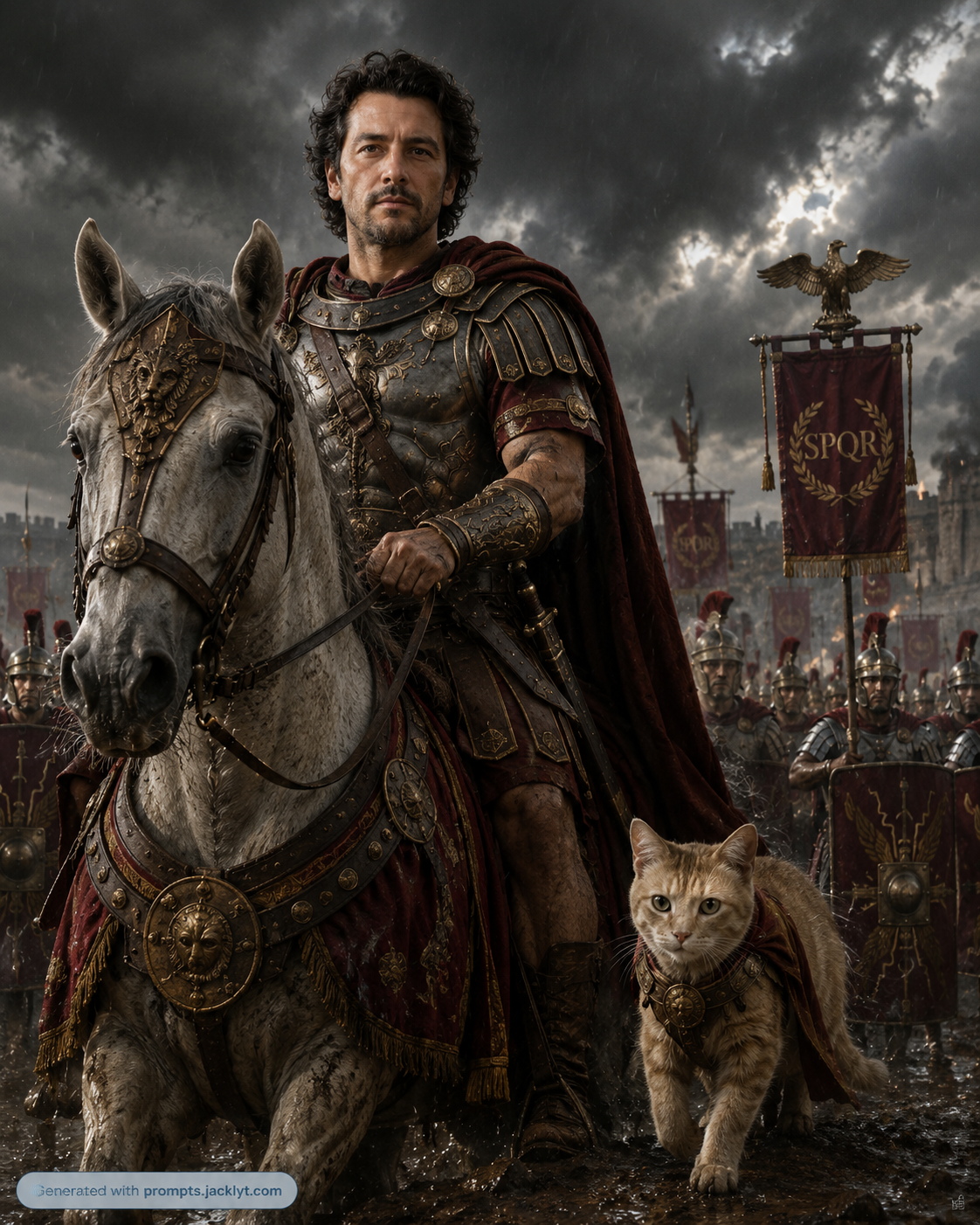
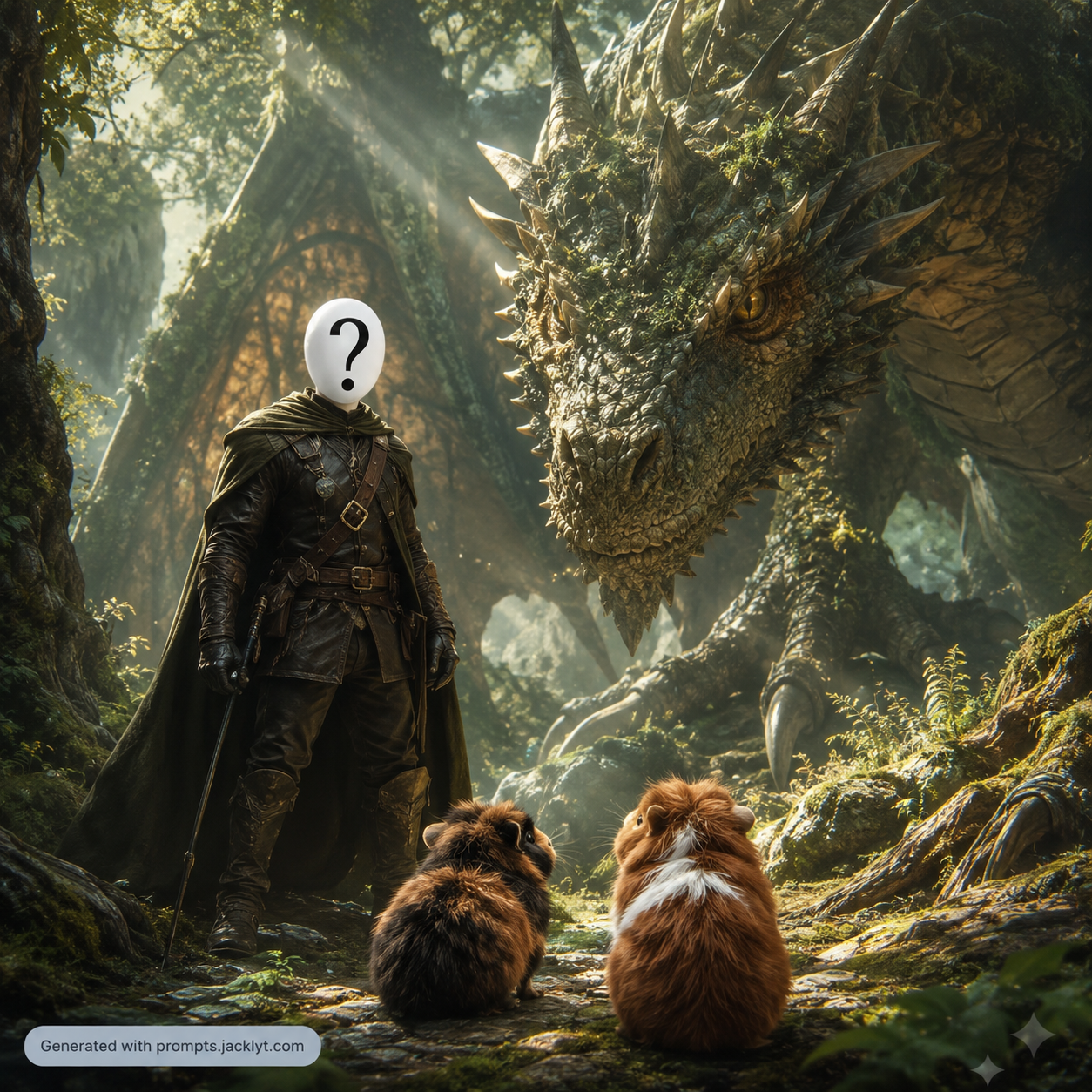
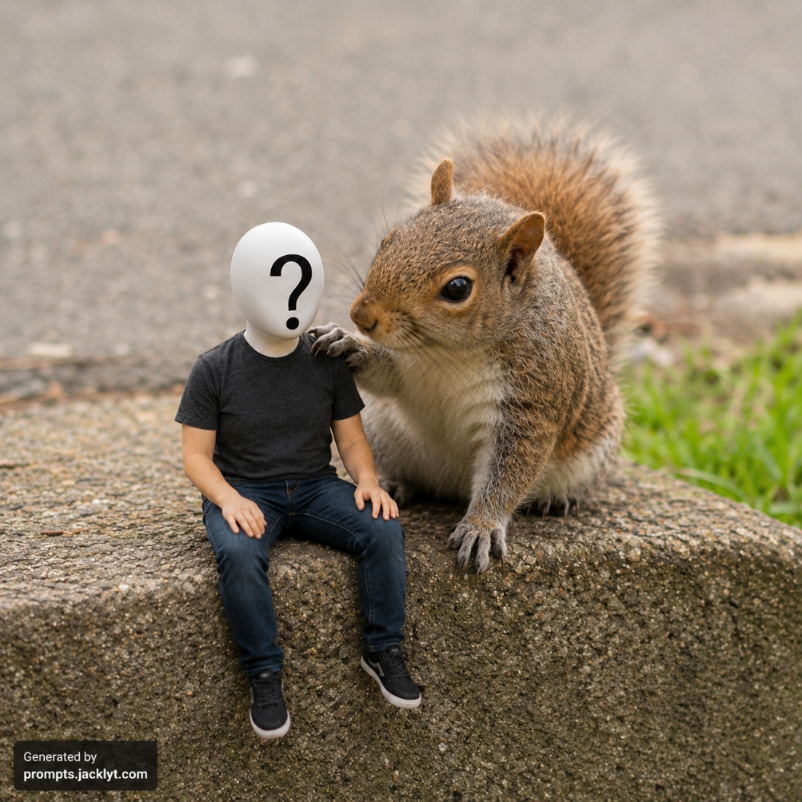
The Epic Warrior With Pet prompt is designed for cinematic image-to-image transformations where a person and their pet become the heroes of a dramatic battlefield scene. Instead of creating a generic fantasy character, the prompt uses the uploaded image as the identity reference and builds a high-impact warrior portrait around it. The person should remain recognizable through facial structure, pose, presence and relationship with the pet, while the pet remains a loyal companion with its species, size, markings and expression preserved as much as possible. The final result aims to feel like a premium historical epic, fantasy movie poster or game key art scene.
This template is powerful because it combines three creative layers. The first layer is identity preservation: the uploaded person and pet remain the core subjects. The second layer is warrior style: Roman general, medieval knight, samurai warlord, Viking chief or fantasy dragon commander. Each option controls armor, cultural inspiration, army design, props, banners and overall historical or fantasy language. The third layer is battlefield mood: dark storm, golden epic, misty warfield or fire and smoke. This mood selector changes the lighting, color grading and emotional tone without requiring the user to understand cinematography.
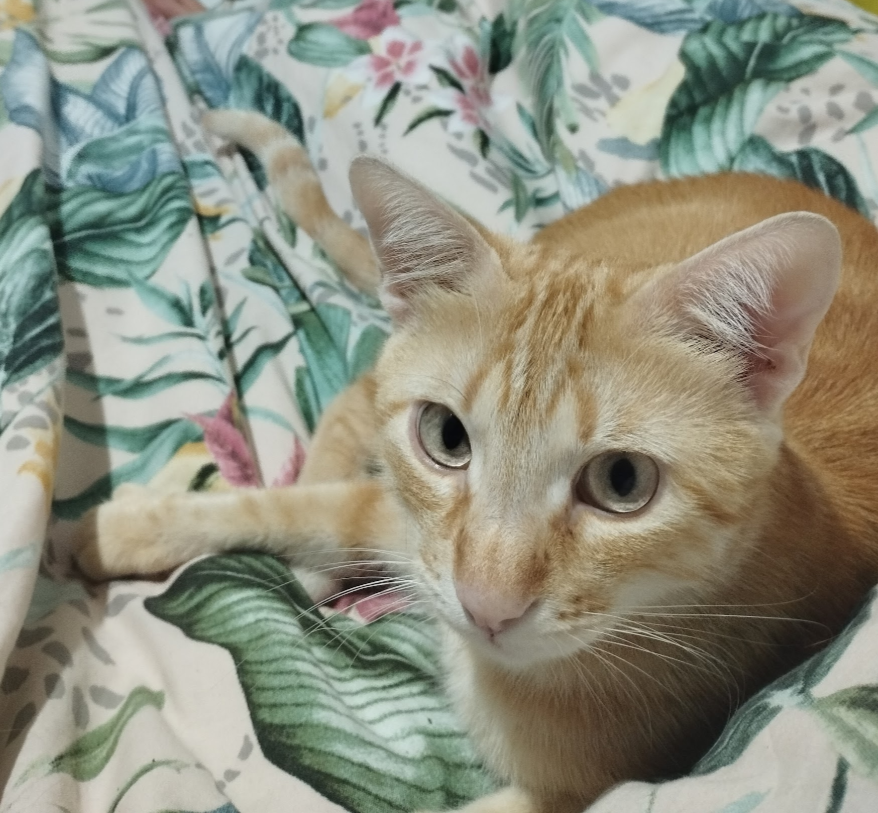
The prompt is ideal for users looking for an AI warrior portrait prompt, epic pet portrait, fantasy commander image, historical hero transformation or cinematic person with dog prompt. It can be used for social media, profile banners, game-inspired avatars, pet owner gifts, fantasy roleplay visuals, thumbnails and dramatic storytelling images. The inclusion of an optional second pet photo is useful when the main image shows the person clearly but the pet reference needs more detail. The AI can then better preserve the animal’s fur markings, face shape and companion presence.
The structure prevents common weak results by explaining that the scene should be epic but not chaotic. It asks for realistic armor alignment, believable battlefield depth, cinematic lighting and a strong hero-and-companion composition. It also protects against identity loss, random extra animals, distorted faces, unreadable armor and messy fantasy clutter. For best results, the user should provide a clear image of the person and pet together, or a strong person image plus a separate pet reference. The chosen aspect ratio can then adapt the final artwork for posters, vertical phone wallpapers, square avatars or wide cinematic banners.
How to use this prompt
- 1
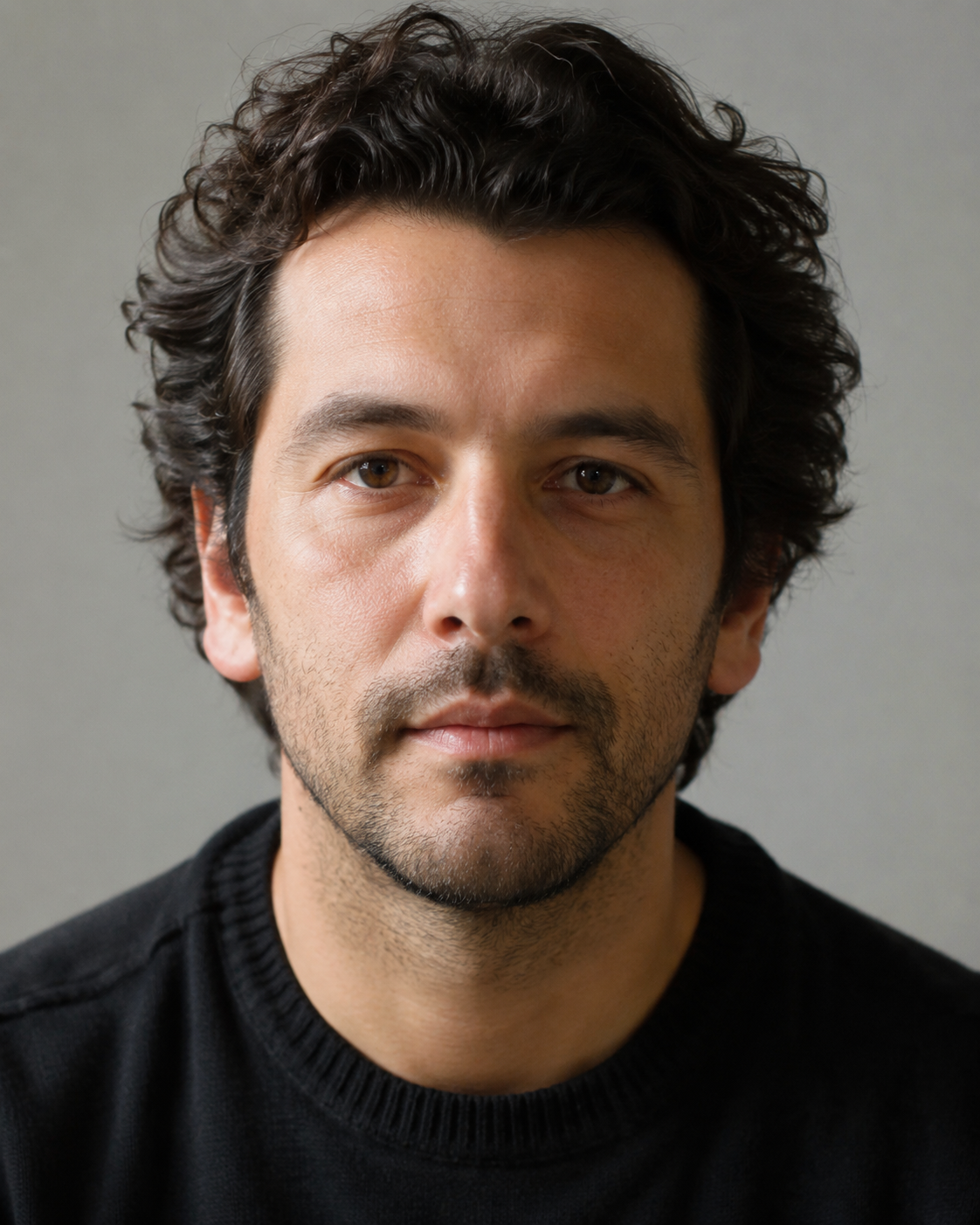
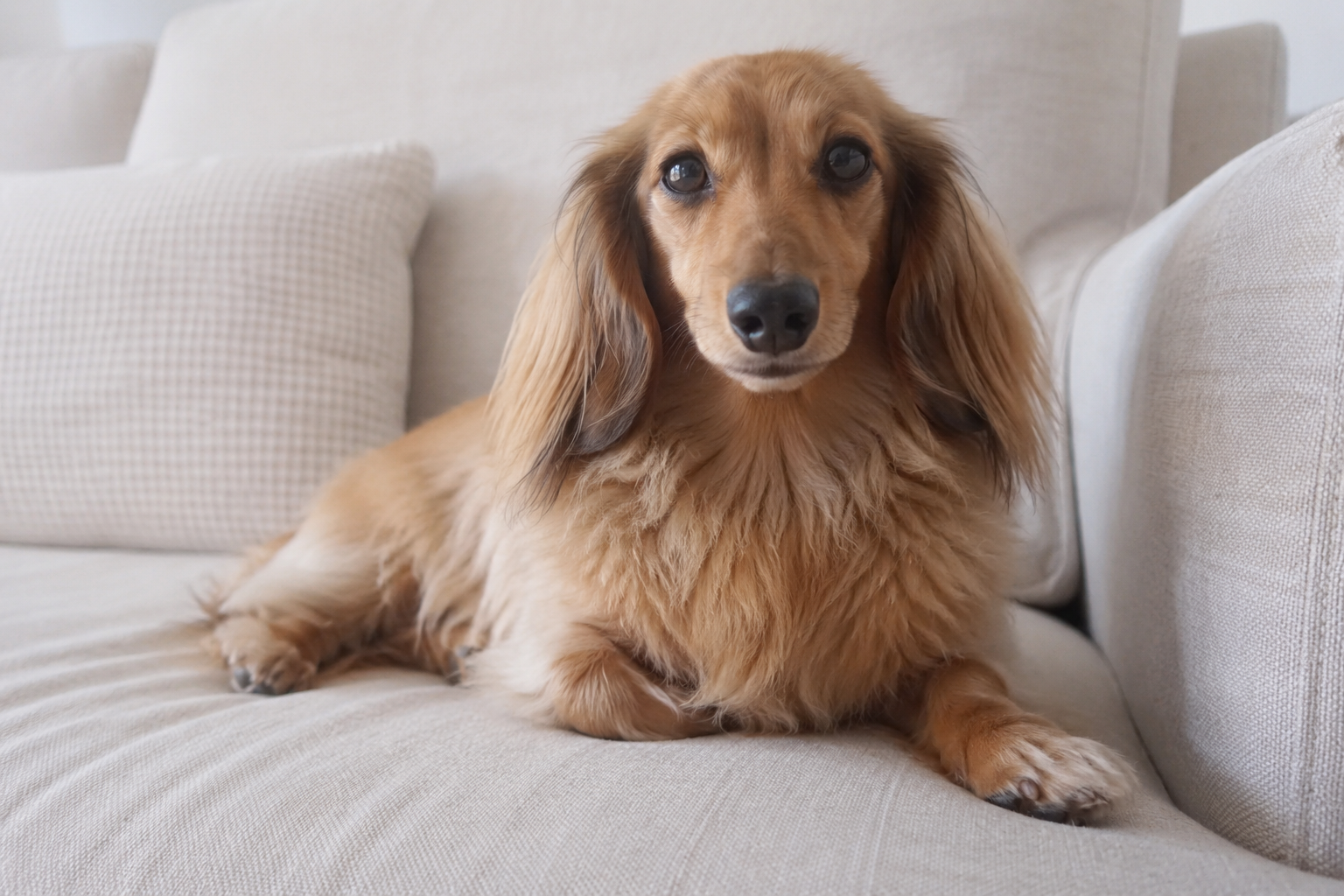
Upload a photo that clearly shows the person and pet together whenever possible. If the pet is not clear enough in the main image, add the optional pet photo so the AI has a stronger reference for markings, size and expression.
- 2
Choose the warrior style based on the story you want: Roman for imperial command, medieval for knightly drama, samurai for disciplined elegance, Viking for raw power, or fantasy dragon commander for a more magical epic scene.
- 3
Pick the battlefield mood and aspect ratio, then copy the full prompt into your AI tool. Keep the rules about identity, armor, pet preservation and composition so the result stays cinematic instead of becoming random fantasy clutter.
Best use cases
Epic portraits for pet owners who want to appear as legendary warriors with their dog, cat or companion animal beside them.
Fantasy profile images, game-style avatars, roleplay visuals and dramatic social media posts with a strong hero-and-companion concept.
Gift images, posters, thumbnails and storytelling artwork where preserving the real person and pet matters more than generating a generic warrior scene.
Tips for better results
Use a source photo where the person’s face is not hidden. Helmets, armor and battlefield lighting work best when the AI can still anchor the final hero to a clear face reference.
Match the mood to the warrior style. Golden Epic works well for Roman and fantasy scenes, while Dark Storm and Fire and Smoke can make medieval or Viking options feel heavier and more dramatic.
If the pet becomes too small, try a square or vertical aspect ratio and regenerate. The companion should be visible enough to feel emotionally important, not just like a background animal.
Common mistakes to avoid
Using a photo where the pet is hidden, cropped or blurred. The prompt can preserve only what the AI can clearly identify from the reference.
Adding too many extra fantasy details such as multiple dragons, glowing weapons and huge castles. Extra elements can steal focus from the person and pet.
Deleting the composition rules. Without them, the AI may create a crowded battlefield where the subjects are too small, distorted or hard to recognize.
Final recommendation
Use this prompt when you want a cinematic warrior transformation that celebrates both a person and their pet. Clear references, a strong warrior style, a compatible battlefield mood and the full structured prompt produce the most impressive and recognizable results.