Prompt guide
Complete guide for High-End Levitating Food Photography
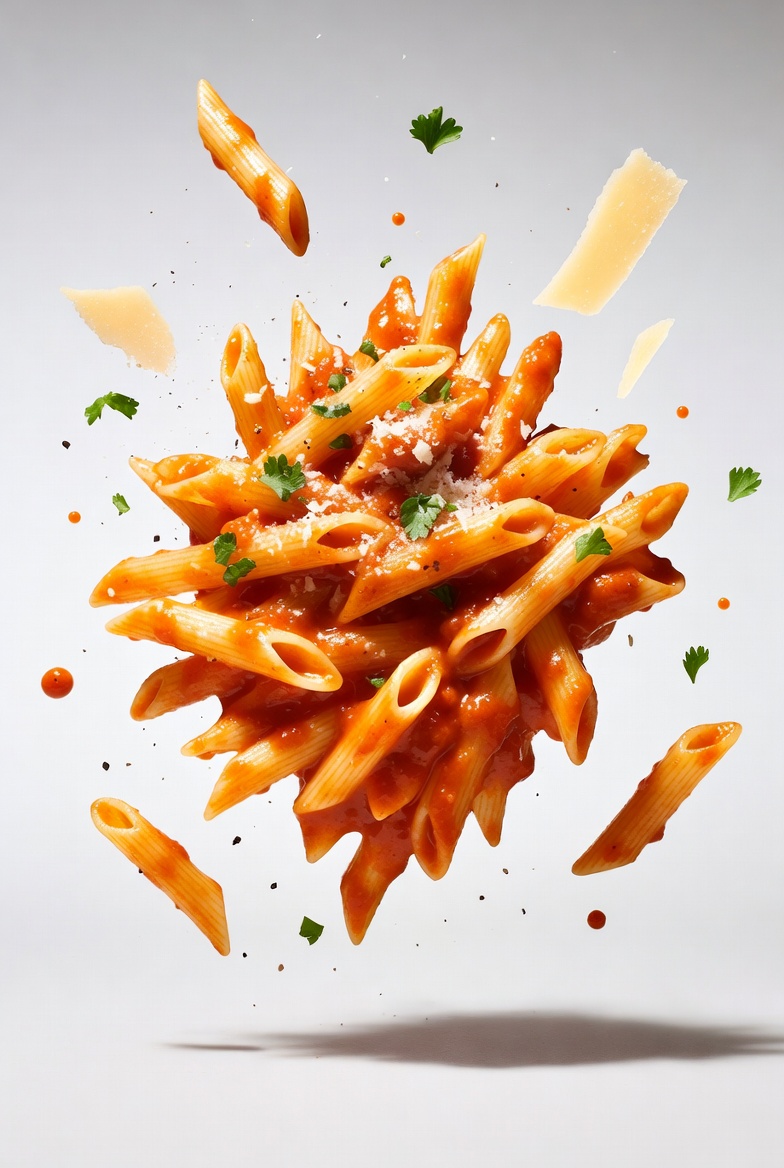
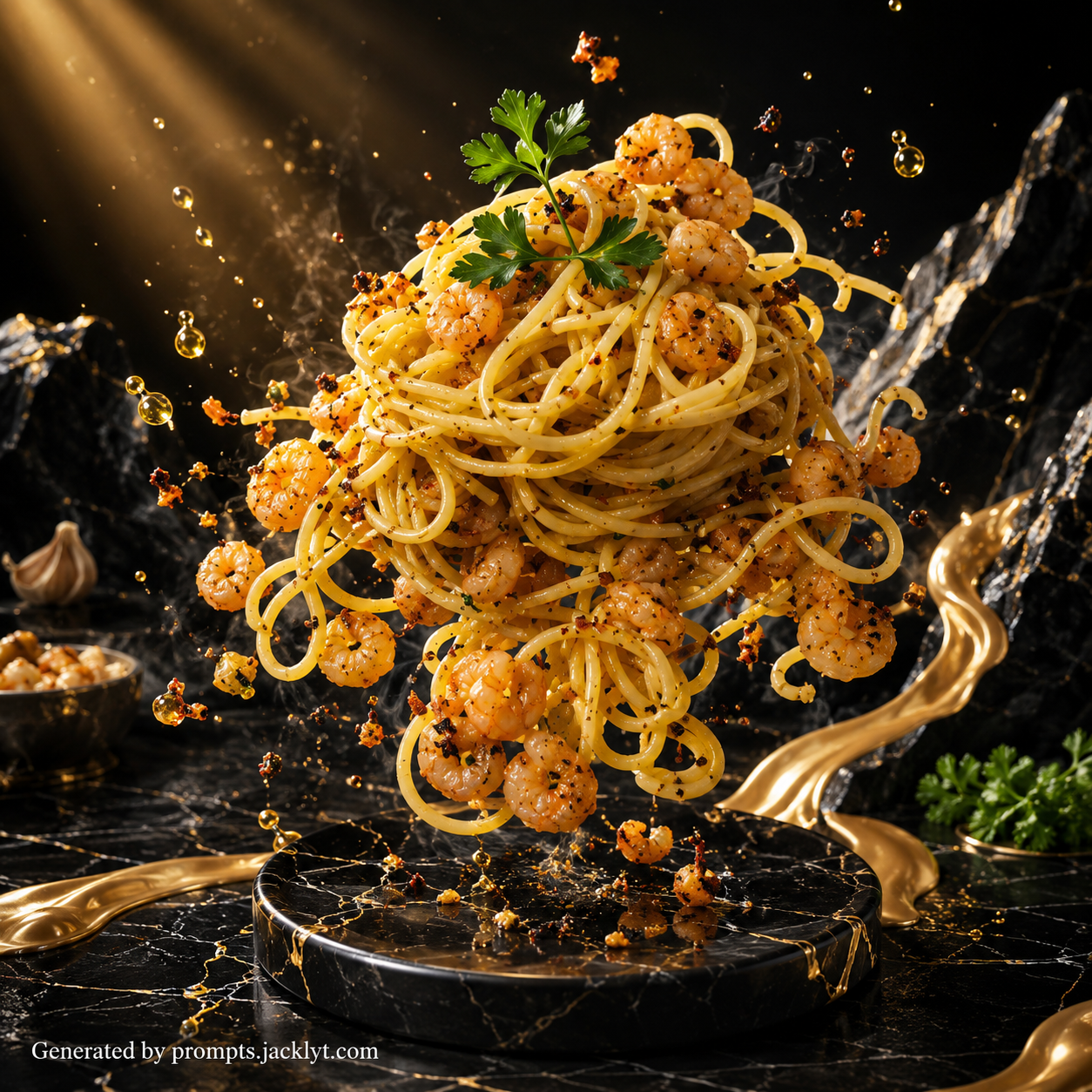
The High-End Levitating Food Photography prompt is designed for creating elegant commercial food images with a floating exploded-view composition. It focuses on a single gourmet food subject and presents it in a refined studio setup where ingredients, crumbs, herbs, droplets or garnishes appear suspended around the main item. The visual goal is not chaos or fantasy; it is controlled premium food photography with balance, soft lighting, clean background space and a luxurious advertising feel.
This template is useful for users who want food visuals that look like professional product photography but do not want to manually describe every lighting and composition detail. The prompt defines the project as a high-end commercial food series and guides the model toward minimalist advertising photography, soft diffused natural studio light, a white or light gray background, realistic shadows, sharp focus and an appetizing color palette. These details help the final image feel polished rather than randomly decorative.
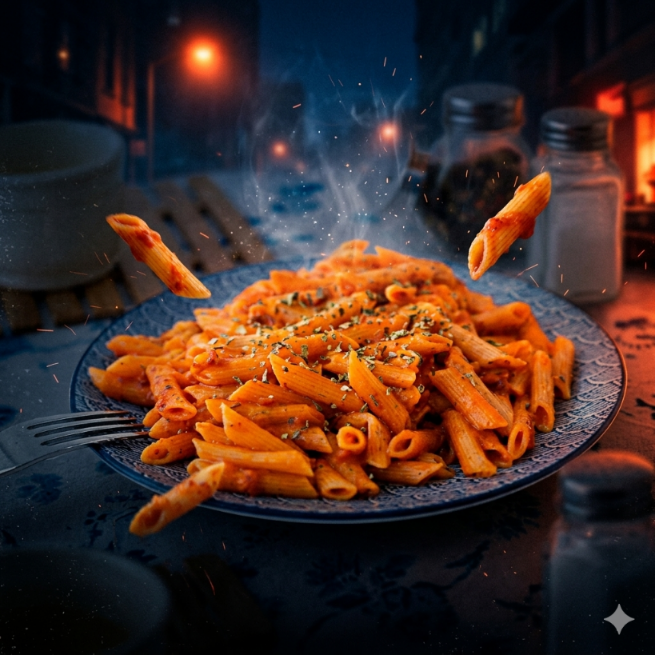
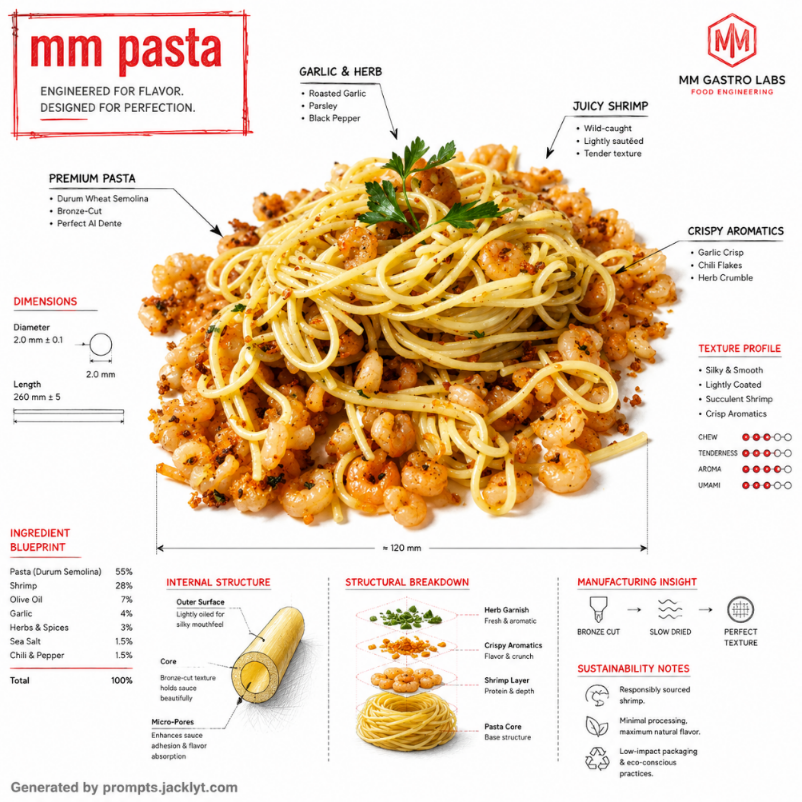
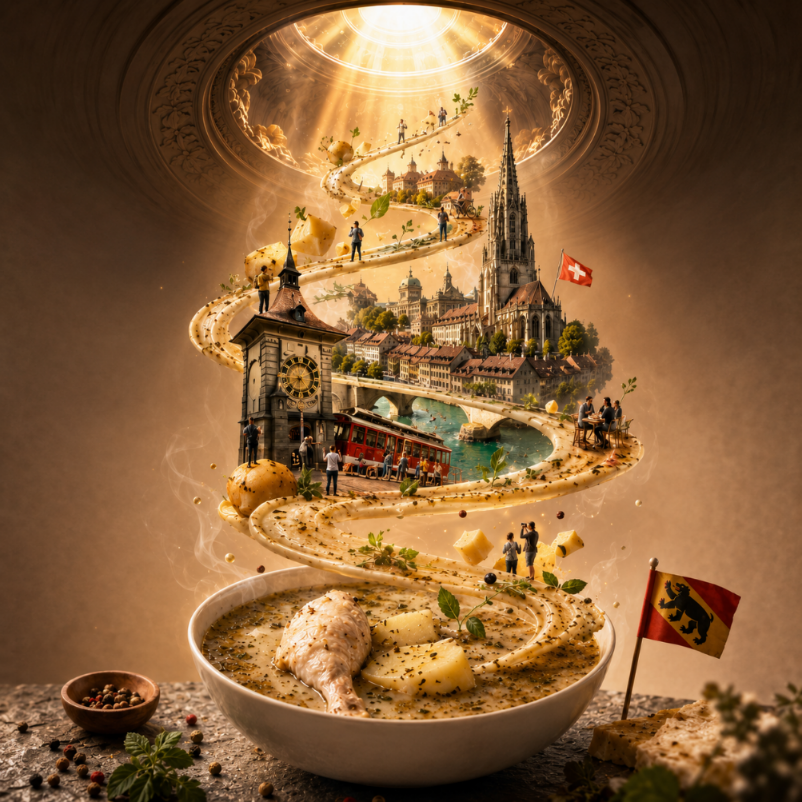
The main strength of this prompt is the levitating composition. AI tools often add too many floating objects or place them without hierarchy. This template gives a more precise direction: the main food item should be centered, the supporting elements should float in a balanced exploded arrangement, and the image should use gentle shadows to create realistic depth. That makes it ideal for premium burgers, pastries, sushi, sandwiches, desserts, pasta nests, gourmet snacks or any food where ingredients can be visually separated in an elegant way.
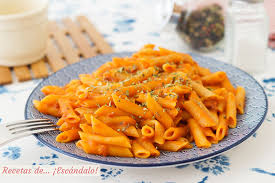
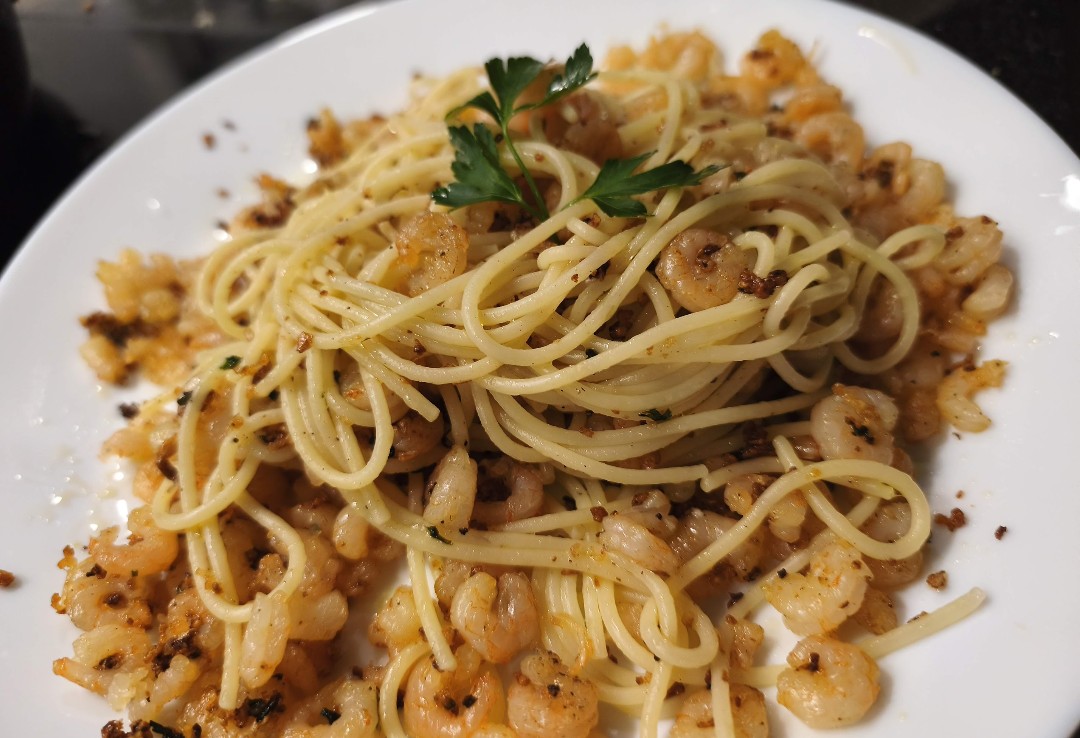
The template also supports a description and an optional reference image. The text field helps define what the main food item should be, while the image input can give the AI a stronger visual reference for shape, ingredients, color and texture. When both are used together, the prompt can produce a more controlled result: the description sets the concept, and the image guides the visual identity. The aspect ratio field lets the user adapt the output to square posts, vertical social content, website banners or product campaign assets.
Use this prompt when you want a premium, minimalist food campaign look: a levitating croissant with flakes and butter texture, a sandwich with floating layers, a dessert with suspended berries and cream, a burger separated into perfect stacked ingredients, or a snack product surrounded by crisp crumbs and seasoning. The best results come from clear inputs, a single food subject, and restraint. The more focused the subject is, the more the AI can create a clean, desirable and professional composition.
How to use this prompt
- 1
Describe the main food item clearly in the text field. Include the type of food, visible ingredients, texture and premium direction, such as buttery croissant, layered pistachio dessert, gourmet burger or crispy spicy snack.
- 2
Upload a reference image when you want the AI to follow a specific shape, ingredient arrangement or product identity. The image is optional, but it can make the levitating result feel much closer to your intended food.
- 3
Choose the aspect ratio according to the final placement, then copy the complete prompt into your AI image tool. Keep the clean background, lighting, shadow and restriction rules so the image remains premium and uncluttered.
Best use cases
Food brands can use this prompt to generate polished hero images for campaign concepts, product launches, menu highlights, packaging moodboards or premium social posts.
Restaurants, cafés and bakeries can create elegant visuals for signature dishes, pastries, desserts and seasonal specials without needing a full studio shoot for every concept.
Prompt creators and designers can use it to test ingredient layouts, exploded compositions and clean food photography ideas before developing final ads or website visuals.
Tips for better results
Focus on one food item. A single sandwich, dessert, pastry or snack works better than a full table scene because the prompt is built around one centered levitating subject.
Mention key ingredients that should float around the main item. This helps the AI choose relevant suspended elements instead of adding random crumbs or decorative objects.
If the composition feels too busy, regenerate with a shorter food description and keep the minimalist background rules. If it feels too plain, add two or three specific garnish details.
Common mistakes to avoid
Do not describe several unrelated dishes at once. The template is designed for one main item, and multiple subjects can weaken the hierarchy of the levitating composition.
Avoid dark, cluttered or heavily branded reference images if you want a clean studio result. The prompt asks for a white or light gray background, so simple references work best.
Do not remove the no-text and no-logo restrictions. They keep the image from turning into a fake advertisement with unreadable labels or invented branding.
Final recommendation
Use the High-End Levitating Food Photography prompt when you want a clean, elegant and premium food image with a controlled floating ingredient effect. A focused subject, optional reference image and complete structured prompt will help the AI produce a polished commercial result instead of a random food collage.