

Prompt guide
Complete guide for Cartoon Menu Redesign
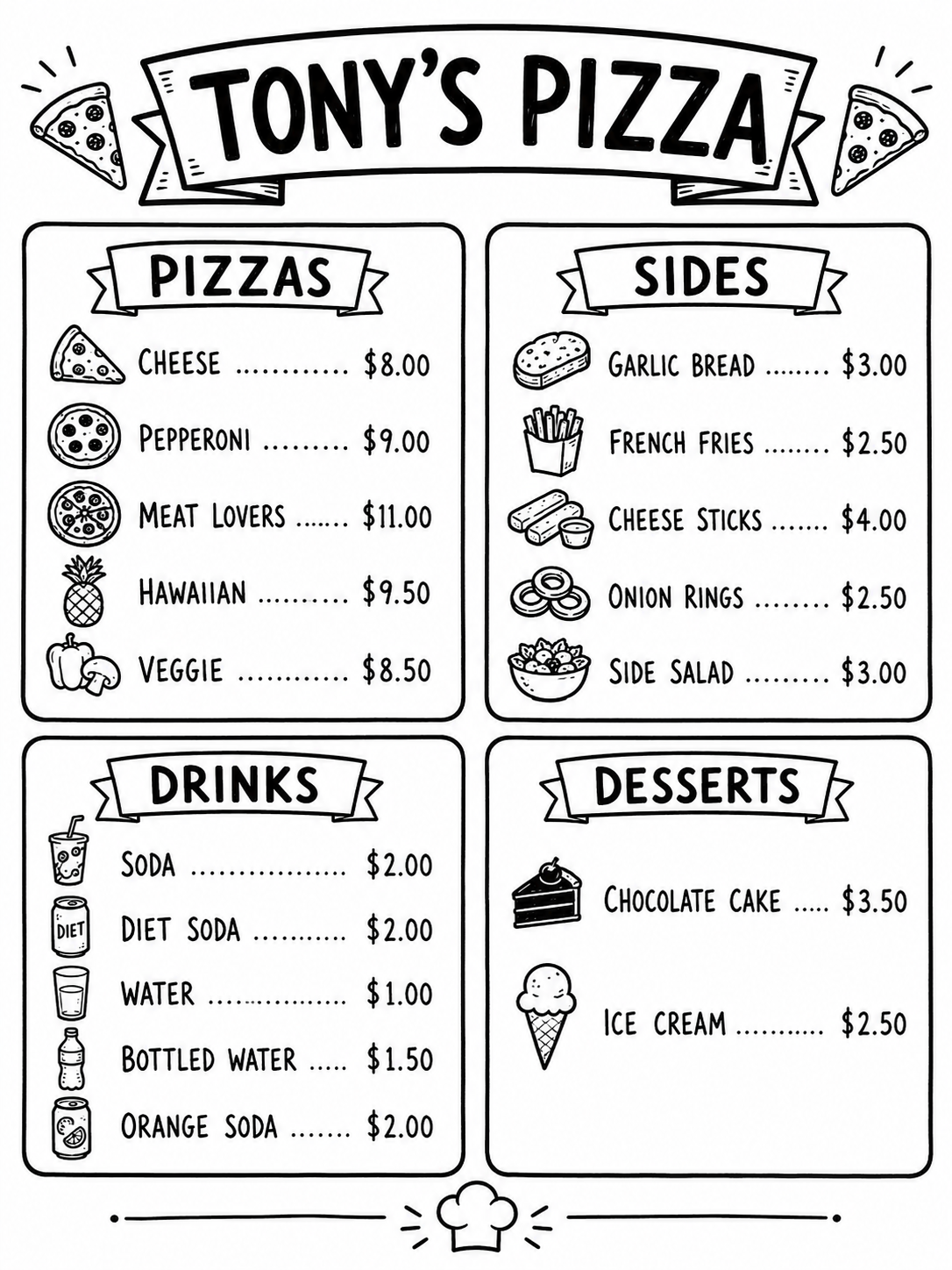
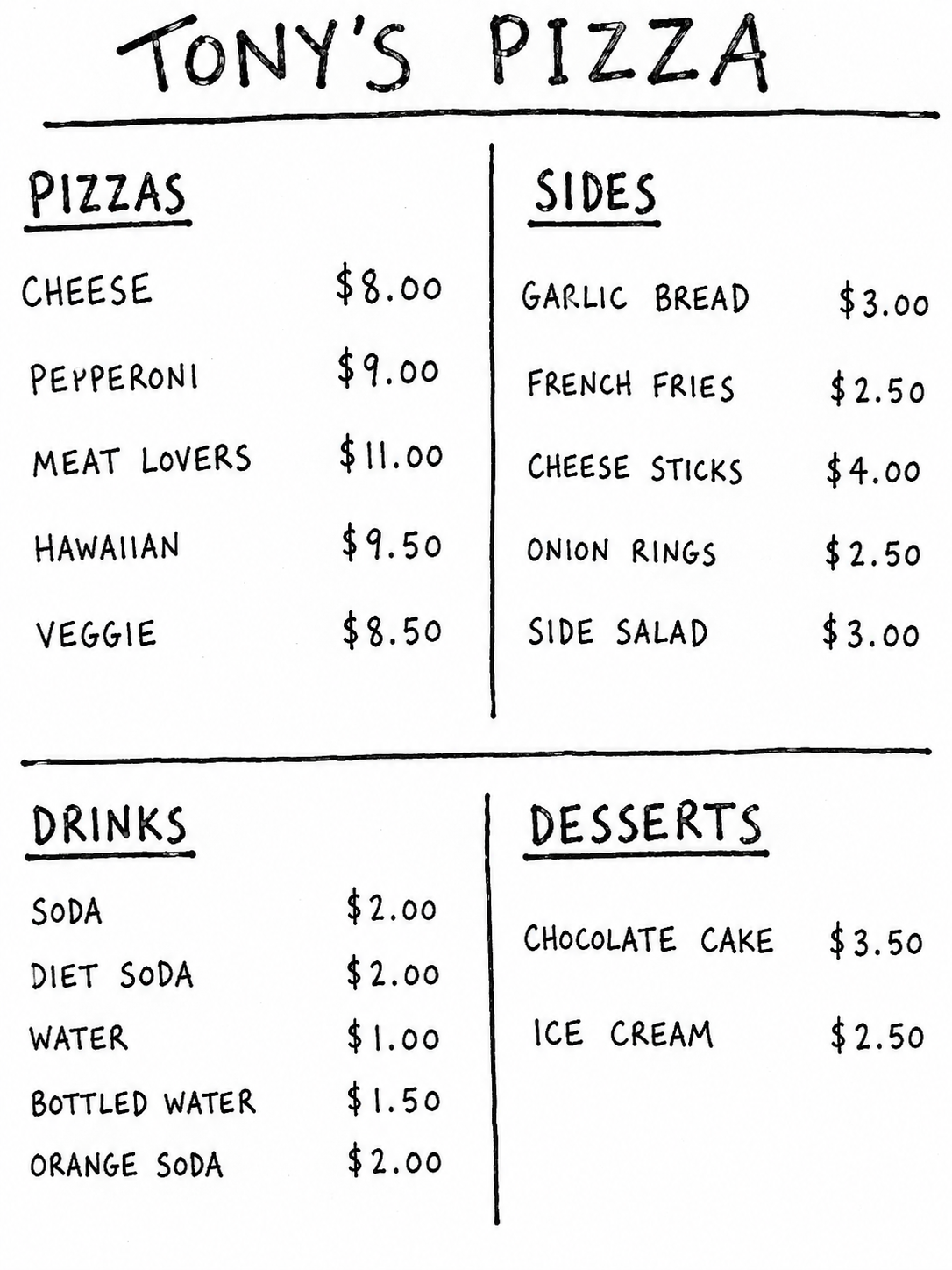
The Cartoon Menu Redesign prompt is a practical image-to-image template for turning a rough, plain or messy restaurant menu into a clean black-and-white cartoon menu design. It uses the uploaded menu image as the source of truth for all text, sections, dish names, prices and structure. The goal is not to invent a new menu, translate the content or change the restaurant offer. The goal is to redesign the same menu so it becomes more readable, charming, organized and visually appealing while preserving every important detail.
This prompt is especially useful for food trucks, cafés, pizzerias, casual restaurants, pop-up food stands and small businesses that need a friendly printable menu style. The black-and-white restriction makes the final image practical for printing, photocopying, low-cost flyers, chalkboard-style layouts or social posts with a hand-drawn look. Every menu item receives its own small cartoon drawing, which helps customers scan the offer quickly and makes the design feel more appetizing without relying on realistic food photography.
The template is carefully structured around menu preservation. It tells the AI to keep the restaurant name, category titles, dish names, drink names, dessert names, side items, prices and currency symbols exactly as shown. It also explains that text should not be translated, renamed or invented. This matters because AI image models often make mistakes with text. By emphasizing content preservation, readable typography, aligned prices and clean hierarchy, the prompt gives the model a stronger chance of producing a useful menu redesign rather than a decorative but inaccurate image.
For SEO, this page fits searches such as AI menu redesign prompt, cartoon restaurant menu generator, black and white menu illustration, food truck menu design prompt and menu makeover from image. The best input is a clear photo or screenshot of the original menu with readable text. The aspect ratio field helps adapt the output for a full-page menu, vertical flyer, square social post or wide board-style design. Because AI text rendering can still be imperfect, users should review the final result carefully and regenerate or correct details when exact spelling and pricing are business-critical.
How to use this prompt
- 1
Upload a clear menu image where all text and prices can be read. The AI can only preserve dish names and prices accurately when the original image is sharp, well lit and not heavily cropped.
- 2
Choose an aspect ratio that matches the final format. Use vertical ratios for flyers and printed menus, square for social posts, and wide formats for menu boards or website banners.
- 3
Copy the full prompt and keep the black-and-white, text-preservation and cartoon-drawing rules. After generation, review every item and price before using the design publicly.
Best use cases
Small restaurant and café menus that need a friendly redesign without hiring a designer for an early concept or draft.
Food truck, pizza shop or casual takeaway menus where simple cartoon food drawings can make the offer easier to scan.
Printable black-and-white flyers, chalkboard-inspired concepts and social previews where color is unnecessary or printing budget is limited.
Tips for better results
Use the cleanest possible source image. A straight screenshot or scanned menu usually works better than an angled photo with glare, shadows or blur.
Keep the menu reasonably simple. Extremely dense menus with tiny text and many prices are harder for any AI image model to preserve accurately.
If the design is attractive but the text has errors, regenerate with a clearer input or use the output as a visual draft and correct the text manually in a design tool.
Common mistakes to avoid
Uploading a blurry menu and expecting perfect text. AI image tools are not reliable OCR systems, so legibility in the source matters a lot.
Adding color instructions. This template is intentionally black and white for a clean cartoon menu, so color requests can break the printable style.
Using the result commercially without checking every dish and price. The prompt tries to preserve content, but business menus should always be proofread before publication.
Final recommendation
Use this prompt when you want to convert an existing menu image into a cleaner black-and-white cartoon design. A sharp source menu, the right aspect ratio and careful review after generation will produce the most useful result.