
Prompt guide
Complete guide for Roman People Transformation
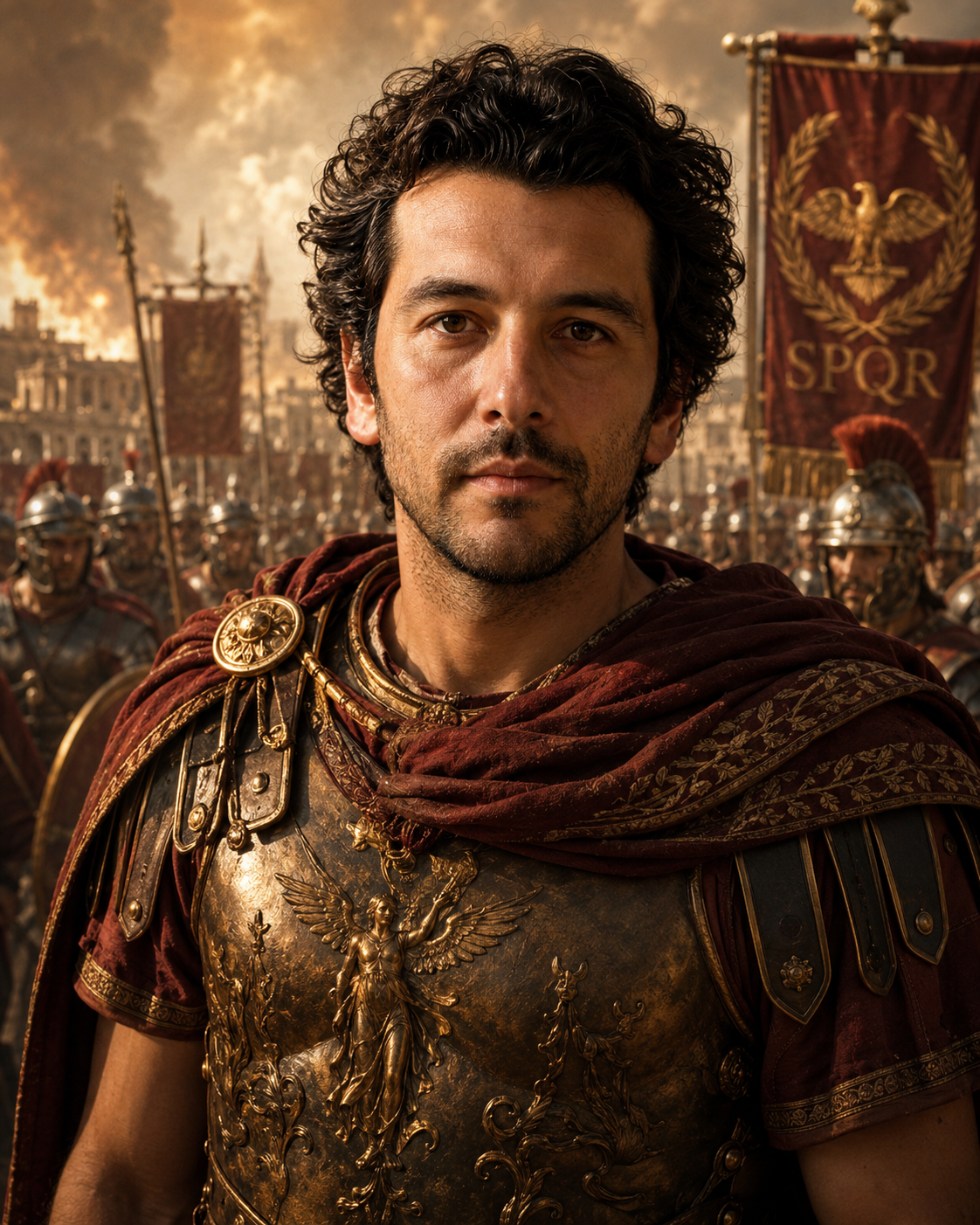
The Roman People Transformation prompt reimagines an uploaded person or group photo as a premium cinematic ancient Roman scene. It preserves the main people, their recognizable faces, number, posture and identity cues, while replacing the modern setting with Roman-inspired clothing, architecture, props and atmosphere. The result should feel like a realistic historical film still, not a cheap costume filter or cartoon fantasy edit.
The Roman Environment field gives users several narrative directions: battle, Roman bath, Senate, triumph parade, gladiator arena or imperial palace. Each option changes the setting, mood, clothing context and cinematic energy. A battle scene can feel dramatic and heroic, the Senate can feel formal and political, the bath can feel elegant and atmospheric, and the arena can feel intense and public. The prompt uses these choices while keeping modern objects, modern backgrounds, logos and readable text out of the image.
This template is useful for history-themed portraits, educational visuals, social media transformations, roleplay characters, thumbnails, costume concepts and creative storytelling. Its structured rules are important because historical transformations often become inconsistent: faces change, clothing looks generic, environments mix eras or the image becomes cartoonish. This prompt pushes for believable Roman styling, identity preservation, cinematic realism and coherent composition.
How to use this prompt
- 1
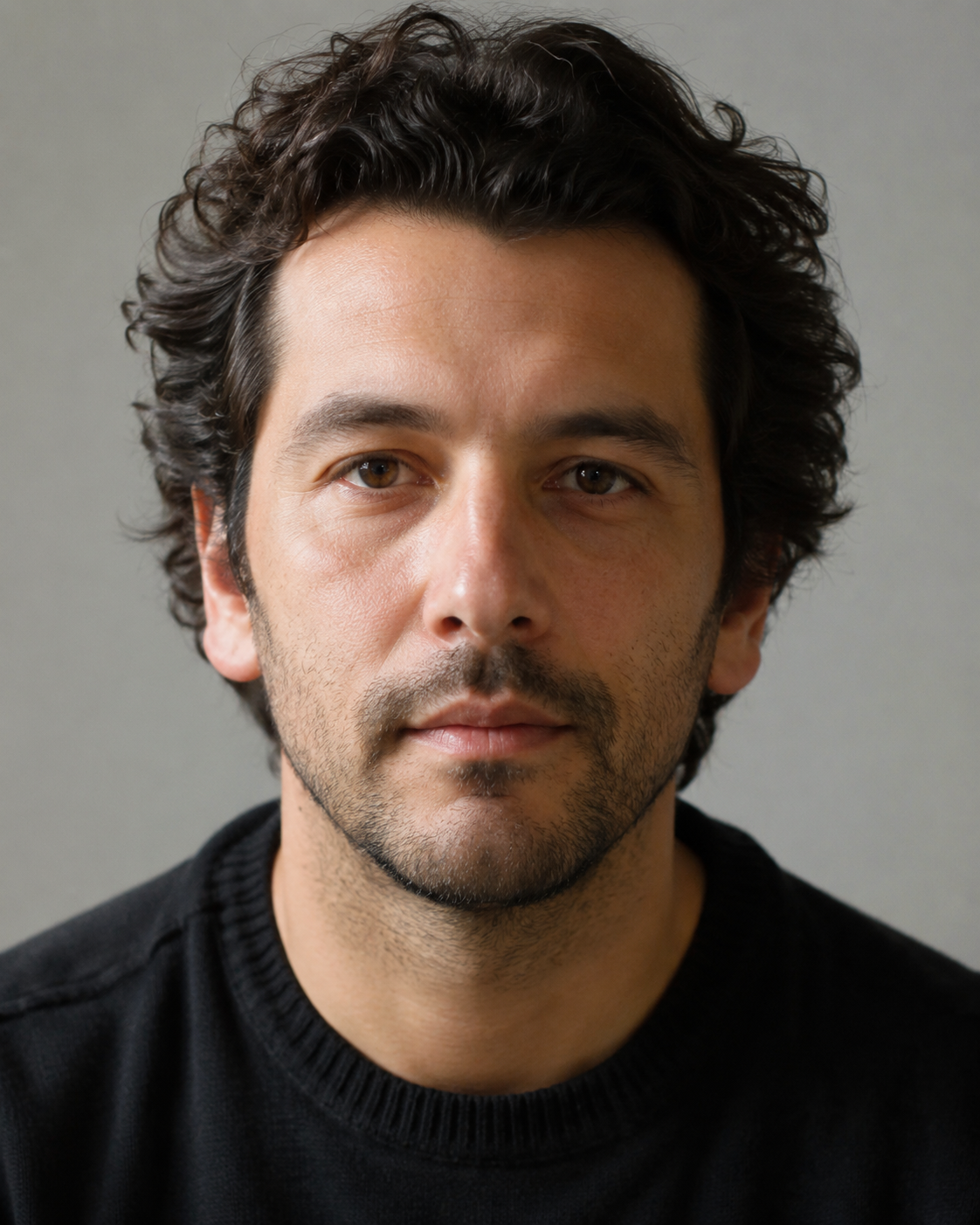
Upload a clear photo of the person or group. The stronger the face visibility and posture, the easier it is for the AI to preserve identity in the Roman scene.
- 2
Choose the Roman environment according to the story you want: Senate for power, arena for intensity, triumph parade for grandeur, bath for elegance or battle for drama.
- 3
Use the full generated prompt with the image attached so modern elements are removed while the main people remain recognizable.
Best use cases
Creating cinematic Roman portraits for social media, educational projects or history-themed content.
Transforming group photos into ancient Roman scenes while preserving the number of people.
Designing roleplay characters, thumbnails, posters or creative visuals with a historical atmosphere.
Tips for better results
Use photos without heavy face obstruction, because Roman helmets, shadows and dramatic lighting can otherwise weaken identity.
For group photos, choose a wider aspect ratio so each person has enough room in the final composition.
If the result looks like a costume party, regenerate while keeping the cinematic realism and historical coherence rules.
Common mistakes to avoid
Using a very modern, cluttered source photo can make it harder to remove all contemporary objects cleanly.
Choosing the wrong environment for the pose may create an awkward scene, such as relaxed poses in an intense battle setting.
Deleting the negative rules can introduce modern props, readable text, logos or historically incoherent fantasy elements.
Final recommendation
Use this prompt when you want recognizable people transformed into a believable ancient Roman scene. A clear reference photo and the right environment choice make the transformation much stronger.